Build a media server around your library
Detailed, practical answers about hardware, native playback, transcoding, remote access and privacy. Start with the problem you need to solve, not a list of specifications.
Choose the right path
Each guide separates what happens on the server from what depends on the client, so you can design a system around your files and screens.
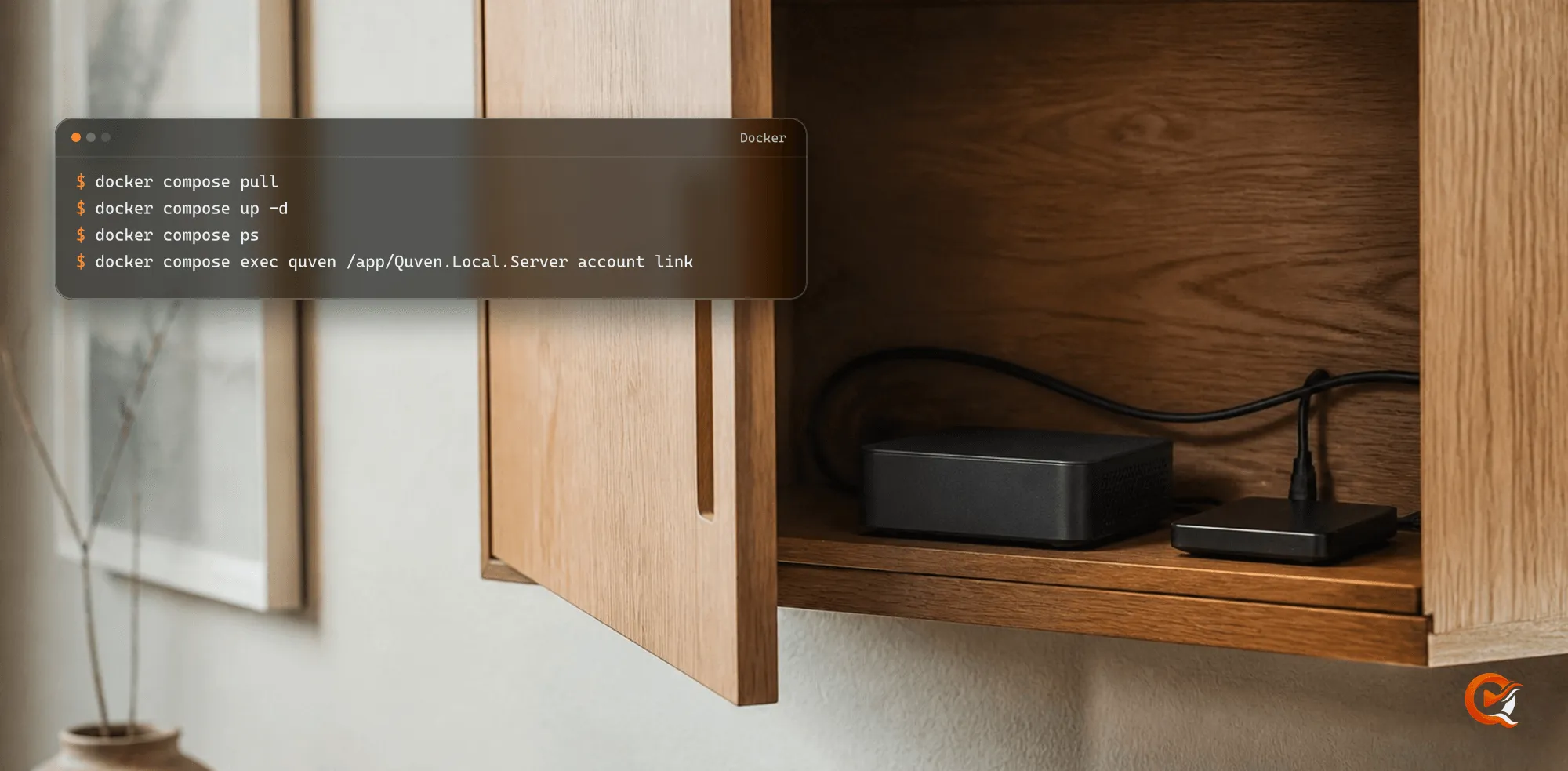
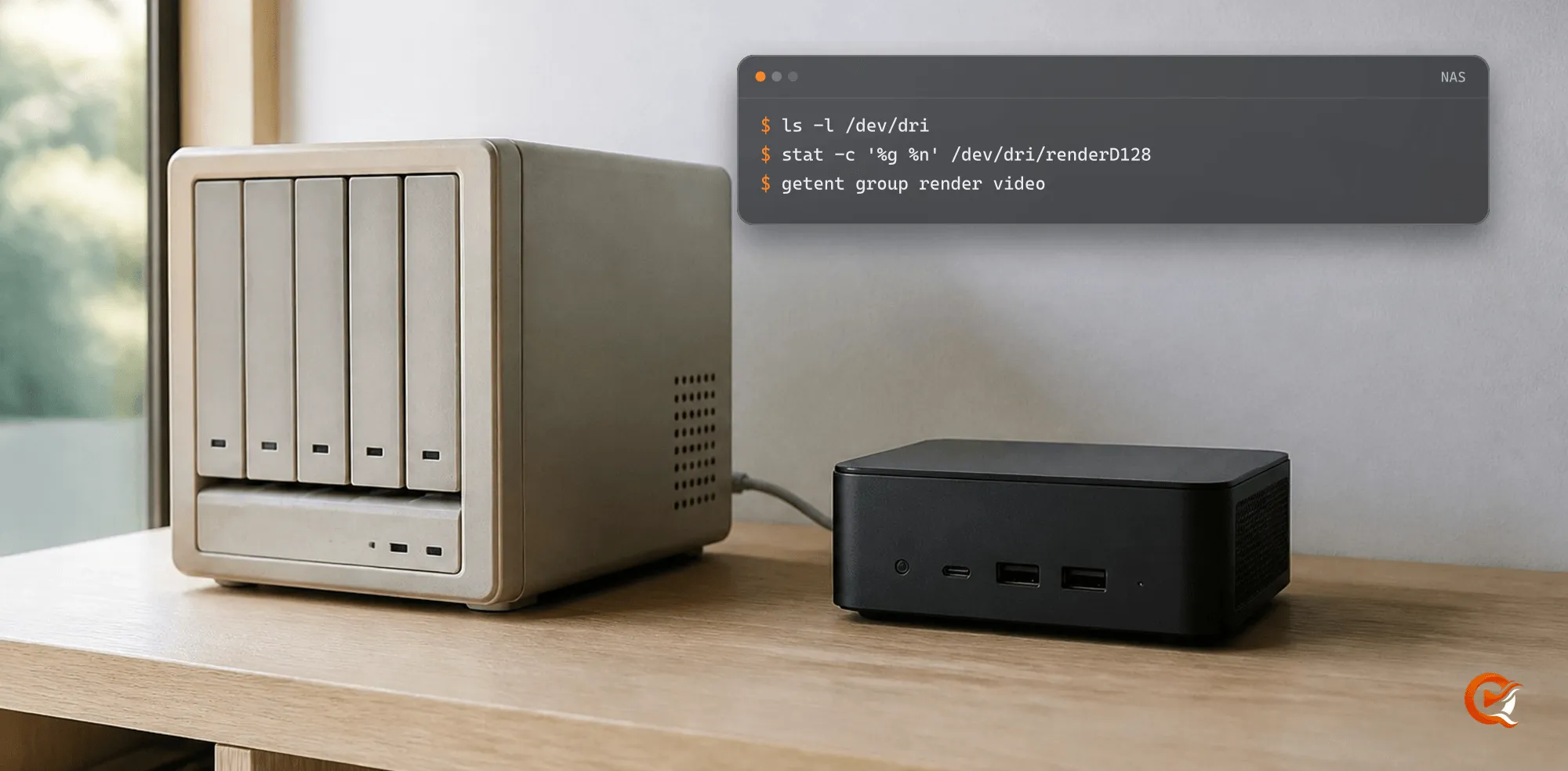
Bring Quven Server to Docker
A complete guide to running Quven Server on Linux with Docker Compose, protecting its data and choosing the right hardware acceleration for your host.
Read the guide 02 Disc playback guideDVD and Blu-ray in a self-hosted media library
How disc folders, ISO images, remuxing and HLS differ across native and browser playback, including menus, bitmap subtitles and HD audio.
Read the guide 03 HDR guideHDR transcoding and tone mapping on a home media server
What a server reads as HDR, which graphics backend converts it on the card and which one leaves the job to the processor, and which clients never ask for the conversion at all.
Read the guide 04 Subtitle generation guideHow to generate subtitles for a film that has none
A practical guide to Quven's local subtitle generation: installing the speech model, choosing the dialogue audio, and knowing when a generated track is the right answer.
Read the guide 05 Library organisationHow to organise films and TV shows for a media server
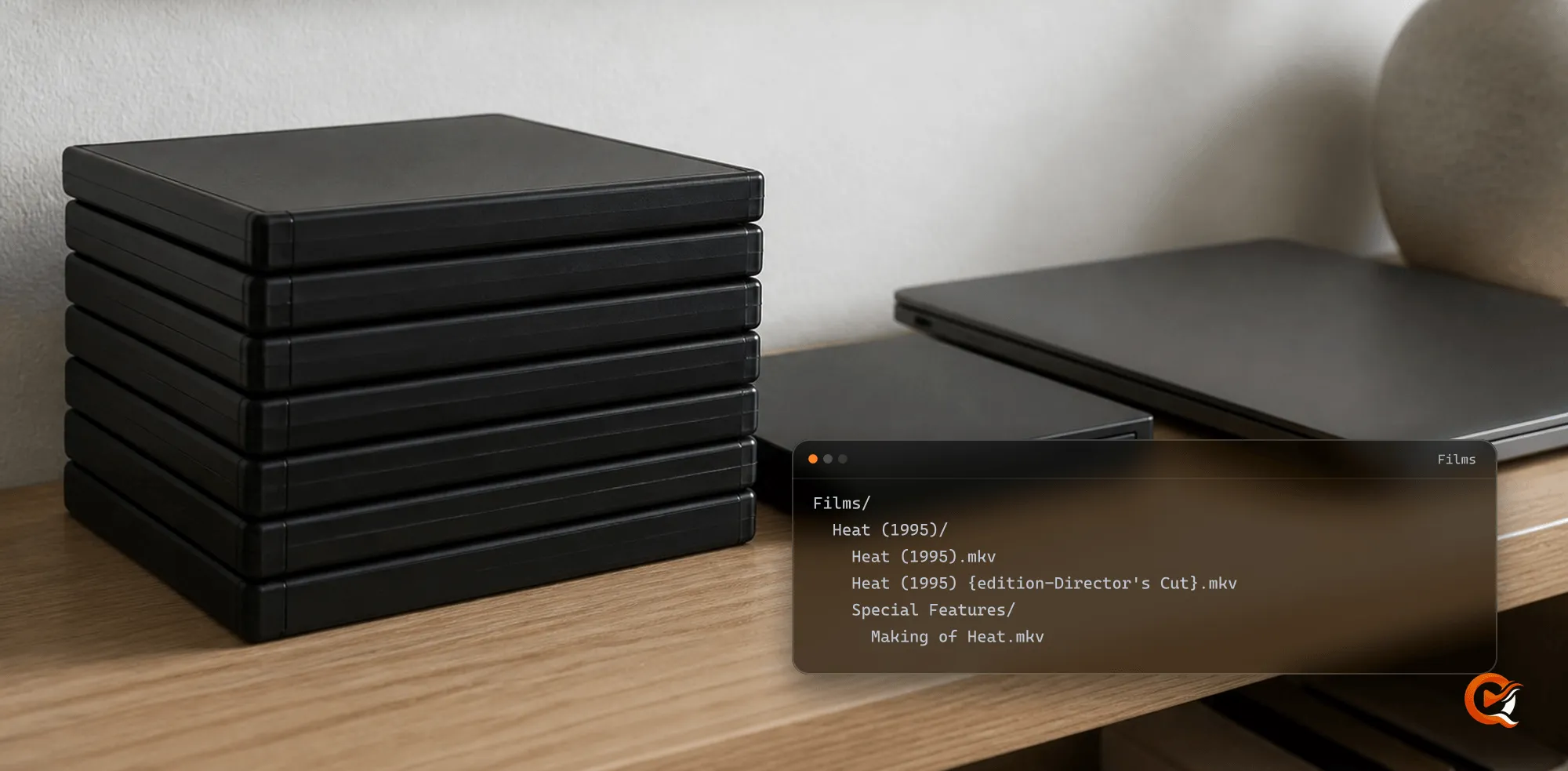
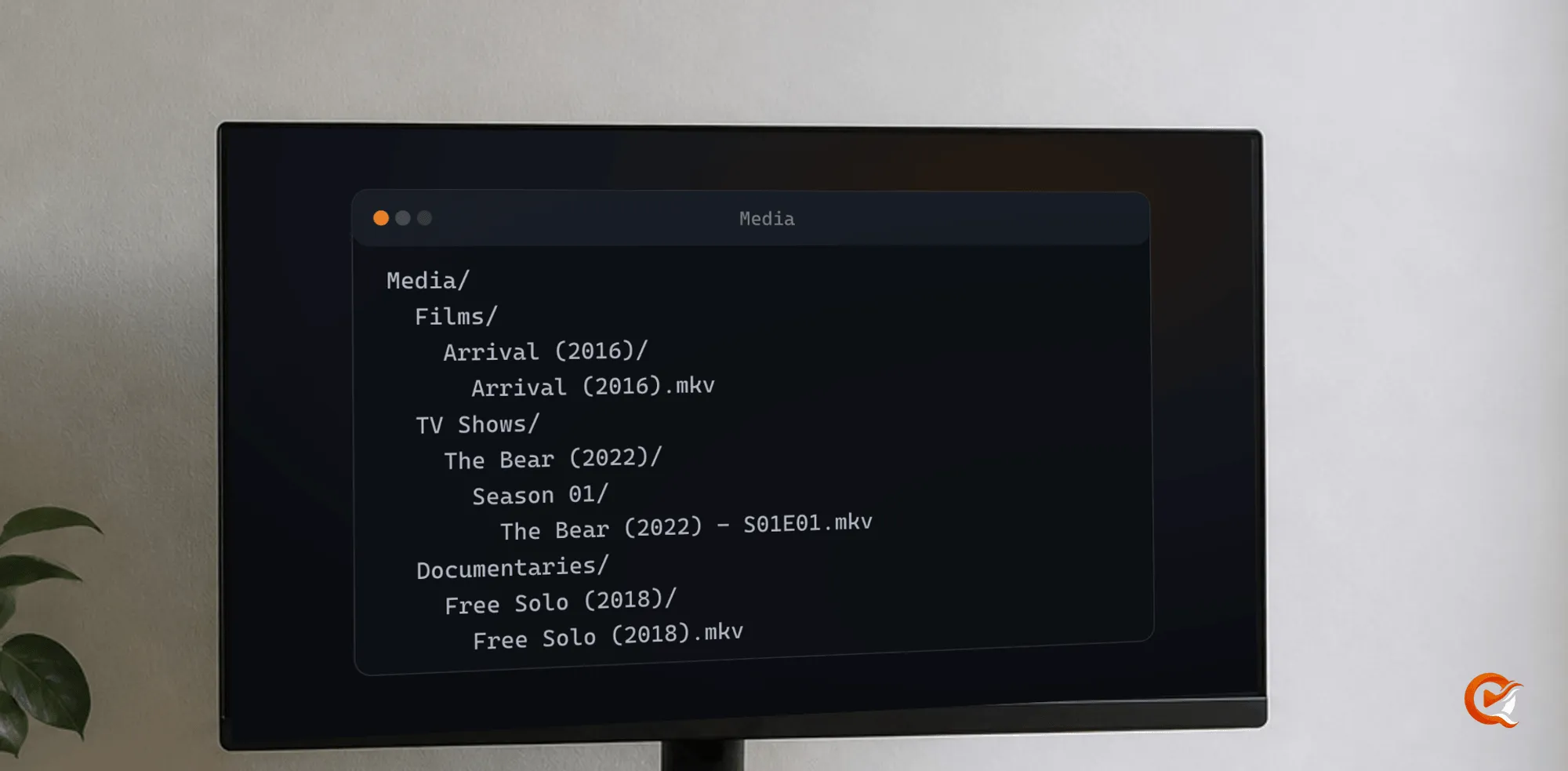
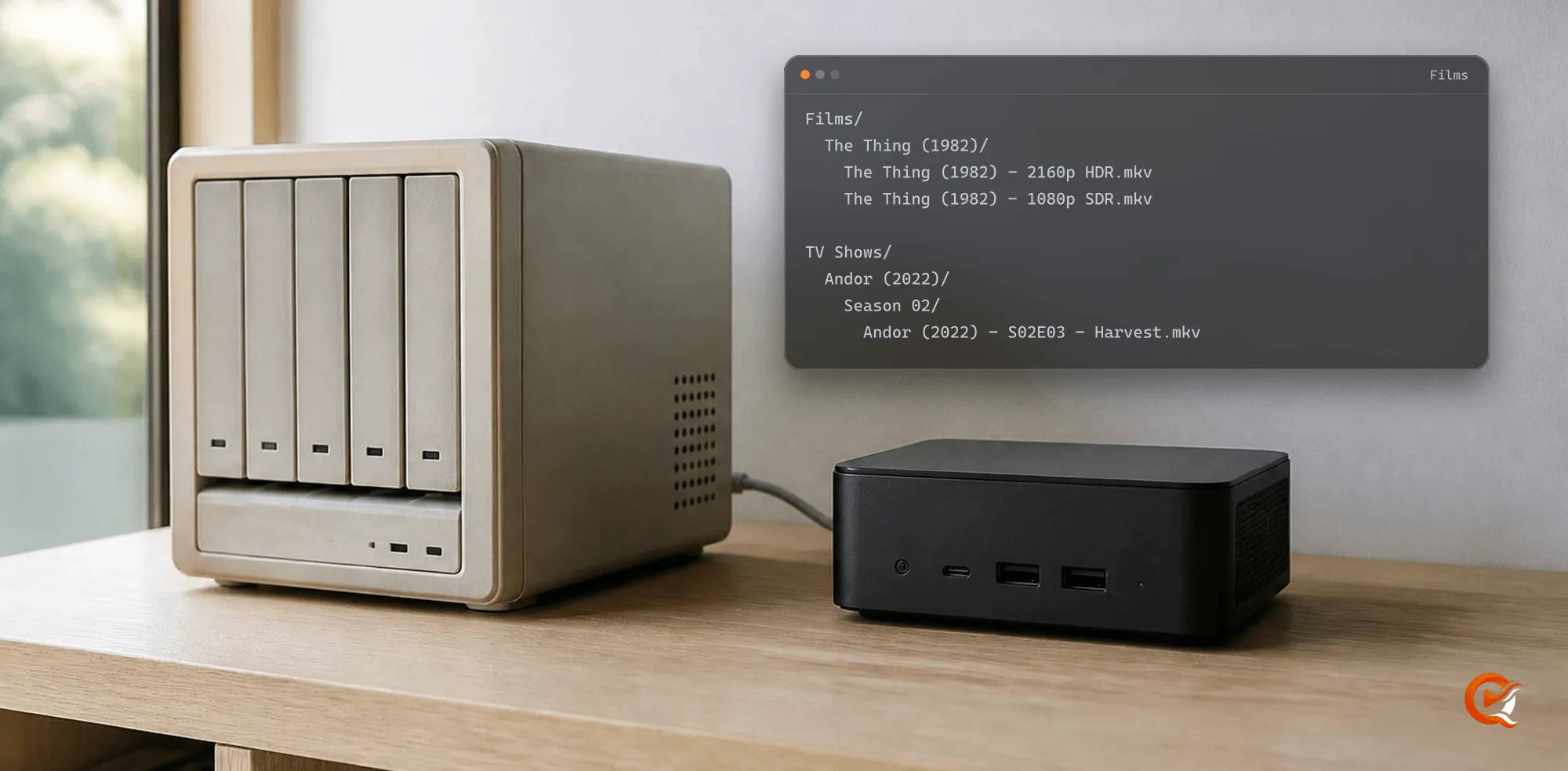
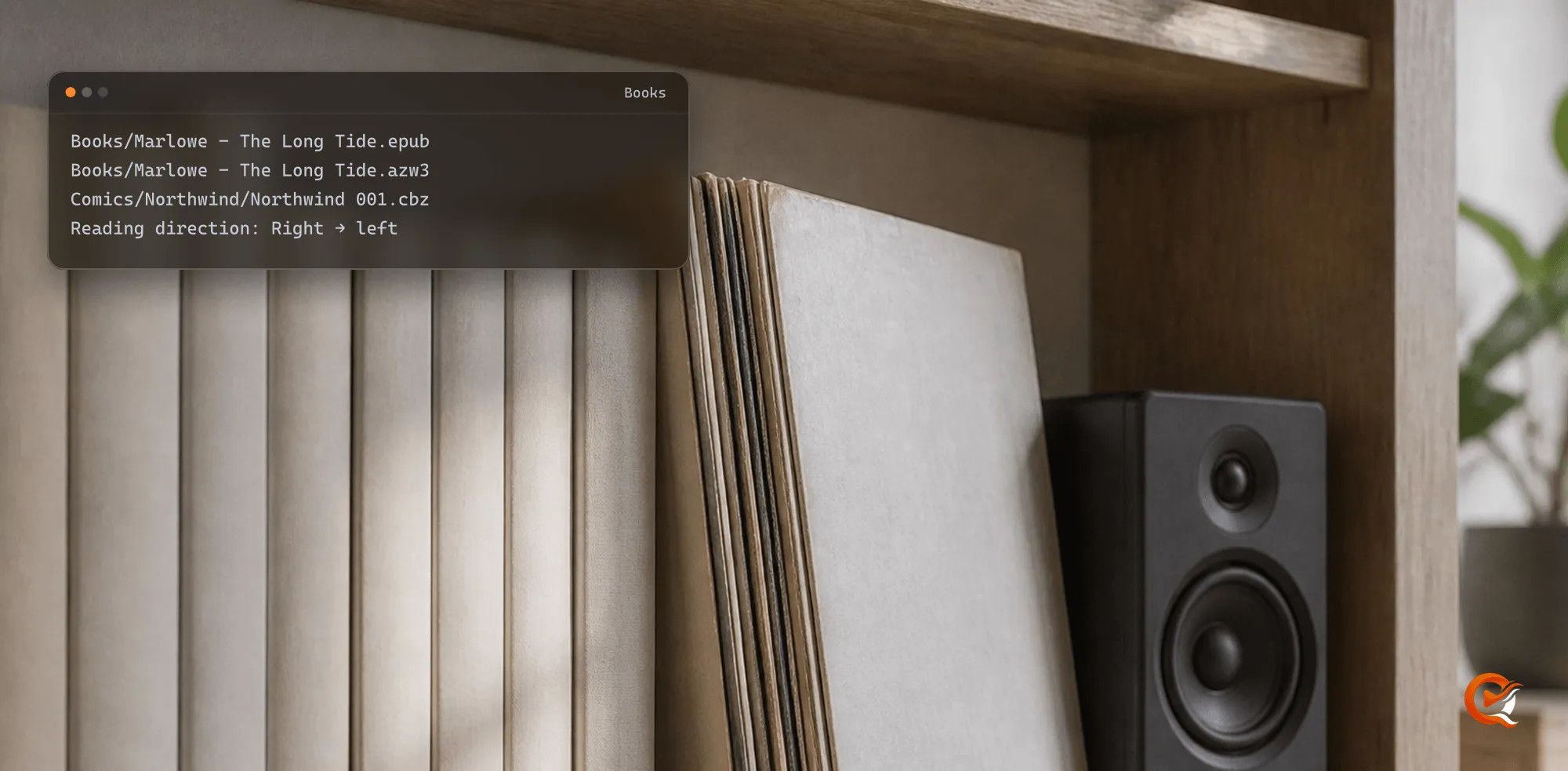
A practical folder and naming structure for films and series, for editions and for subtitles, that stays understandable to you and to a media server.
Read the guide 06 Subtitle translation guideHow to translate subtitles with AI in Quven
A practical Quven guide to translating subtitle tracks with AI, choosing a useful source and understanding local PGS OCR and speech-to-text fallbacks.
Read the guide 07 Library migration guideMove a media library without making a mess of the files
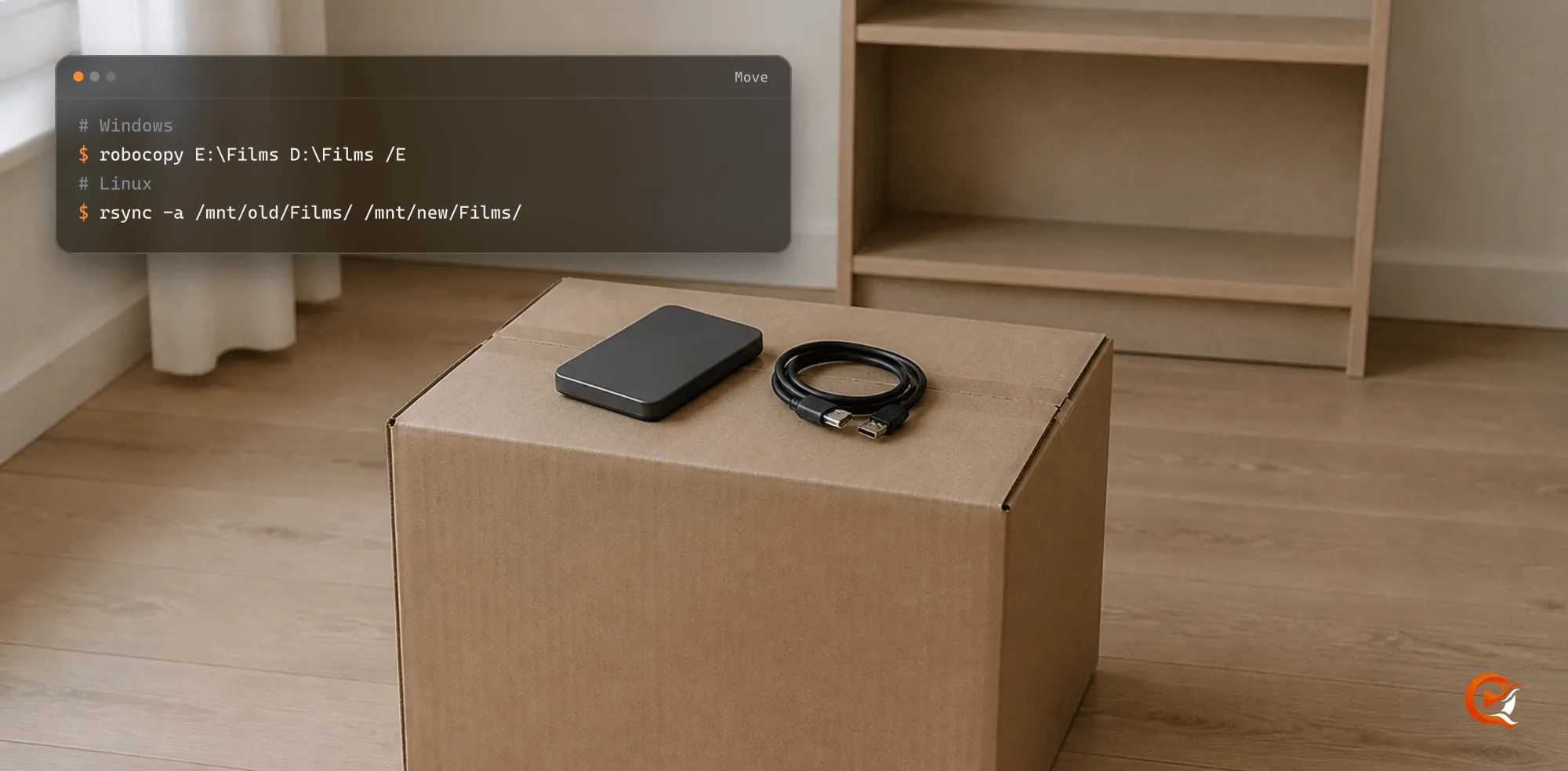
A calm, reversible way to bring an existing film and TV library into a new media server without renaming everything or losing useful versions.
Read the guide 08 Remote access guideReach a self-hosted media server outside your home
Compare self-managed remote access with Quven's managed relay, including NAT, CGNAT, security boundaries and playback consequences.
Read the guide 09 Integration guideRead a Quven server from your own dashboard
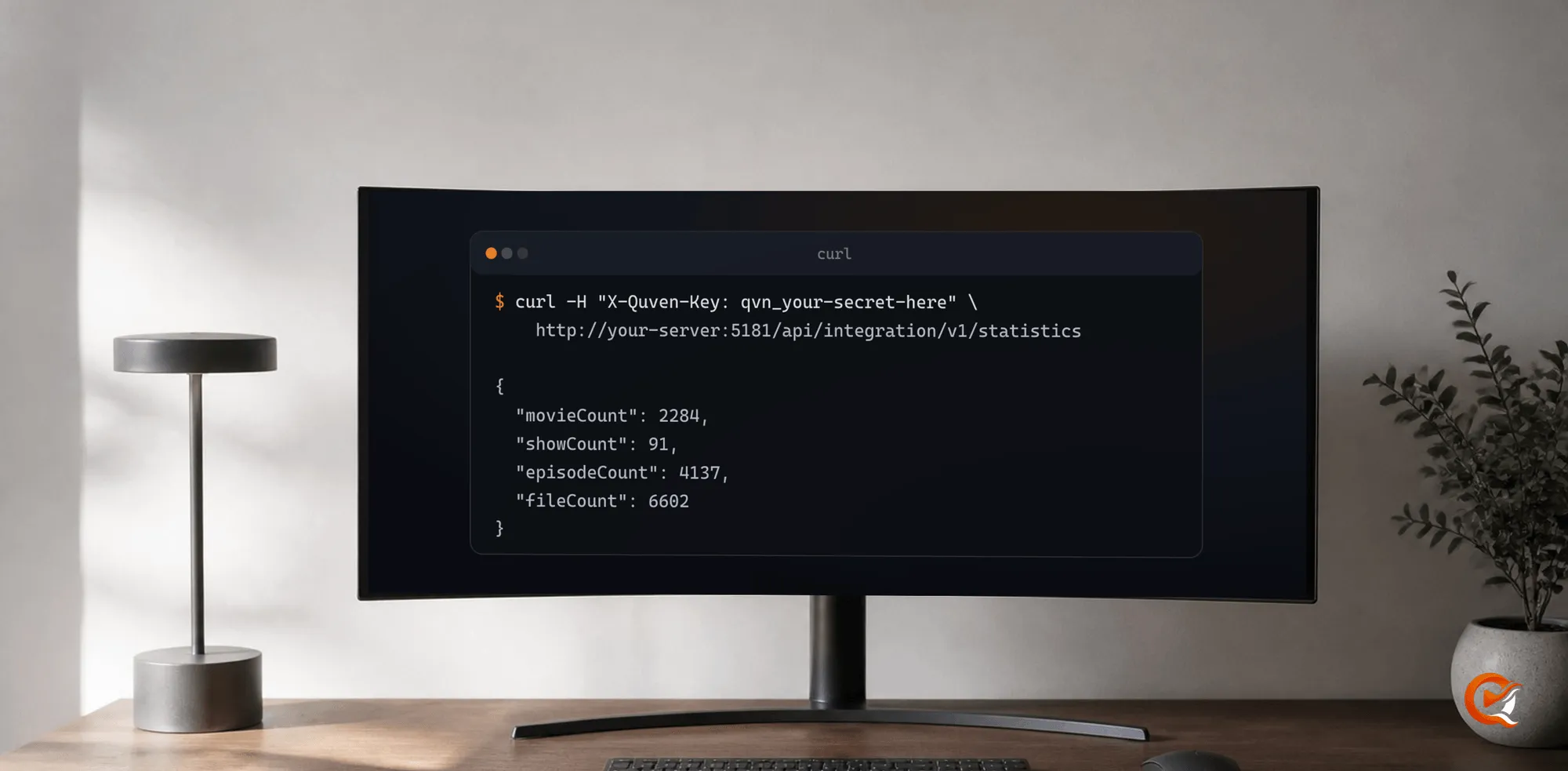
Issue a read-only key and point Homepage, Grafana or a script at your server: the six reads, both ways to send the key, and what the API will not tell you.
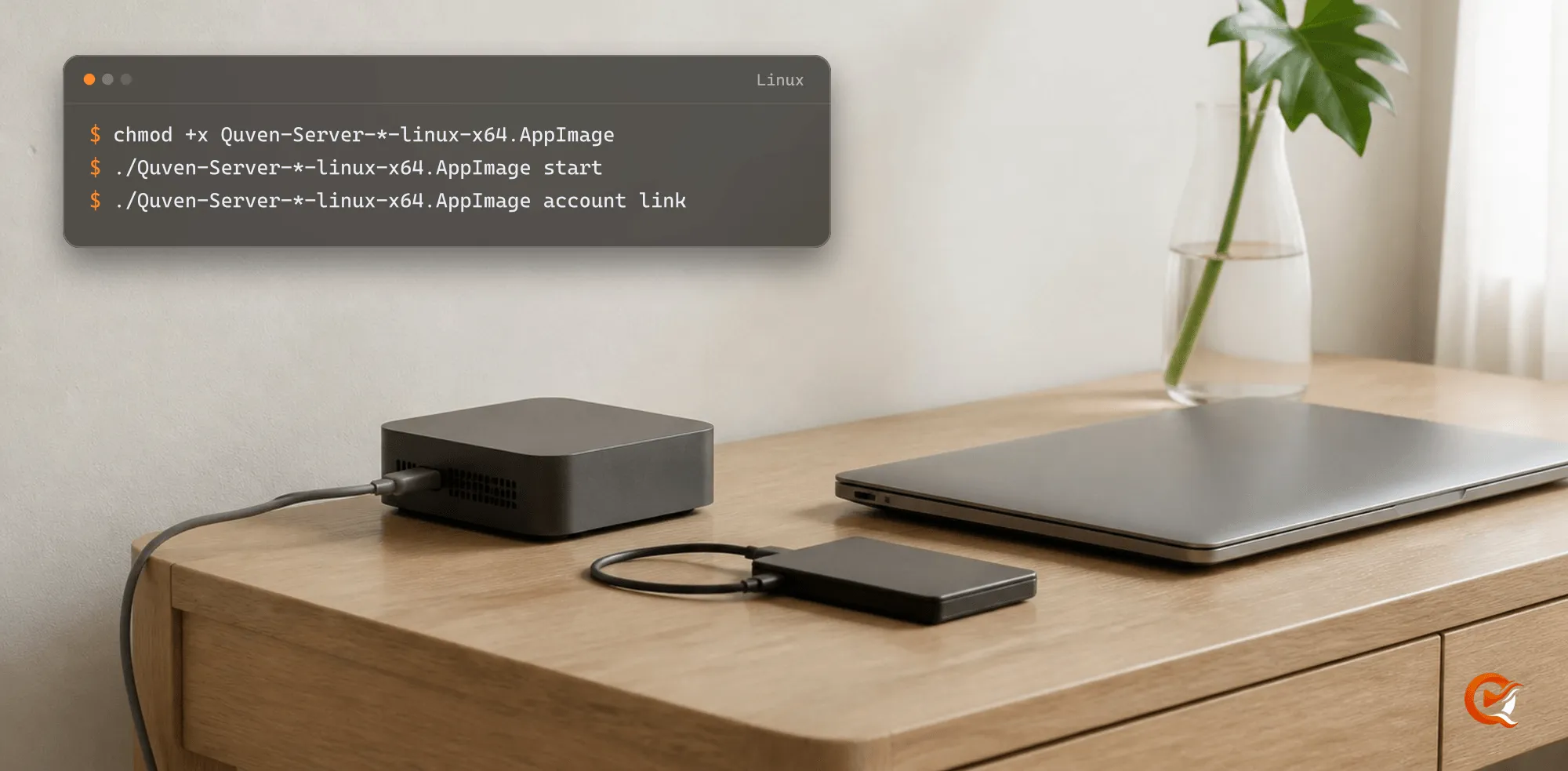
Read the guide 10 Linux guideRun a headless media server on Linux x64 or ARM64
How the Quven Server-only AppImage fits Linux hosts, what is available on x64 and ARM64, and why the Linux desktop client is not part of v1.
Read the guide 11 macOS guideRun a media server on macOS, Intel or Apple silicon
A practical macOS media-server guide covering signed native packages, Bundle versus Server-only, direct playback and Apple silicon availability.
Read the guide 12 Windows guideRun a media server on Windows with a native desktop client
How Quven runs on Windows x64 and ARM64, when to choose the coupled desktop bundle, and what affects direct play and hardware transcoding.
Read the guide 13 Self-hosting guideWhat a self-hosted media server actually does
A practical guide to running a media server on your own hardware, organising a personal library and choosing between direct play and transcoding.
Read the guide 14 Privacy guideWhat stays local on a privacy-conscious media server
Where every piece of your data sits in Quven: local media, cloud identity and profile state, product analytics, managed AI, subtitle work, diagnostics and the relay.
Read the guide 15 Playback guideWhy native media playback changes the server workload
Direct play, remux and transcode explained through native media clients, with practical consequences for video quality, HD audio and subtitles.
Read the guideBring your library home.
Free for home use and yours to run on your own hardware. Install it in minutes.