Quven
Quven'%3e%3cpath%20d='M0%200v40h60V0z'%20fill='%23012169'/%3e%3cpath%20d='M0%200l60%2040m0-40L0%2040'%20stroke='%23fff'%20stroke-width='8'/%3e%3cpath%20d='M0%200l60%2040m0-40L0%2040'%20clip-path='url(%23d)'%20stroke='%23C8102E'%20stroke-width='5'/%3e%3cpath%20d='M30%200v40M0%2020h60'%20stroke='%23fff'%20stroke-width='13'/%3e%3cpath%20d='M30%200v40M0%2020h60'%20stroke='%23C8102E'%20stroke-width='8'/%3e%3c/g%3e%3c/svg%3e)


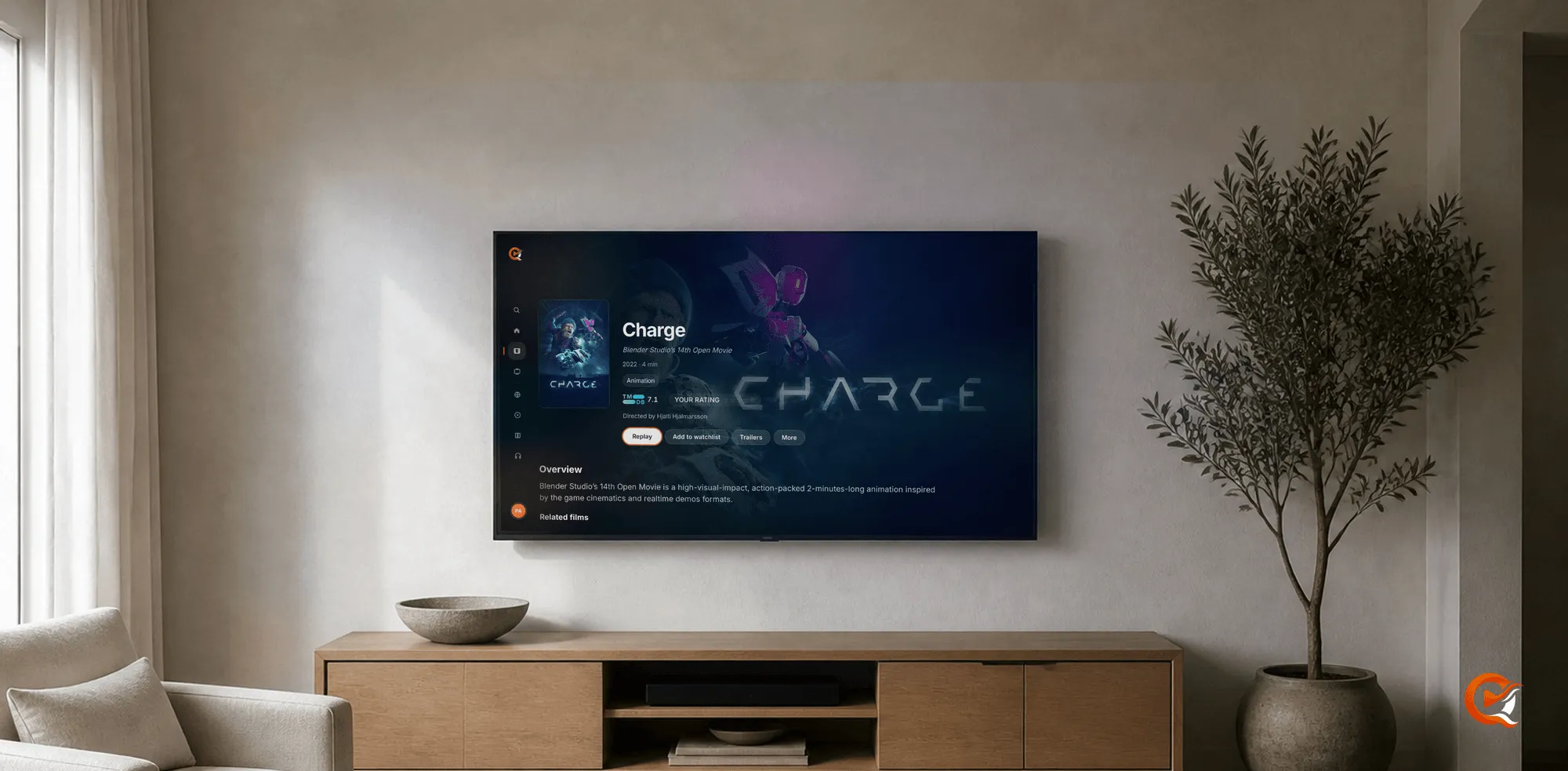
The best playback path is usually the one where the server does least. When a native client can take the source container, codec, audio and subtitles as they are, the server only moves bytes and nothing is rebuilt while you watch.
Direct play
When the client can demux and decode the file itself, Quven hands over the original and skips the video transcode.
- Source quality survives.
- Startup gets shorter.
- The same hardware carries more simultaneous sessions, which shows once a second and a third screen start in the evening.
- Lossless audio and styled or bitmap subtitles reach the screen in the form the disc intended.
Remux or transcode
| What changes | Why | |
|---|---|---|
| Remux | The transport or the container, with the encoded tracks untouched | The client takes the codecs but not the packaging |
| Transcode | At least one track is decoded and re-encoded | The far end can’t take the codec, the bitrate, the HDR format or the subtitle path |
Quven picks between them per session, so no library item is stamped with one permanent format. Direct play isn’t a property of the file. It’s the outcome of that negotiation: the same source may play directly on the television while the laptop beside it needs a remux or a transcode, because they support different combinations.
One deliberate exception: VVC (H.266) video always takes the ordinary compatibility route and reaches the client over HLS, even for a client that normally gets source bytes.
Check which path a session took
-
Open Settings and go to the Activity tab. Only administrators see it, in the desktop app and in the browser client alike.
-
Read the Active streams card, which lists whatever plays on the server at that moment. Each session leads with the answer in words: “Direct play, no conversion”, “Direct video, repackaged” or “Converting”. Beside it are the quality, whether the viewer is on your network or outside it, and the acceleration the server picked when it re-encodes.
-
Read the video and audio rows:
Row shows Meaning A single value The track goes out as stored The stored form, an arrow, then the outgoing form The track is being re-encoded
A converting session names both forms on its video row while the audio row stays a single value, which shows the encoder busy with the picture only. The card keeps itself current while the tab is open: start something on the television, walk back to the desk and read what the server made of it.
The web client
A browser is a superb universal client, but its media surface is narrower than a dedicated player’s. That’s why native desktop and mobile work stays at the centre of Quven, and why the hosted web client serves HLS over the managed relay as a polished Pro fallback, not as a replacement for native playback.
A codec label proves nothing on its own. Container support, audio, subtitle type, HDR capability and the network route all decide the final path. Before you size a server around transcoding, check which of your screens can decode the files you own, and read these paths against the current hardware requirements with one file from your own library.
Frequently asked questions
How do I tell whether my server is transcoding right now?
Open Settings, then the Activity tab. The Active streams card names the mode of every session in words, and the video and audio rows show which track is being re-encoded and which goes out untouched. It’s an administrator card, so an ordinary viewing profile can’t see it.
Why does one client direct-play a file that another one transcodes?
The decision belongs to the pair, not the file. Each client tells the server which containers, video codecs, audio codecs and channel counts it handles, and the server answers for that combination. A television with a broad decoder and a laptop browser won’t get the same answer about the same film.
Does direct play mean the server has nothing to do?
Nothing is re-encoded while you watch. The server still reads the file off the disk and pushes it across the network, so storage that keeps up and a link with room on it still matter, and a session from outside can never beat your upload, whichever path it took.