Quven
Quven'%3e%3cpath%20d='M0%200v40h60V0z'%20fill='%23012169'/%3e%3cpath%20d='M0%200l60%2040m0-40L0%2040'%20stroke='%23fff'%20stroke-width='8'/%3e%3cpath%20d='M0%200l60%2040m0-40L0%2040'%20clip-path='url(%23d)'%20stroke='%23C8102E'%20stroke-width='5'/%3e%3cpath%20d='M30%200v40M0%2020h60'%20stroke='%23fff'%20stroke-width='13'/%3e%3cpath%20d='M30%200v40M0%2020h60'%20stroke='%23C8102E'%20stroke-width='8'/%3e%3c/g%3e%3c/svg%3e)


Install Quven from Google Play on an Android TV, or from the Amazon Appstore on a Fire TV, sign in with your Quven Account on the same network as your media server and leave two settings where the app puts them: Hardware decode override on Auto and Playback engine on Modern. That’s the whole setup, on the free plan as on every other.
How the app decides
Each time you press play, the app puts two questions to the server:
- The first is cautious. It describes a player that decodes 8-bit H.264 in SDR and nothing heavier, and gets a stream that plays on the weakest box.
- The app then checks the box itself. Android keeps a register of the hardware decoders a chip carries and what each accepts, and the app checks the film on four points: the codec, the picture size, the Main 10 profile when the source is 10-bit HEVC, and the bitrate. When a decoder accepts all four, the app asks again and says so, and the server replies with the file as it sits on the disk.
When no decoder accepts all four, the cautious answer stands: H.264 in SDR, repackaged if the source already is 8-bit H.264 and converted if it isn’t. On Auto that stream stops at 1080p, though the Quality row in the player’s menu can take it higher.
The app checks the box for H.264, HEVC, AV1, VP9, VP8, MPEG-2 and MPEG-4. A film in any other codec, such as the VC-1 of some early Blu-ray discs or the newer VVC, is converted on every box. Whether a box handles AV1 or a high-bitrate 4K HEVC remux is a property of its chip, so two televisions in one house can get different answers about the same film and both be right.
Settings that keep the file untouched
| Setting | Where | Keep it on |
|---|---|---|
| Hardware decode override | Settings, Quality | Auto. Software tells the app the processor must decode, so it never asks for the file and every film arrives as the cautious stream |
| Playback engine | Settings, Player | Modern: libmpv where it draws cleanly, Media3 where it can’t, and every subtitle a file carries, picture tracks included. Classic always uses Media3 and can’t attach a PGS or VobSub subtitle kept as a separate file |
Both engines decode video through the same hardware, so the choice doesn’t change what the server sends. Leave Modern alone unless a box shows artefacts with it.
Maximum bitrate and Transcode codec, next to the override, only shape a stream the server does convert. A bitrate cap never pushes a film off direct play, and H.265 as the transcode codec asks for more picture per bit when a conversion can’t be avoided. Allow AC3 passthrough and Allow E-AC3 passthrough let a converted stream keep its Dolby Digital or Dolby Digital Plus track as it was, where the rest of the stream permits, instead of re-encoding the sound.
Check what the server does
-
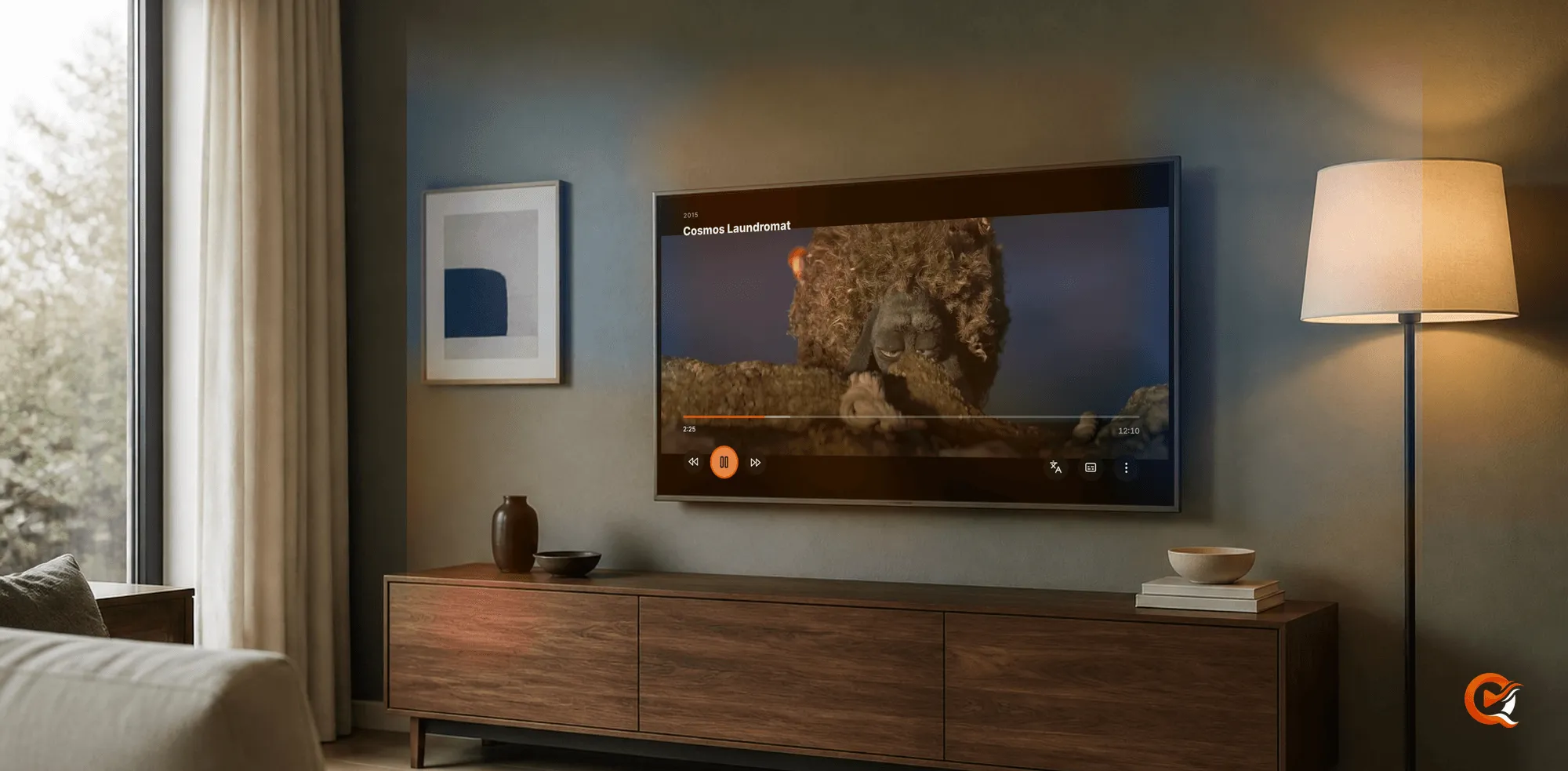
Open the player’s menu during playback and choose Show stats.
-
Read the Decision row of the Playback stats panel:
Decision Meaning Direct File The television plays the file itself Direct Play The server only repackages it Transcode The server converts it -
The Decode path row says whether the box’s hardware does the work. In a direct session the Quality row of the menu stays greyed out, since there is nothing to choose between.
An administrator can read the same answer from the server’s side, on the desktop app or in the web client: the Activity tab in Settings holds the Active streams card, and “Direct play, no conversion” is the one you want to see. The native playback guide explains the video and audio rows.
A film that switches to converting
The network couldn’t keep up. Direct play carries the file’s full bitrate, and a 4K remux can ask a lot of a Wi-Fi link at the far end of the house. If playback stalls for more than eight seconds after the picture has appeared, the app asks the server for a converted stream and carries on from the same position. That film then starts converted until the app is closed and opened again, while the rest of the library keeps its direct sessions.
A slow start doesn’t count: a sleeping disk waking or a large file filling the buffer is fine, and only a stall in the middle of playback triggers the switch. If one heavy film keeps switching, look at the link before the server: a cable to the box, or a Wi-Fi connection that holds its rate from the sofa, lets a remux play the way it was ripped.
Subtitles, HDR and surround sound
- Subtitles: the app never asks the server to burn one into the picture. A PGS or VobSub track is drawn on the box over the film, as an SRT file is, and choosing one never starts a conversion.
- HDR: it reaches the box untouched in a direct session. With the Modern engine, HDR passthrough under Player decides what happens next: on, the app sends HDR to a display that accepts it; off, it maps the picture to SDR itself. The app doesn’t change the box’s output, so resolution, refresh rate and the HDR mode of the HDMI output stay the box’s own settings, which is where to look if an HDR film arrives looking flat. The HDR guide covers what the server does when it must convert the range.
- Surround sound: it travels inside the file. The box receives the track as stored, and whether it decodes or hands a bitstream to an amplifier depends on the box and what’s on its HDMI port.
Plans
The Android TV and Fire TV app, direct play, hardware transcoding on the server and remote access you configure yourself are part of the free plan. Pro adds the managed relay, which reaches your server behind a carrier-grade NAT without a forwarded port, and the web client at app.quven.tv. Lifetime is every Max capability for one payment, with no renewal.
Frequently asked questions
Does Fire TV play files the same way as Android TV?
Yes. It’s the same app, from the Amazon Appstore, running the same decoder check on every film. What changes is the chip, so an older Fire TV may need a converted stream for an AV1 film that a newer one plays as it is.
Why does one film play directly while another is converted?
The check runs film by film. Codec, picture size, bit depth and bitrate differ between files, and a box that takes a 1080p HEVC episode can still refuse a 4K remux at a much higher bitrate. The Decision row tells you the answer each film got.
Why is the Quality option greyed out in the player?
The television is playing the file itself. A direct session has no qualities to choose between, and the option returns as soon as the server converts a stream.
Will the app play my files directly away from home?
With an address you’ve published yourself, the app asks for the file as it does at home, and the eight-second rule switches a film to a converted stream if your upload can’t carry it. The managed relay with Pro reaches the server without a forwarded port, and the remote access guide explains how quality is decided on that route.