Quven
Quven'%3e%3cpath%20d='M0%200v40h60V0z'%20fill='%23012169'/%3e%3cpath%20d='M0%200l60%2040m0-40L0%2040'%20stroke='%23fff'%20stroke-width='8'/%3e%3cpath%20d='M0%200l60%2040m0-40L0%2040'%20clip-path='url(%23d)'%20stroke='%23C8102E'%20stroke-width='5'/%3e%3cpath%20d='M30%200v40M0%2020h60'%20stroke='%23fff'%20stroke-width='13'/%3e%3cpath%20d='M30%200v40M0%2020h60'%20stroke='%23C8102E'%20stroke-width='8'/%3e%3c/g%3e%3c/svg%3e)


A self-hosted media server is software on a computer you own. It reads the films and series in your folders and streams them to your television, phone, tablet and desktop. Nothing is uploaded to someone else’s cloud. Quven is one, by Quven Technologies S.R.L., free for personal use.
What is a self-hosted media server?
It’s a streaming service whose catalogue is your own collection. Some call it a self-hosted video server or a personal streaming server.
- You keep the files, in the folders and under the names you chose.
- The server builds a library around them: posters, cast, synopses, seasons in order, a resume point on every film.
- The apps on your other devices connect to it, at home and from anywhere else.
It isn’t cloud storage. A shared drive holds files and lets you download them, while a media server understands them: it knows two files are one film in 4K and 1080p, which episode comes next and whether your phone can decode the video. Because it runs on your hardware, nobody can remove a title, raise the price of watching it or put an advertisement in front of it.
How does a folder reach a screen?
- Scan. Point the server at a folder. It reads each file’s name and contents: the video codec, audio tracks, subtitles, resolution and running time. Nothing is renamed or moved.
- Match. Quven compares each title with four catalogues (TMDb, TVDB, OMDb and AniDB) and brings back the artwork and details. It copes with release-scene names in five languages and a year that’s off by one, though a name with the title and year still matches fastest. Fix a wrong match on the title’s page and the file stays untouched. Several files of one film, such as a 4K copy beside a 1080p one or a theatrical cut beside an extended one, end up under a single entry.
- Play. Pressing play decides how hard the server works, as the next section shows.
Direct play, remux or transcode?
The app and the server agree on one route per session, based on what the screen can decode. The same film can cost the server nothing on one device and a lot on another.
| Route | What the server does | Cost to the server | What reaches the screen |
|---|---|---|---|
| Direct play | Sends the original file | Almost none | The source, untouched |
| Remux | Repackages the streams in another container | Light | The source, untouched |
| Transcode | Converts the video, the audio or the subtitles | Heavy, far lighter with a GPU | A copy sized for the device |
- Native Quven apps (desktop, Android and Fire TV, iPhone and iPad) decode far more formats than a browser, so most files play exactly as they are. A browser can’t open most containers a film library uses, so the server converts the stream.
- A Blu-ray or DVD carries subtitles as pictures. Many servers burn them into the video, which forces a full transcode. Quven’s native apps draw them themselves, so a disc remux keeps playing directly.
- If a film still transcodes and you can’t see why, the five usual causes are in why your media server transcodes.
What hardware do you need?
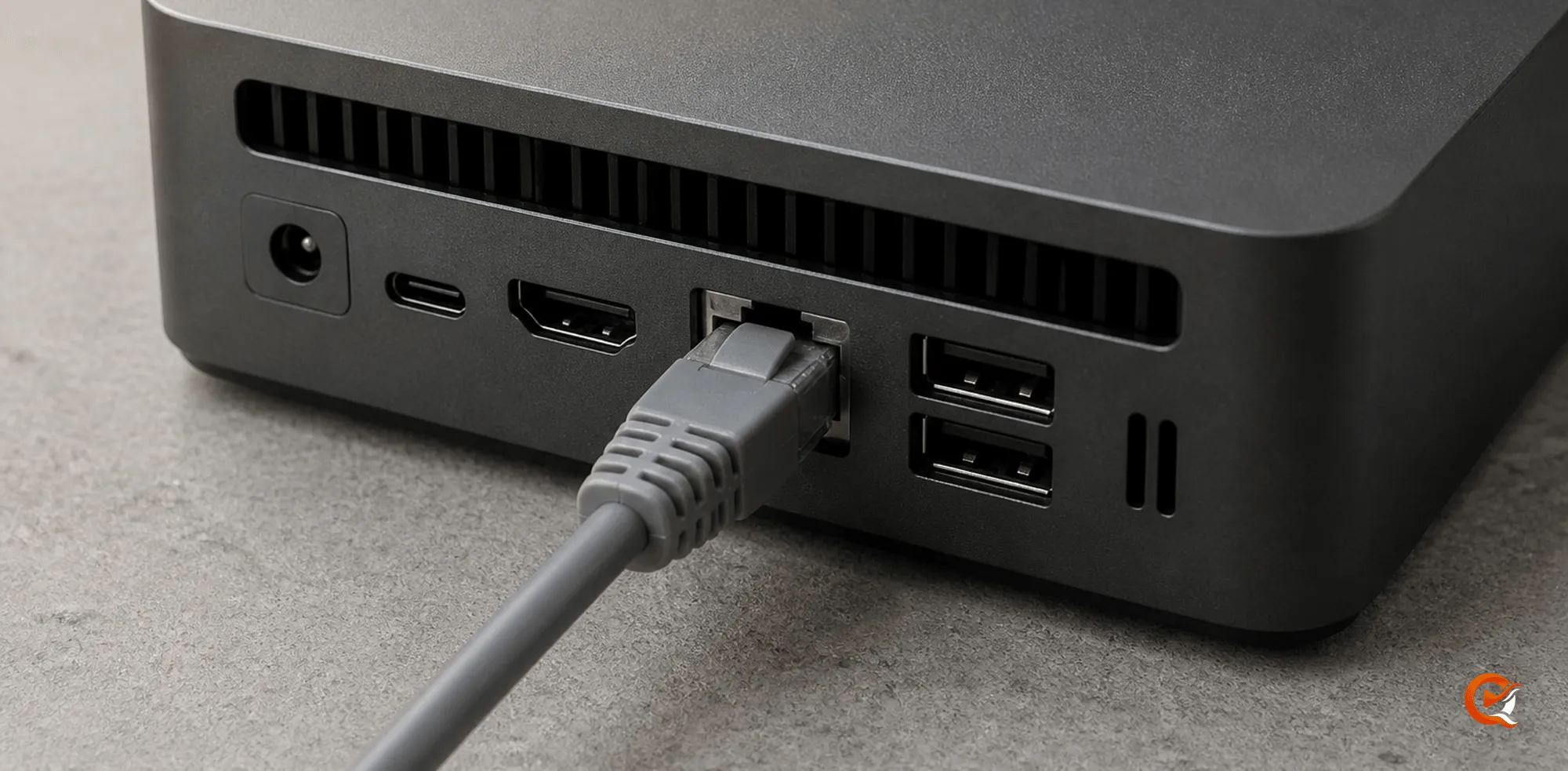
Usually less than expected. Direct play asks almost nothing of a processor, so any Windows, macOS or Linux machine that stays on while you watch serves one or two screens with the native apps. The load climbs with transcoding, once more for every stream converted at the same time.
| What you ask of it | A machine that fits |
|---|---|
| One or two screens, native apps | Any computer that stays on; a mini PC is sufficient |
| Several streams at once, or browsers | A processor with Intel Quick Sync, or an NVIDIA or AMD graphics card |
| 4K HDR sent to screens without HDR | NVIDIA, Intel Quick Sync, or Intel and AMD graphics under Linux |
| Low power, always on | A Raspberry Pi 4 for direct play and 1080p |
- Converting HDR to SDR is tone mapping, the heaviest thing a transcode can involve. NVIDIA does it on the card, Quick Sync in its video unit and Intel and AMD graphics under Linux through VAAPI. AMD under Windows and Apple’s encoder on a Mac hand it to the processor. The HDR transcoding guide has the measurements.
- A Raspberry Pi is fine for direct play, and we measured it transcoding H.264 at twice real time. 4K belongs on a machine with a graphics card.
- Disk speed matters less than people assume. The server needs to read the library reliably, from the same machine or a fast network share.
- The requirements page lists every supported platform. Guides exist for Windows, macOS, Linux and Docker.
How much storage does a film library need?
It depends on the versions you keep.
| Version of one film | Typical size |
|---|---|
| Compressed 1080p encode | A few gigabytes |
| 1080p remux of a Blu-ray | 8 to 20 GB |
| 4K remux of a UHD Blu-ray | 40 to 80 GB |
A hundred 4K remuxes take four to eight terabytes before a single series. Plan around the largest version you intend to keep, since one title can hold several. Bringing a collection over from another disk or server? Move it without renaming anything first and let the catalogue catch up.
How do you watch away from home?
Both ways keep the files at home.
- Open the path yourself: port forwarding, a private network such as Tailscale or WireGuard, or a reverse proxy you already run. Free on every plan, for you and for everyone you share with.
- Use the managed relay: it comes with Pro, needs no router configuration and works behind CGNAT, where several homes share one public address. People you share with use the relay on your plan.
Either way the ceiling is your home upload speed, and a native app that plays the file directly gets more out of it than a browser that needs a transcode. The remote access guide compares the options, and this article explains each under CGNAT.
Which devices can play from it?
- Native desktop apps for Windows and macOS.
- A native app for iPhone and iPad on the App Store.
- A native app for Android phones and tablets, and for Android TV, on Google Play, and the same television app for Fire TV on the Amazon Appstore.
- The web client at app.quven.tv, with Pro, for any other computer through a modern browser.
- Apps for Samsung, LG and Hisense televisions and for Apple TV are planned, with no date announced yet.
Everyone in the house can have a profile, with their own watchlist and resume points, and there’s no limit on how many. The apps page lists every client with its requirements.
Can it hold music, books and audiobooks too?
Yes. Each library has one type, chosen when you add its folder, and the type decides how Quven reads what’s inside.
| Library type | What it holds |
|---|---|
| Movies | Films, with every copy of one film under a single title |
| TV Shows | Series, their seasons and episodes in order |
| Documentaries | Feature documentaries and docuseries, told apart file by file |
| Performances | Concerts, stand-up, theatre, opera and festivals |
| Personal videos | Your own recordings, each named by its file |
| Music | Albums, one folder each, read from the tags of every track |
| Audiobooks | M4B, MP3 and other audio files, one folder per audiobook |
| Books | EPUB, MOBI, AZW3 and PDF files, and comics in CBZ or CBR |
- Music and audiobooks play in the desktop app, the web client, the iPhone and iPad app and the Android app, on Android TV and Fire TV as well as phones and tablets.
- Ebooks and comics open in the desktop app, the web client and that same Android app. The ebook and comic guide sets the library up, and the audiobook guide covers chapters and narrators.
- Holding and playing every type costs nothing. Highlights and notes in a book come with Pro, and a spoiler-free who’s who of its characters comes with Max.
Does it keep your viewing private?
Your media never leaves the machine unless you stream it to one of your own screens. What goes to Quven’s cloud is your account, the list of servers linked to it, and the profile data you’d miss on a new device: watchlists, ratings, reviews and where each film stopped.
- Matching sends a title’s name to the metadata catalogues so the right poster comes back.
- Diagnostics are on by default. Paths are hashed and emails and tokens removed before a report leaves the machine, and a switch in the settings turns them off.
- When the server writes subtitles from a film’s dialogue, the audio stays on your computer.
The privacy guide goes through every piece of data and where it sits.
How do you set one up with Quven?
An afternoon is enough, and most of it goes on the first scan of a large library.
- Pick the package. On the download page, Server + App suits a computer you also watch on, and Server only suits a machine that stays on. On Linux the server comes as an AppImage or a signed Docker image.
- Install and sign in. Every client starts from a free Quven Account, which links the server to your other devices.
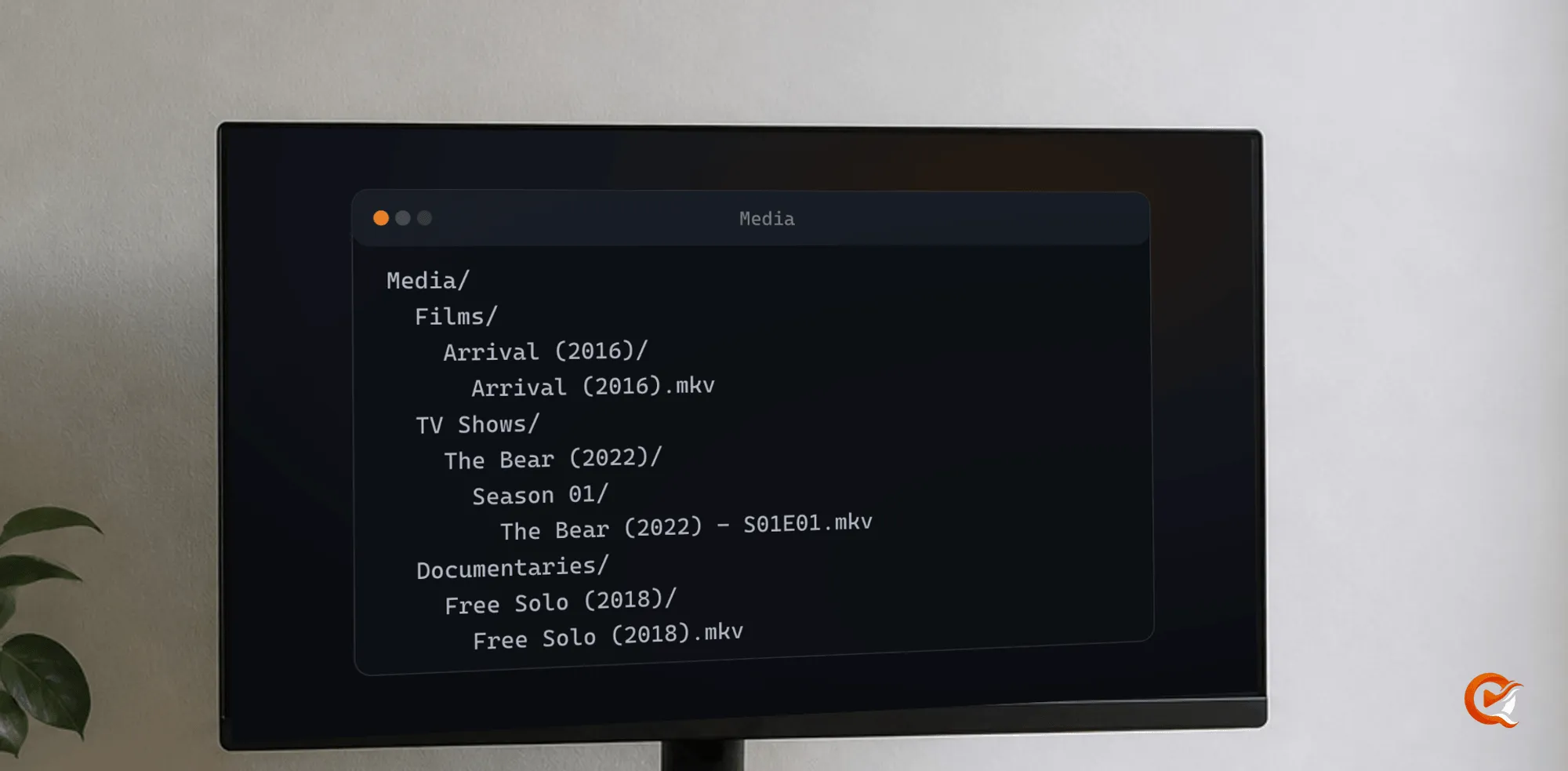
- Add a library. Choose a folder and say what it holds. Names such as “Avatar (2009).mkv” and “Show Name S01E01.mkv” match on the first try.
- Run the scan and check the matches. Fix anything wrong from the title’s page, without touching the file.
- Install the apps. On a television or a phone they find the server on your network by themselves.
- Test two films. Play one directly and one that needs a transcode before you call the installation complete.
Coming from Plex or Jellyfin? Quven reads your watch history and playlists from the old server and changes nothing on it, so both can run side by side. The migration guide covers it.
What does it cost?
Personal use is free with no time limit, for you, your family and the guests you invite, as the Terms allow. Selling other people access to your library isn’t allowed.
- Free: the native apps and direct play, hardware transcoding with HDR tone mapping, picture subtitles drawn by the native apps, unlimited profiles, several simultaneous streams, updates and the remote access you set up yourself. No plan shows advertising.
- Pro: the managed relay and the web client, automatic scanning, and subtitles written from a film’s audio.
- Max: subtitle translation, the subtitle editor and the repair of damaged files.
- Lifetime: Max for a single payment.
The free list doesn’t move behind a paywall later, and the plans page spells it out.
Frequently asked questions
Do I need a NAS to run a self-hosted media server?
No. Any machine that stays on and can read your library will do, and a small desktop or mini PC often beats an entry-level NAS at transcoding, the one job that matters most here. A NAS keeps disks safe and makes a good home for the files, and a separate computer beside it usually runs the server better.
Does a self-hosted media server work without an internet connection?
Yes, at home. A Quven Account is needed the first time a client signs in, and afterwards the client works offline for seven days, with everything on your network playing as usual. Matching new titles and the managed relay are the parts that need the connection.
Can a self-hosted media server play 4K HDR?
Yes. A native app on a 4K HDR television plays the file as it is, in HDR. When a screen can’t show HDR, the server converts the picture to SDR on the way, and a graphics card makes that conversion fast enough to watch without waiting.
Is a self-hosted media server free?
Quven is, for personal use. Local playback and direct play, hardware transcoding, the native apps, subtitles and the remote access you set up yourself are free and stay free. You pay only for the managed relay and the services Quven runs for you, which the plans page lists.
Can I share my media server with family?
Yes. Everyone at home gets a profile, with no limit on how many. People outside the house are invited with a free Quven Account of their own, and they reach the server through your remote access or the relay on your plan.