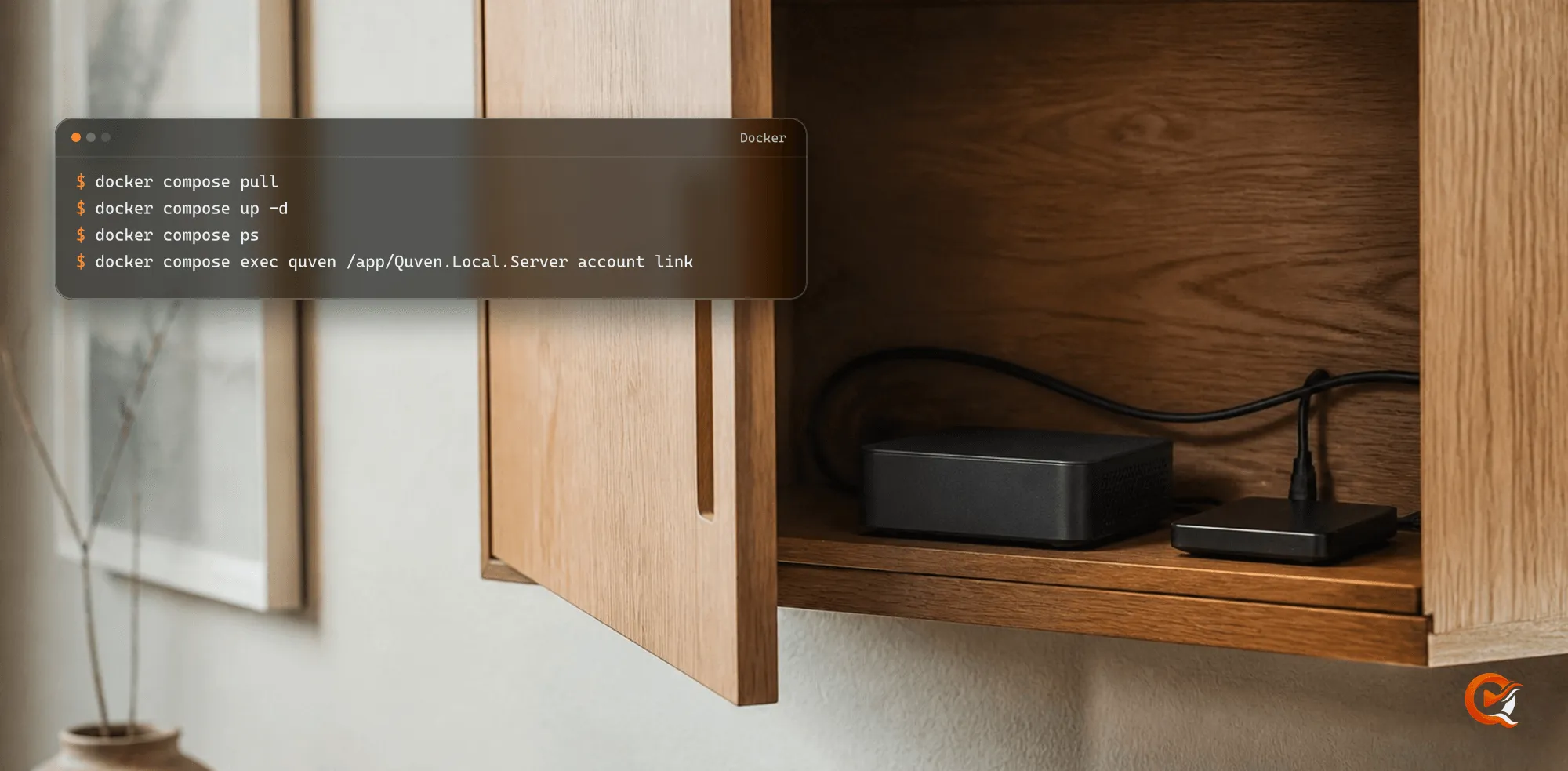
Quven
Quven'%3e%3cpath%20d='M0%200v40h60V0z'%20fill='%23012169'/%3e%3cpath%20d='M0%200l60%2040m0-40L0%2040'%20stroke='%23fff'%20stroke-width='8'/%3e%3cpath%20d='M0%200l60%2040m0-40L0%2040'%20clip-path='url(%23d)'%20stroke='%23C8102E'%20stroke-width='5'/%3e%3cpath%20d='M30%200v40M0%2020h60'%20stroke='%23fff'%20stroke-width='13'/%3e%3cpath%20d='M30%200v40M0%2020h60'%20stroke='%23C8102E'%20stroke-width='8'/%3e%3c/g%3e%3c/svg%3e)


A NAS transcodes 4K only when its processor carries a video engine that decodes the film’s codec at that size, and when the server running in a container can reach that engine. The spec sheet tells you the processor, and three commands on the box tell you the rest. With Quven the question comes up less often than you’d expect, because the desktop and mobile apps take the file as it’s stored (why native playback changes the workload).
1. Know when the NAS transcodes at all
| Who is watching | What the NAS does |
|---|---|
| Quven desktop and mobile apps | Sends the file as it sits on the disk |
| A modern browser | Copies the picture it can decode, up to 4K and 25 Mbps, and transcodes the rest |
| A Chromecast’s default receiver | Takes H.264 and AAC only, so an HEVC or AV1 film is transcoded |
| A lower quality picked in the player | Transcodes to the quality you asked for |
A Blu-ray or DVD picture subtitle shown in a browser is burned into the video, which needs a transcode too; the disc guide explains that cost.
2. Read the processor before the box
The processor decides. A maker’s spec sheet names it: Synology’s sheet for the DS224+, updated on 6 August 2026, lists an Intel Celeron J4125, which Intel files under Gemini Lake Refresh. Find your processor’s family on Intel’s site, then read its row in the codec table of Intel’s media driver, the driver the Quven image ships, read on 20 October 2026:
| Processor family | HEVC 10-bit decode | AV1 decode | H.264 encode |
|---|---|---|---|
| Apollo Lake, Gemini Lake (Celeron J4125) | Yes | No | Yes |
| Kaby Lake, Coffee Lake, Comet Lake | Yes | No | Yes |
| Jasper Lake (Celeron N5105) | Yes | No | Yes |
| Tiger Lake, Alder Lake (Intel N100) | Yes | Yes | Yes |
| No graphics of its own | No | No | No |
A 4K Blu-ray carries HEVC 10-bit, so the second column is the one that counts for a disc library. An AV1 film on a chip without AV1 decode is decoded by the processor cores while the engine still does the encode.
3. Find the engine from the NAS’s own shell
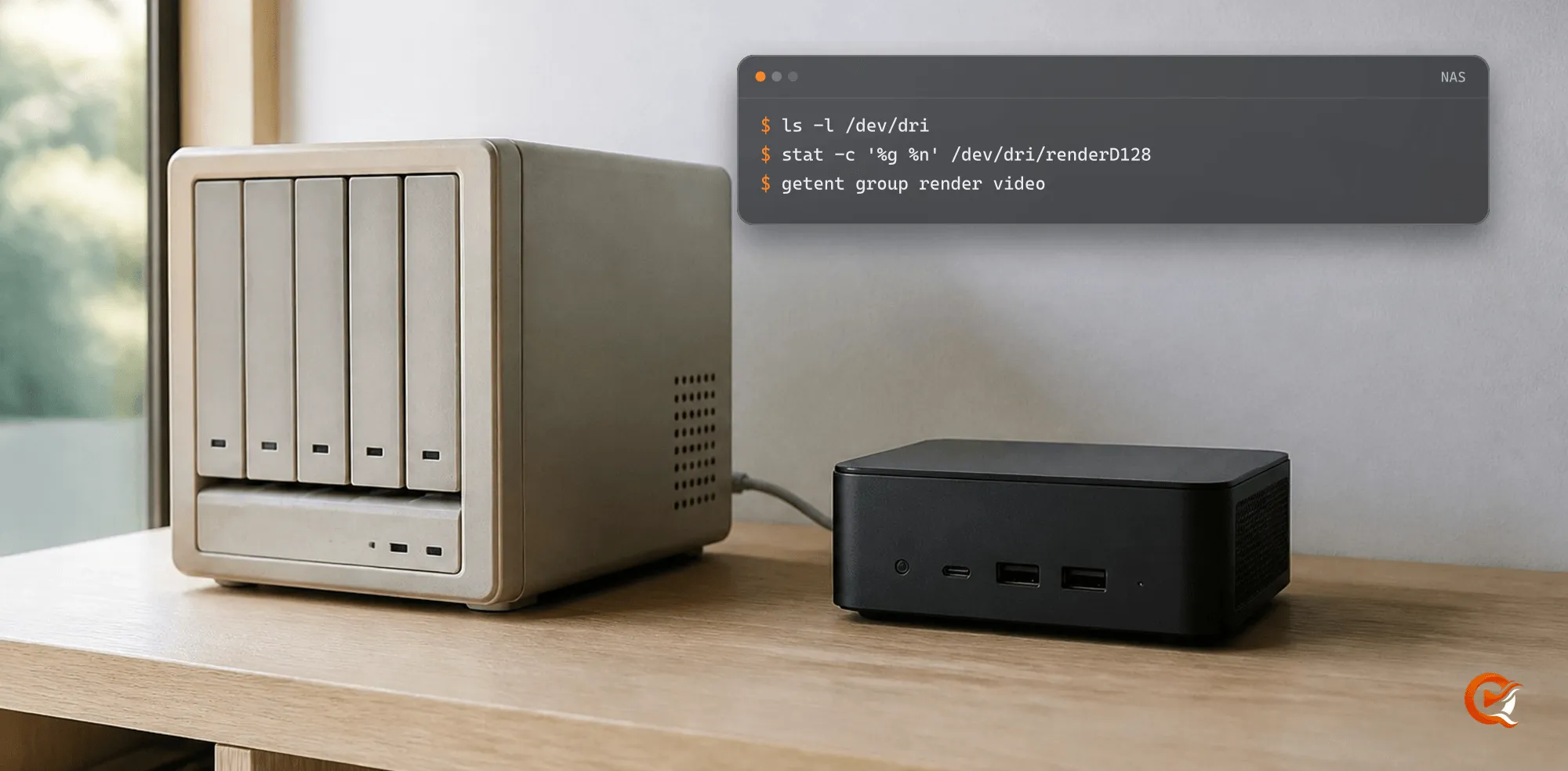
Open an SSH session on the NAS and run:
ls -l /dev/dri
stat -c '%g %n' /dev/dri/renderD128
getent group render video- No
/dev/driat all: the system exposes no engine, and the processor transcodes alone. renderD128in the list: that’s the render node a container needs, andstatprints the number of the group that owns it.- No
renderline fromgetent: the node belongs to another group, so use the numberstatprinted.
4. Hand the render node to Quven
With the files of the Docker guide in place, compose.vaapi.yaml maps the node and adds the two groups. Write their numbers into .env and start the service with that profile:
echo 'QUVEN_RENDER_GID='"$(stat -c '%g' /dev/dri/renderD128)" >> .env
echo 'QUVEN_VIDEO_GID='"$(getent group video | cut -d: -f3)" >> .env
docker compose -f compose.yaml -f compose.vaapi.yaml up -d
Both values are required, and the profile refuses to start without them. If the engine isn’t renderD128, set QUVEN_DRI_RENDER_DEVICE in .env to its path, the same inside and outside the container.
5. Read what Quven validated
Hardware transcoding is free on every plan, so there’s nothing to unlock. An administrator opens Settings in the Quven desktop app:
- The Info & Diagnostics tab lists, under Hardware acceleration backends, every backend this machine passed. VAAPI or Quick Sync means the engine is in use, and “None detected” means the processor does the work.
- The Quality tab’s Server transcoding stays on Auto, which takes the first backend that passes: NVIDIA first, then Quick Sync, then VAAPI.
6. Prove it with a 4K film
A probe shows the engine is there. A film shows it keeps up.
- Open a 4K HEVC film in the web client at app.quven.tv, which comes with Pro.
- In the player’s settings, pick a lower Quality than the source, so the server has to transcode.
- Open Show stats and read Server encoder: VAAPI or Quick Sync (Intel) when the engine did the work, Software (CPU) when it didn’t.
- Let it play for a few minutes. A picture that keeps stalling on the engine is asking too much of it, so pick a lower quality and watch again.
The HDR guide covers what happens when the film is HDR and the screen isn’t. Quven is free to download, and the plans show what Pro and Lifetime add.
Frequently asked questions
Can a NAS without hardware transcoding still play 4K with Quven?
Yes, on the desktop and mobile apps, which take the file as it’s stored. A browser that decodes the codec gets a copy of the picture and no transcode.
Do I need a paid plan for hardware transcoding?
No. Quick Sync, VAAPI and the other backends work on the free plan, as they do on Pro, Max and Lifetime.
Why does Show stats read Software (CPU) on an Intel NAS?
The render node didn’t reach the container, or the backend failed at startup and was set aside until the server restarts. Search the server log for tainted, then restart the container.
Is an ARM NAS any use for 4K?
Only where it exposes V4L2 M2M codecs, which the ARM profiles of the Docker guide use. Without them a transcode runs on its cores, so the native apps, which take the file whole, suit it best.