Quven
Quven'%3e%3cpath%20d='M0%200v40h60V0z'%20fill='%23012169'/%3e%3cpath%20d='M0%200l60%2040m0-40L0%2040'%20stroke='%23fff'%20stroke-width='8'/%3e%3cpath%20d='M0%200l60%2040m0-40L0%2040'%20clip-path='url(%23d)'%20stroke='%23C8102E'%20stroke-width='5'/%3e%3cpath%20d='M30%200v40M0%2020h60'%20stroke='%23fff'%20stroke-width='13'/%3e%3cpath%20d='M30%200v40M0%2020h60'%20stroke='%23C8102E'%20stroke-width='8'/%3e%3c/g%3e%3c/svg%3e)


A few naming habits make a library easy to find things in, keep the matches plausible and outlast the next disk, computer and media server. None of it needs a weekend of archiving.
1. Give the library one front door
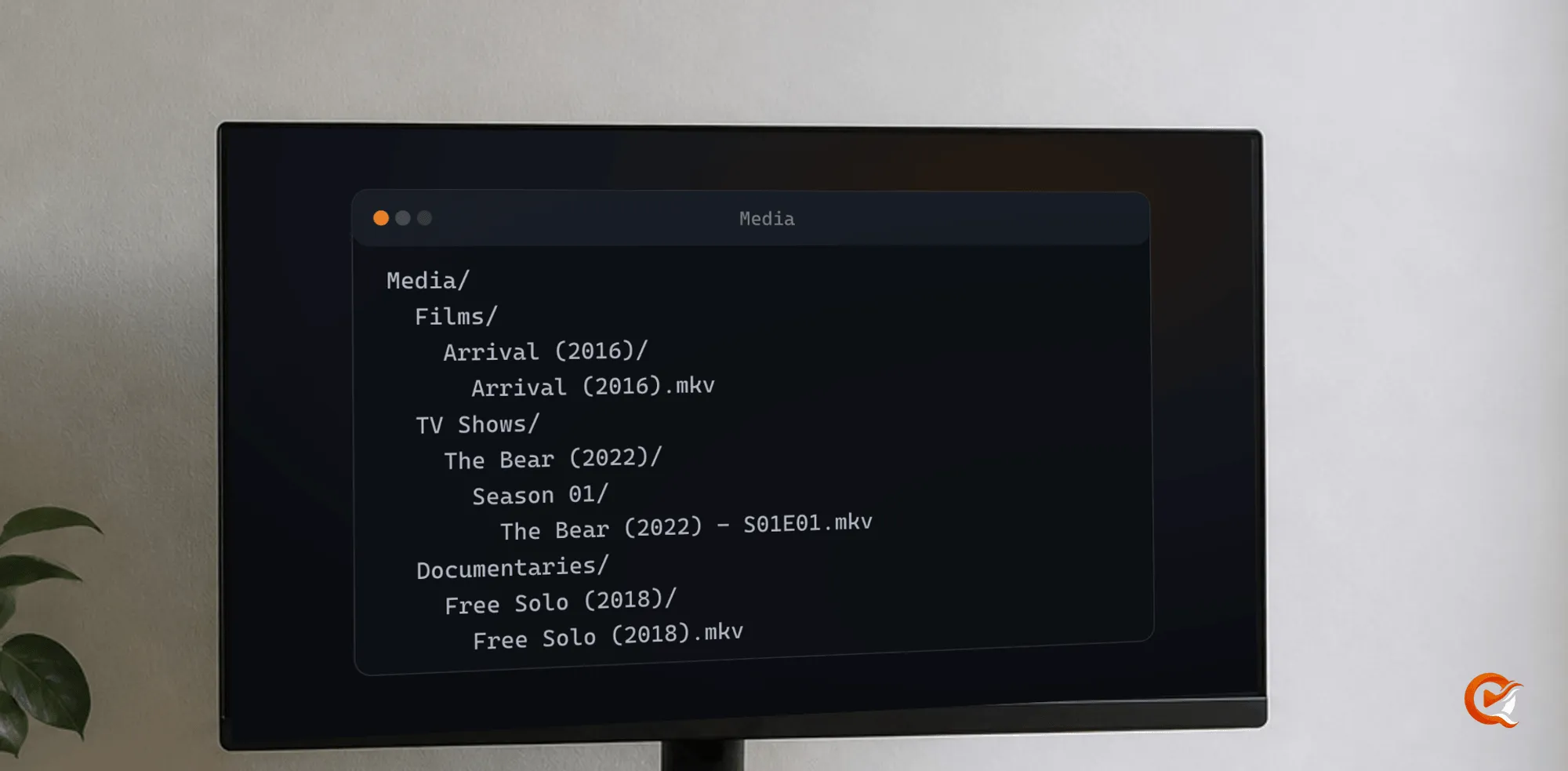
Use a stable root folder, on a NAS, an internal disk or storage mounted by the machine running the server, that doesn’t move every few weeks. Inside it, split by kind: Films, TV Shows and Documentaries. Films get their own folders, and shows get a show folder followed by seasons:
Media/
  Films/
    Arrival (2016)/
      Arrival (2016).mkv
  TV Shows/
    The Bear (2022)/
      Season 01/
        The Bear (2022) - S01E01.mkv
  Documentaries/
    Free Solo (2018)/
      Free Solo (2018).mkv
The year separates remakes, identical titles and productions that look the same. Check it before you give a file the wrong identity.
2. Name the work first
Title and year, then season and episode for television. Put technical detail at the end only when it distinguishes two copies:
Films/
  Dune Part Two (2024)/
    Dune Part Two (2024) - 2160p HDR.mkv

TV Shows/
  Andor (2022)/
    Season 02/
      Andor (2022) - S02E03 - Harvest.mkv
Skip abbreviations, the date you downloaded the file, codec flags and release names. Keep what separates one edition from another.
3. Mark editions
A 4K copy, a lighter 1080p remux and a director’s cut can each earn their place, because each serves a different screen or network. Name what differs: Director's Cut, Extended, 2160p HDR, 1080p.
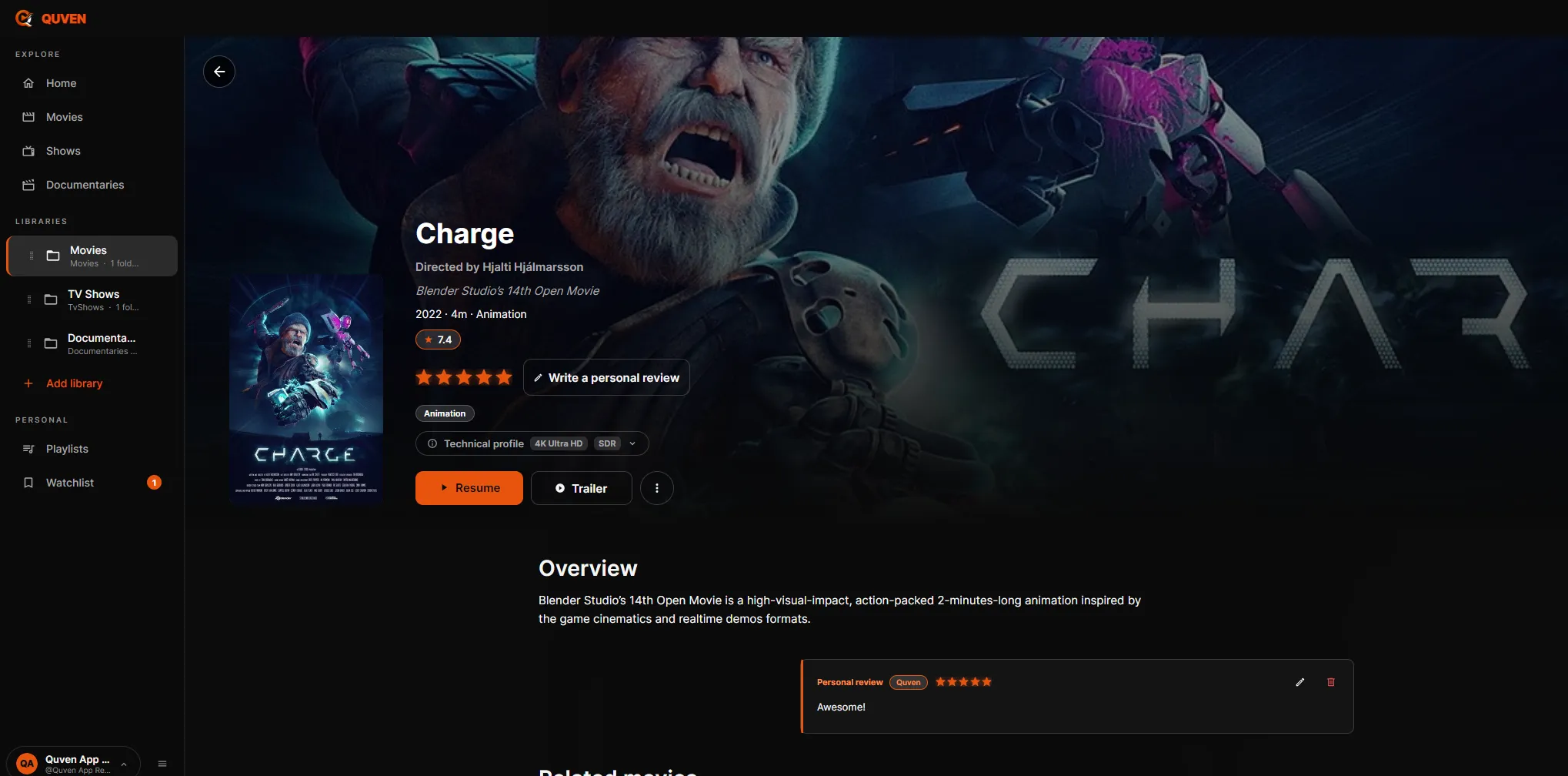
Quven reads one explicit marker. Put {edition-Name} anywhere in the filename and the scanner strips it before matching, keeps the name as the edition label and files the cut as an edition of the same film, on a card of its own that lists the other cuts. Without the braces, two files that differ only by Color or Noir et Blanc look like two unrelated releases. Keeping two copies of a film covers versions, editions and a film listed twice.
Films/
  Sin City (2005)/
    Sin City (2005) {edition-Theatrical}.mkv
    Sin City (2005) {edition-Recut Extended}.mkv
An episode takes the marker too, which fixes a series that ships a colour cut and a black-and-white one and that a metadata provider lists as two shows:
TV Shows/
  Spider-Noir (2026)/
    Season 01/
      Spider-Noir (2026) - S01E01 {edition-Color}.mkv
Spider-Noir (2026) - S01E01 {edition-Black and White}.mkv- A marker Quven can’t read is stripped and recorded in the server log, so a typo costs the label and not the match.
- A name with more than one
{edition-Name}is ambiguous. Quven strips both, writes a warning to the log and the file reaches the right title without a label. Use one marker per file, or none. - The catalogue filter lists the editions Quven knows even where your library holds none, plus the labels your files carry. Picking one you don’t own gives an empty page, and that is the answer.
4. Keep subtitles beside the film
Put the subtitle next to the video. Quven reads a sibling file whose name begins with the video’s filename and breaks at a dot, a _ or a -, so Arrival (2016).it.srt attaches to Arrival (2016).mkv while Arrival (2016) 2.srt attaches to nothing:
Arrival (2016)/
  Arrival (2016).mkv
  Arrival (2016).it.srt
  Arrival (2016).en.srt
  Arrival (2016).commentary.it.srt
Everything after the base name is read:
| Token | Result |
|---|---|
A real language code, two or three letters: it, ita, eng, fre, ger |
The track’s language |
forced |
A forced track |
sdh, hi or cc, in any order and beside any language |
A track for the hard of hearing |
Anything else, such as commentary |
The label in the track list |
A release tag like web, cam or hdr is never promoted to a language, so a subtitle ending in one arrives with a descriptive label. Add .it, .eng or .fre before the extension and it is named properly.
Text subtitles are .srt, .vtt, .ass or .ssa. Bitmap ones work as a .sup or as the .idx half of a VobSub pair, and a bare .sub is classified by what’s inside it.
To avoid several files beside every video, use a Subs folder inside that title’s own folder. Subtitles, Sottotitoli and Sous-titres do the same job, in any capitalisation, on a case-sensitive filesystem as on Windows. A shared folder at the top of the library isn’t consulted: the search starts at the video and looks no further than its own directory and that one companion folder.
Keep audio sources intact. A source may direct play in a native client and need conversion in a browser, so check where you’ll watch before you re-encode.
5. Build a library out of links
The scan follows symbolic links, files and folders alike, wherever they lead. That covers films on one disk and series on another gathered under a folder of links, and tools like Decypharr whose files point into a mounted remote.
- A folder is read once, however many paths reach it. A link back to a place the scan has already been ends the scan instead of circling.
- A film reached through a linked folder stays one title. Two separate links to the same file are two entries.
- The path Quven records is the one in your library. Deleting a film removes the link and leaves the original alone, and size and date are read from the target.
- Eight links along one branch is the limit. A single link pointing at the root of a disk would otherwise pull the whole disk into your catalogue.
- A link to something the server can’t reach shows up in the list of skipped files with the reason. The list holds the films and folders, not the subtitles and artwork beside them. In a container the usual cause is a link that’s fine on the host, with a container that was never given the folder it points into.
6. Scan without a clear-out
Point Quven at the final paths and let it build a catalogue. An ordinary scan reads the source and cleans nothing. Before you rename hundreds of files or delete a seeming duplicate, keep an independent backup and test the structure on a small, representative part of the library.
Moving from another media server? Keep the old setup until Quven has read a sample, flagged the ambiguous matches and played the files that expose problems: an episode, a subtitle-heavy film, a large edition and something you know well. The migration guide has the full sequence.
7. When the catalogue is wrong, correct the catalogue
For a remake sharing its name and decade, a film whose local release title belongs to another production or a documentary series no catalogue lists the way your files do, don’t keep renaming folders. In the desktop app or the web client, open the title and edit the name, the year, the overview, the artwork or the poster. The correction survives the next scan, and the file keeps the name that made sense to you.
Trailers, featurettes, behind-the-scenes reels, deleted scenes and interviews in a Featurettes or Extras folder, or with one of those words in the filename, are recognised as bonus content of that title and not catalogued as films. You can bring them back into the library.
For the next step, read what a self-hosted media server actually does and why native playback changes server load.
Frequently asked questions
Where do subtitle files have to sit for Quven to find them?
Beside the video, or in a Subs folder inside that title’s own folder. Subtitles, Sottotitoli and Sous-titres are read the same way, whatever the capitalisation. A single folder at the top of the library isn’t consulted.
Why does one of my subtitles arrive with no language?
Nothing in the name was a language code. Quven accepts two- and three-letter codes only, so a file ending in a release tag such as web or hdr gets a descriptive label. Add .it, .eng or .fre before the extension.
What happens if a filename carries two edition markers?
Neither is used. Quven strips both and writes a warning to the server log, and the file reaches the right title without a label. Use one marker per file, or none.