Quven
Quven'%3e%3cpath%20d='M0%200v40h60V0z'%20fill='%23012169'/%3e%3cpath%20d='M0%200l60%2040m0-40L0%2040'%20stroke='%23fff'%20stroke-width='8'/%3e%3cpath%20d='M0%200l60%2040m0-40L0%2040'%20clip-path='url(%23d)'%20stroke='%23C8102E'%20stroke-width='5'/%3e%3cpath%20d='M30%200v40M0%2020h60'%20stroke='%23fff'%20stroke-width='13'/%3e%3cpath%20d='M30%200v40M0%2020h60'%20stroke='%23C8102E'%20stroke-width='8'/%3e%3c/g%3e%3c/svg%3e)


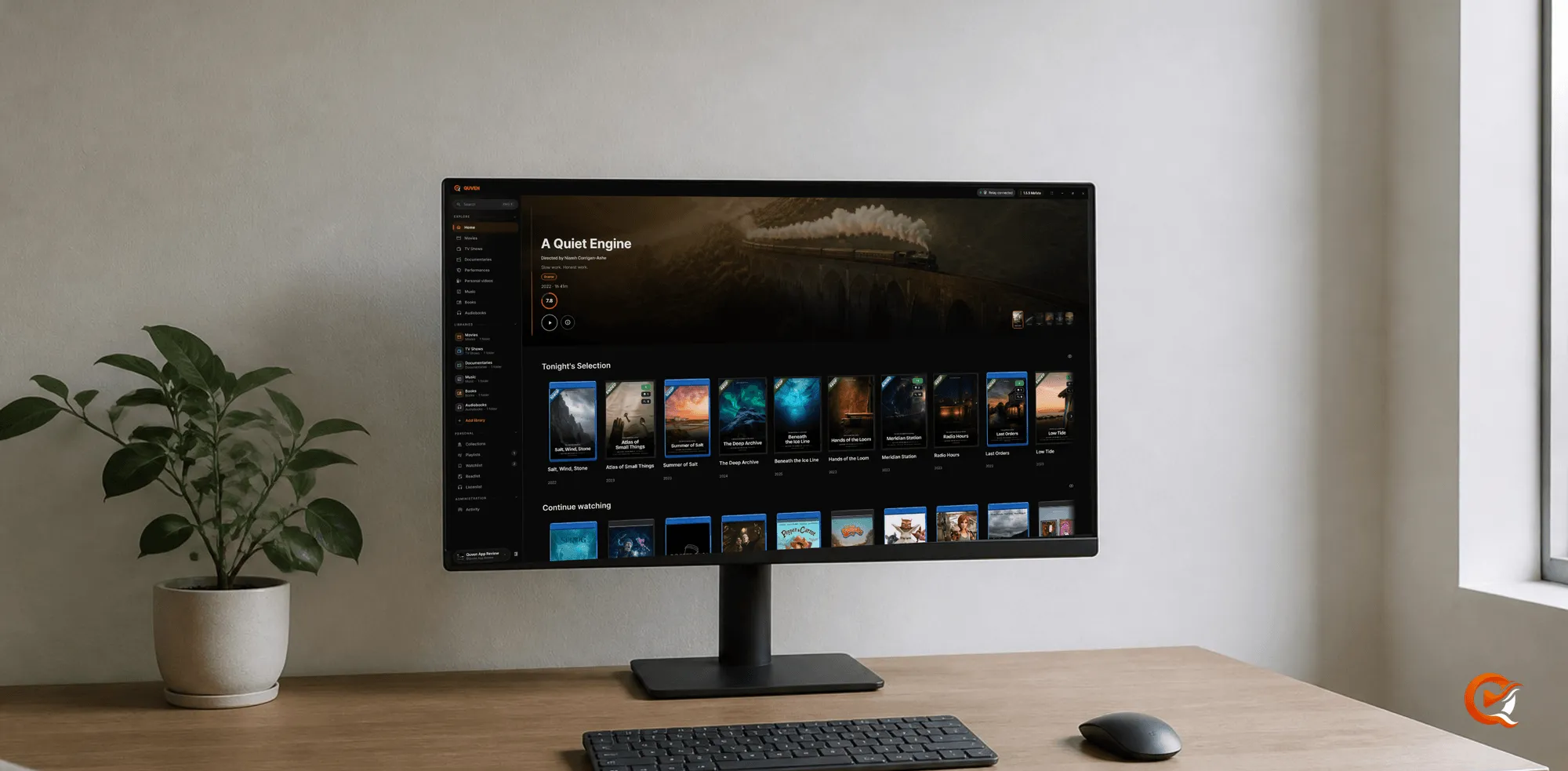
A Windows machine can host the server, be the screen you watch on, or both. The download page lists two packages, each for x64 and ARM64.
Choose the package
- Bundle (Server + App): the computer is both the home server and a screen you watch on. The two update together, so the desktop never drifts away from its host.
- Server only: an always-on box, a compact home server or a machine you’d rather keep free of a desktop client.
Install
-
Download the package for your architecture, x64 or ARM64 for Windows on ARM, from the download page.
-
Run the installer. Installers and applications carry the signature of Quven Technologies S.R.L., so Windows names the company as the publisher.
-
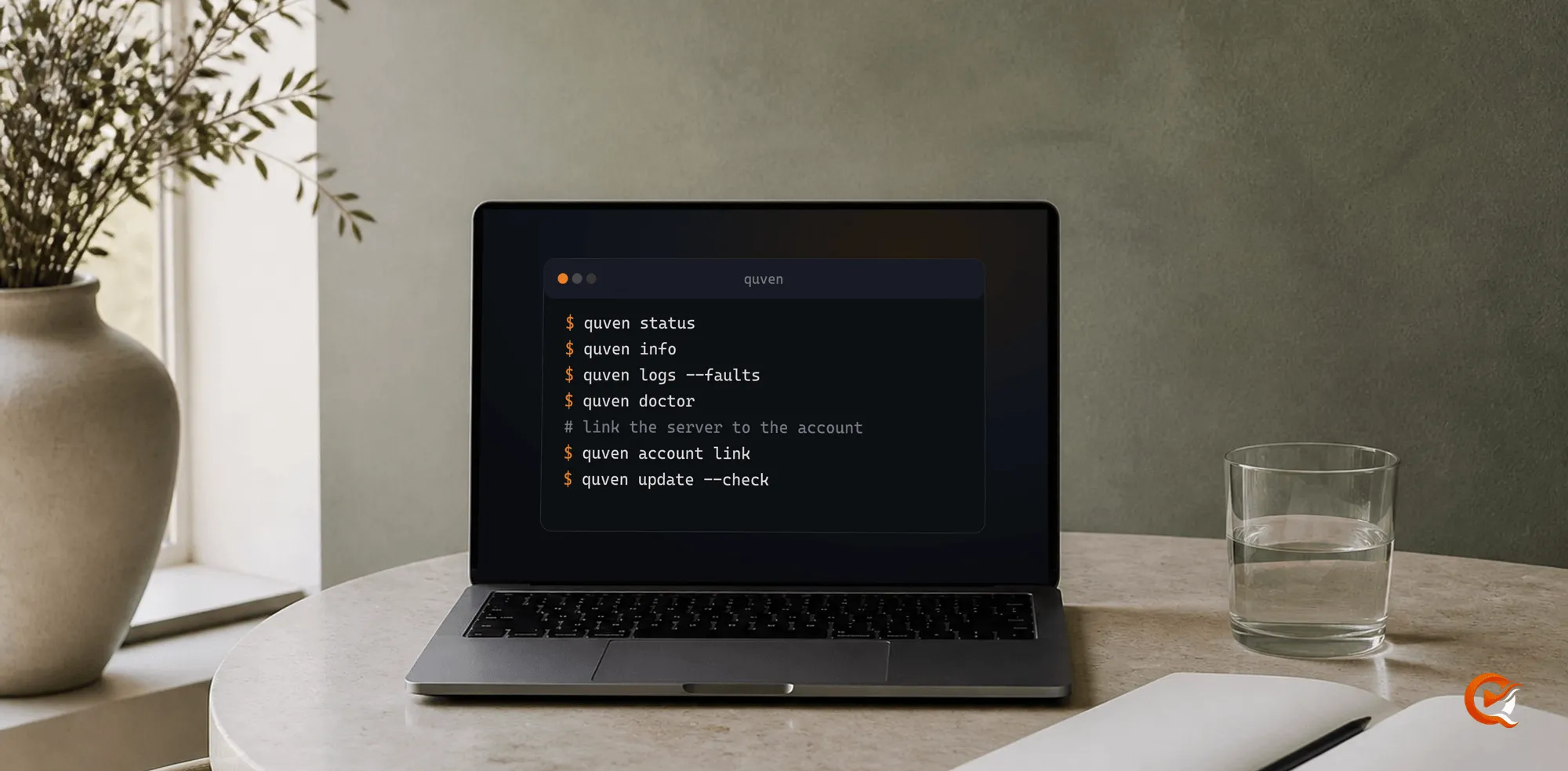
Link the server to your Quven Account. With the Bundle, open a new terminal and run:
quven account linkOpen the address it prints, sign in and approve the server. Server only has no desktop app, so you call the server file with the same arguments, as the command line guide shows.
To check the signature yourself, open the installer’s Properties, then the Digital Signatures tab. The signature is timestamped, so it stays valid after the certificate expires.
Check it
quven status
quven doctor
quven logs --faults
Then restart Windows and confirm the server comes back on its own. Play a direct file, a transcoded one and your most demanding subtitles.
Playback
The desktop player takes a compatible file through the DirectFile path without touching the picture. The server only works when another device needs a different codec, a lower bitrate or an HDR conversion, and then it uses whichever NVIDIA, Intel, AMD or CPU capability it found.
Frequently asked questions
Do I want the Bundle or Server only?
The Bundle, if the same machine is both the server and a screen you watch on. Server only, if the box runs headless or every viewing device reaches it over the network.
Is the Windows installer signed?
Yes, with the signature of Quven Technologies S.R.L. If SmartScreen shows a notice, it names the company as the publisher, and the Digital Signatures tab confirms it.
Does Quven run on Windows on ARM?
Yes. ARM64 packages are published beside the x64 ones, for both the Bundle and Server only.