Quven


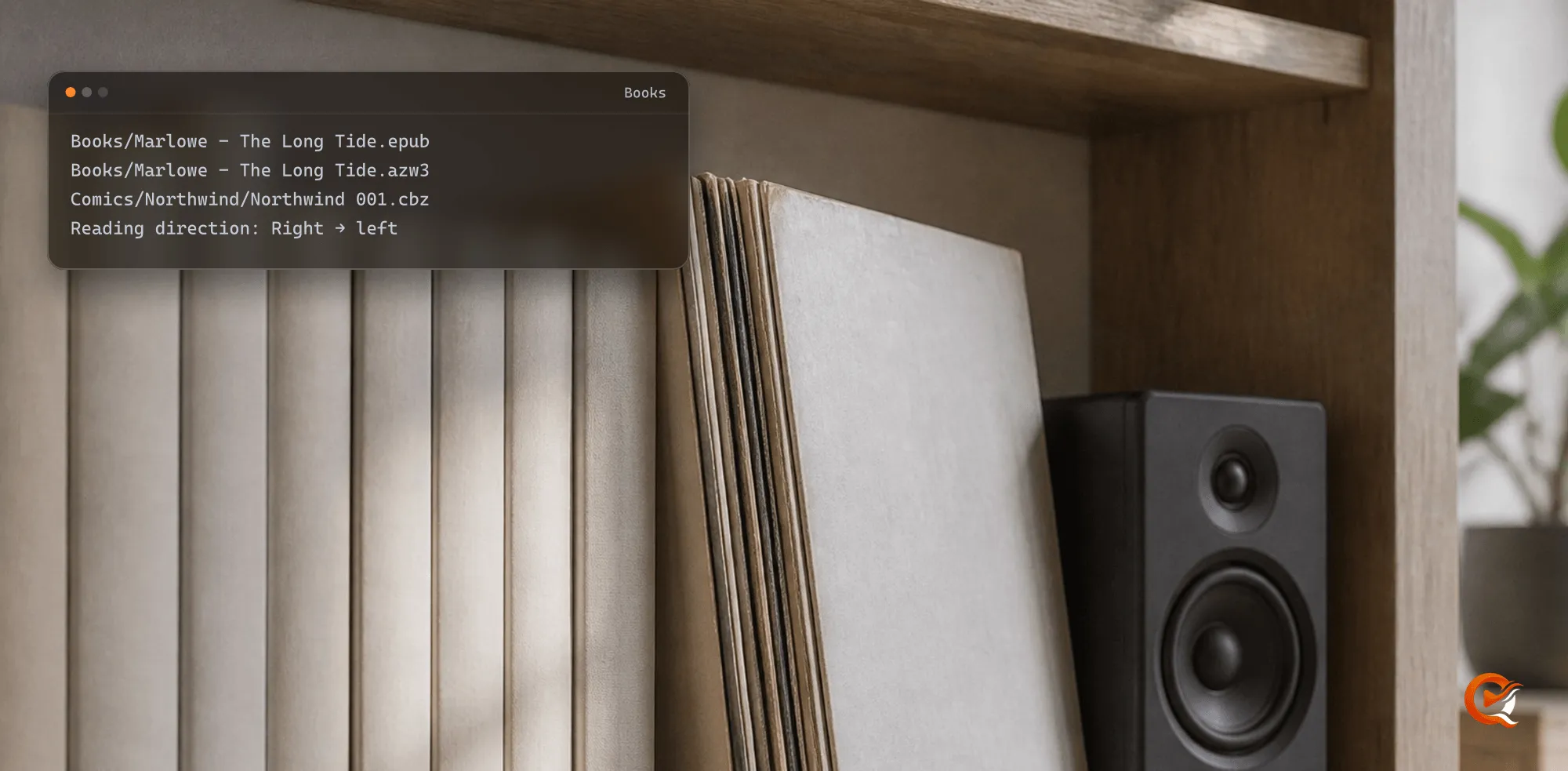
Quven files ebooks and comics in a Books library of their own, on the same server as your films and series. The scan names each book from its own data, a calibre record or a comic’s ComicInfo.xml, and the reader opens it in the desktop app or the web client at the page you left.
1. Create a Books library
- Create a Books library and point it at the folder that holds your ebooks and comics. A calibre library folder works as it is.
- Keep audiobooks out of it, since they have a library kind of their own.
- Run the scan.
Quven opens EPUB, PDF, MOBI and AZW3 books and CBZ and CBR comics, as long as they carry no DRM. A comic archive is read by its contents, so a CBR that is really a ZIP or a 7-Zip file still opens.
2. Lay out the files
Books/
  Marlowe - The Long Tide.epub
  Marlowe - The Long Tide.azw3
  Calibre/
    Ada Marlowe/
      Harbour Lights (12)/
        Harbour Lights - Ada Marlowe.epub
        metadata.opf
        cover.jpg
Comics/
  Northwind/
    Northwind 001.cbz
    Northwind 002.cbz
Author - Titleis enough for the scan to read who wrote what. Two formats of one book, like the EPUB and the AZW3 above, become one book holding two files.- A calibre
metadata.opfbeside a book outranks the file’s own fields: title, authors, ISBN, language, publisher, series and place in it, subjects. - Comics can sit one folder per series, each archive carrying its own
ComicInfo.xml.
3. Let the scan name each book
- The scan looks for an ISBN in the book’s data, the calibre record or the file name, then on the copyright page printed inside the book.
- With the ISBN, or the title and author, it asks the book catalogues, Google Books first, for the cover, the credits, the year and the page count.
- A comic takes its series, issue number, title, writer and penciller, publisher, date and summary from
ComicInfo.xml, with the page it marks as the cover.Mangaset toYesorYesAndRightToLeftfiles it as a manga.
Films and series follow their own naming rules in libraries of their own kind on the same server.
4. Open it in the reader
- Open the book’s page in the desktop app, or in the web client at app.quven.tv, which comes with Pro.
- Press Read. The book opens where your profile left it, even if you last read it in another of its formats.
- For a comic, the reader’s settings hold Layout (Single page or Two pages, the cover always alone), Reading direction and Fit (Whole page or Width).
- For a manga, pick Right → left. Layout and direction stay with that book, so the next novel opens the way it always did.
A text book takes a black, dark, paper or sepia page and a serif or sans face. Each profile keeps its own place, so everyone in the house reads on from their own page. The article on reading manga right to left shows the comic reader in use.
5. What each plan adds
| Edition | Plan | What it adds |
|---|---|---|
| Base | Every plan, Free included | The reader, the shelf, your place kept per profile |
| Complete | Pro, Max and Lifetime | Passages marked in colour, private notes |
| Advanced tools | Max and Lifetime | A who’s who without spoilers, corrections kept on your copy, reading measured |
The plans page lists the editions beside the rest of each plan, and the download installs the server with the reader included.
Frequently asked questions
Does Quven read Kindle books?
Yes. MOBI and AZW3 files without DRM open in the same reader as an EPUB, and a Kindle file beside an EPUB of the same book joins it as one book.
Do I have to rename my comics?
No. An archive carrying a ComicInfo.xml names itself, and without one the scan reads the file name.
Is the reader free?
Yes. The base edition, with the reader and the place kept for every profile, is free on every plan and doesn’t expire.