Quven
Quven'%3e%3cpath%20d='M0%200v40h60V0z'%20fill='%23012169'/%3e%3cpath%20d='M0%200l60%2040m0-40L0%2040'%20stroke='%23fff'%20stroke-width='8'/%3e%3cpath%20d='M0%200l60%2040m0-40L0%2040'%20clip-path='url(%23d)'%20stroke='%23C8102E'%20stroke-width='5'/%3e%3cpath%20d='M30%200v40M0%2020h60'%20stroke='%23fff'%20stroke-width='13'/%3e%3cpath%20d='M30%200v40M0%2020h60'%20stroke='%23C8102E'%20stroke-width='8'/%3e%3c/g%3e%3c/svg%3e)


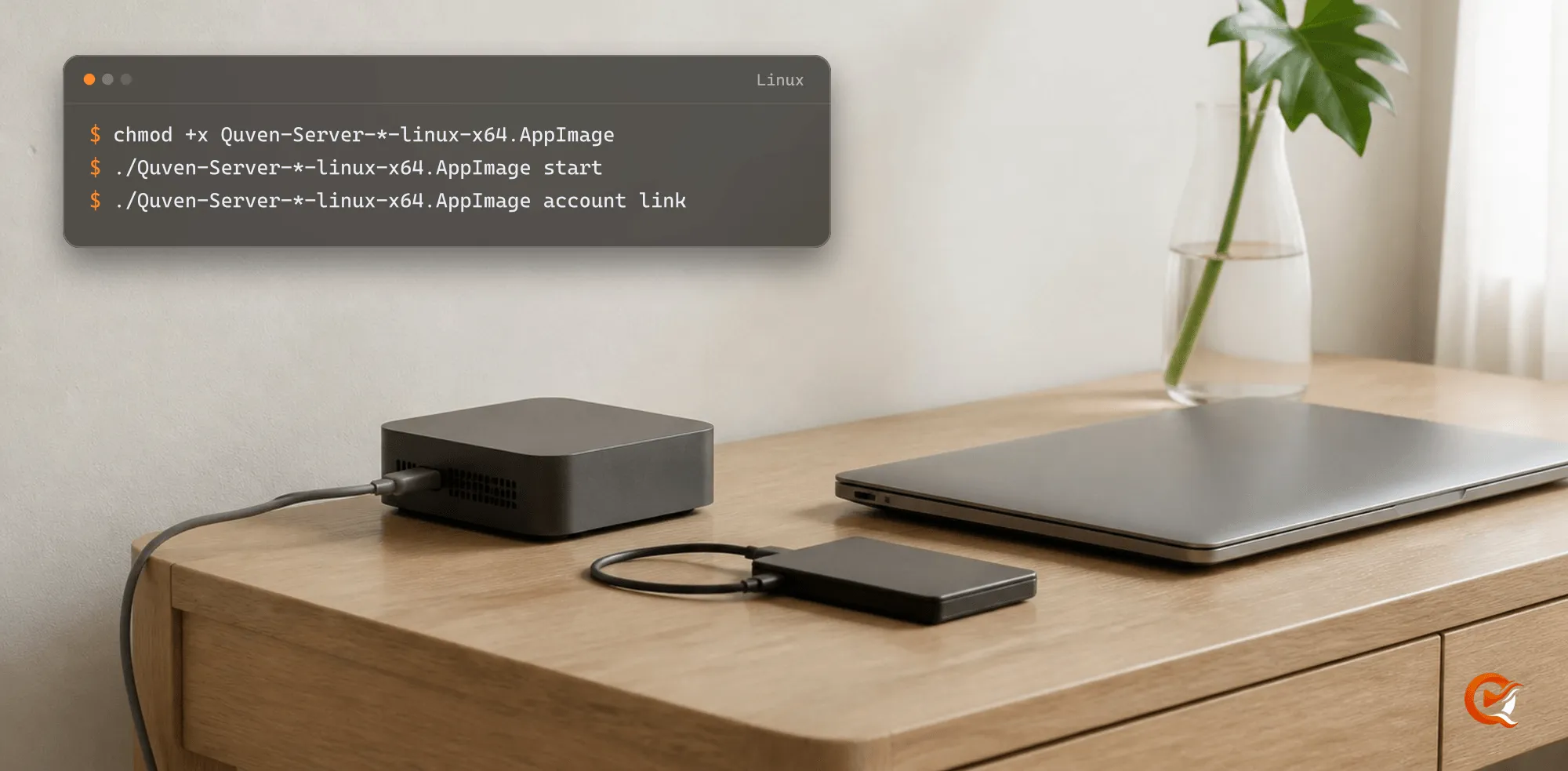
On Linux, Quven runs as a server. The AppImage serves your library to the native and web clients on your other devices, and the host itself doesn’t draw an interface.
Start the server
Download the file from the download page, open a terminal in its folder and run:
chmod +x Quven-Server-*-linux-x64.AppImage
./Quven-Server-*-linux-x64.AppImage start
./Quven-Server-*-linux-x64.AppImage account link
On ARM64, such as a Raspberry Pi, the file is Quven-Server-<version>-linux-arm64.AppImage. Keep one download in the folder: with an older file beside it, the pattern in the commands matches both. account link prints a code and an address: open the address on any device, sign in, approve the server and keep the command running until it confirms. You’ll need an internet connection for the first link only, and afterwards the server can work offline for up to seven days.
Check it
./Quven-Server-*-linux-x64.AppImage status
./Quven-Server-*-linux-x64.AppImage logs -f
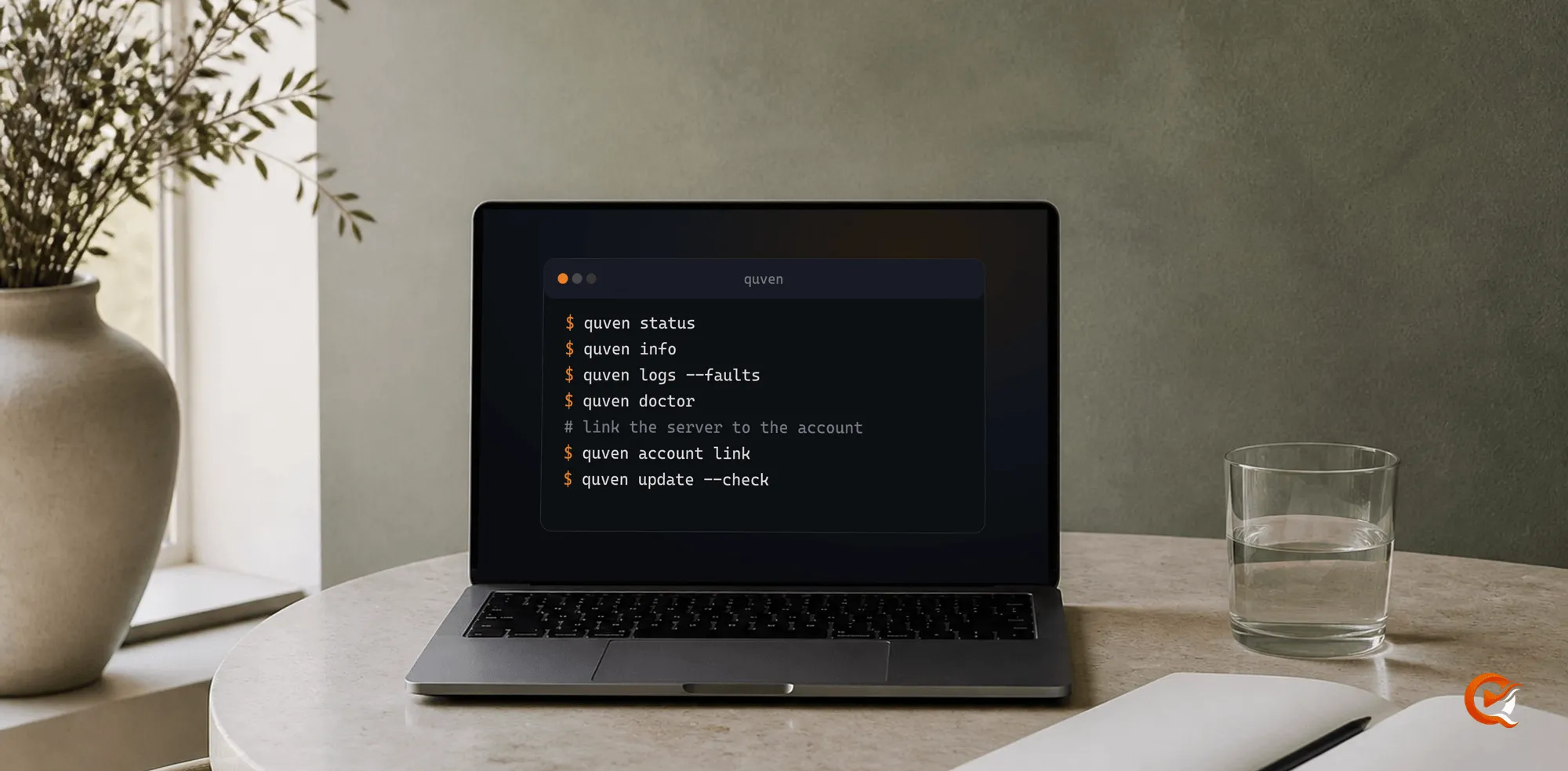
status says whether the server is up and linked, and logs -f follows its log. You can keep the server in the foreground with start --foreground, and account link then goes in a second terminal. Every other command is in the command line guide.
If it does not start
When the message mentions FUSE, your distribution may lack the library an AppImage mounts itself with. This command unpacks the file into a temporary folder and runs it from there, though every start is a little slower:
APPIMAGE_EXTRACT_AND_RUN=1 ./Quven-Server-*-linux-x64.AppImage startAdd a library
Blank page at http://<server-ip>:5181? That’s normal, because the clients use that port and the server doesn’t have a web page of its own. You can add libraries from the Quven desktop app on another computer of the same network, or from app.quven.tv with Pro. Phones and televisions play what’s already set up but can’t create a library.
Requirements
You don’t need to install anything first. .NET and the FFmpeg tools are inside the file, the x64 package is verified on Ubuntu, and a Raspberry Pi 4 runs the server, the command line and V4L2 M2M hardware transcoding, although other ARM boards and NAS models differ in drivers and decoders, so play one direct and one transcoded session before you rely on one.
The service account should have read access to every library path and execute access to the bundled tools, and GPU acceleration depends on the host drivers and device permissions on top of that.
Frequently asked questions
Is there a Linux desktop client?
Not yet. The download is server-only, a desktop client is planned, and you watch on your other devices.
Why does my browser show nothing on port 5181?
That port belongs to the clients and the server doesn’t have a web page, so an empty answer means it’s up. Link the server with account link, then open the library from the desktop app, a mobile or television client, or app.quven.tv with Pro.
Does it run on a Raspberry Pi?
Yes. A Raspberry Pi 4 runs the server, the command line and V4L2 M2M hardware transcoding. Test one direct and one transcoded session on other ARM boards and NAS models first.
Do I need to install FFmpeg or .NET first?
No. Both are inside the file, and they match the architecture.