Quven
Quven'%3e%3cpath%20d='M0%200v40h60V0z'%20fill='%23012169'/%3e%3cpath%20d='M0%200l60%2040m0-40L0%2040'%20stroke='%23fff'%20stroke-width='8'/%3e%3cpath%20d='M0%200l60%2040m0-40L0%2040'%20clip-path='url(%23d)'%20stroke='%23C8102E'%20stroke-width='5'/%3e%3cpath%20d='M30%200v40M0%2020h60'%20stroke='%23fff'%20stroke-width='13'/%3e%3cpath%20d='M30%200v40M0%2020h60'%20stroke='%23C8102E'%20stroke-width='8'/%3e%3c/g%3e%3c/svg%3e)


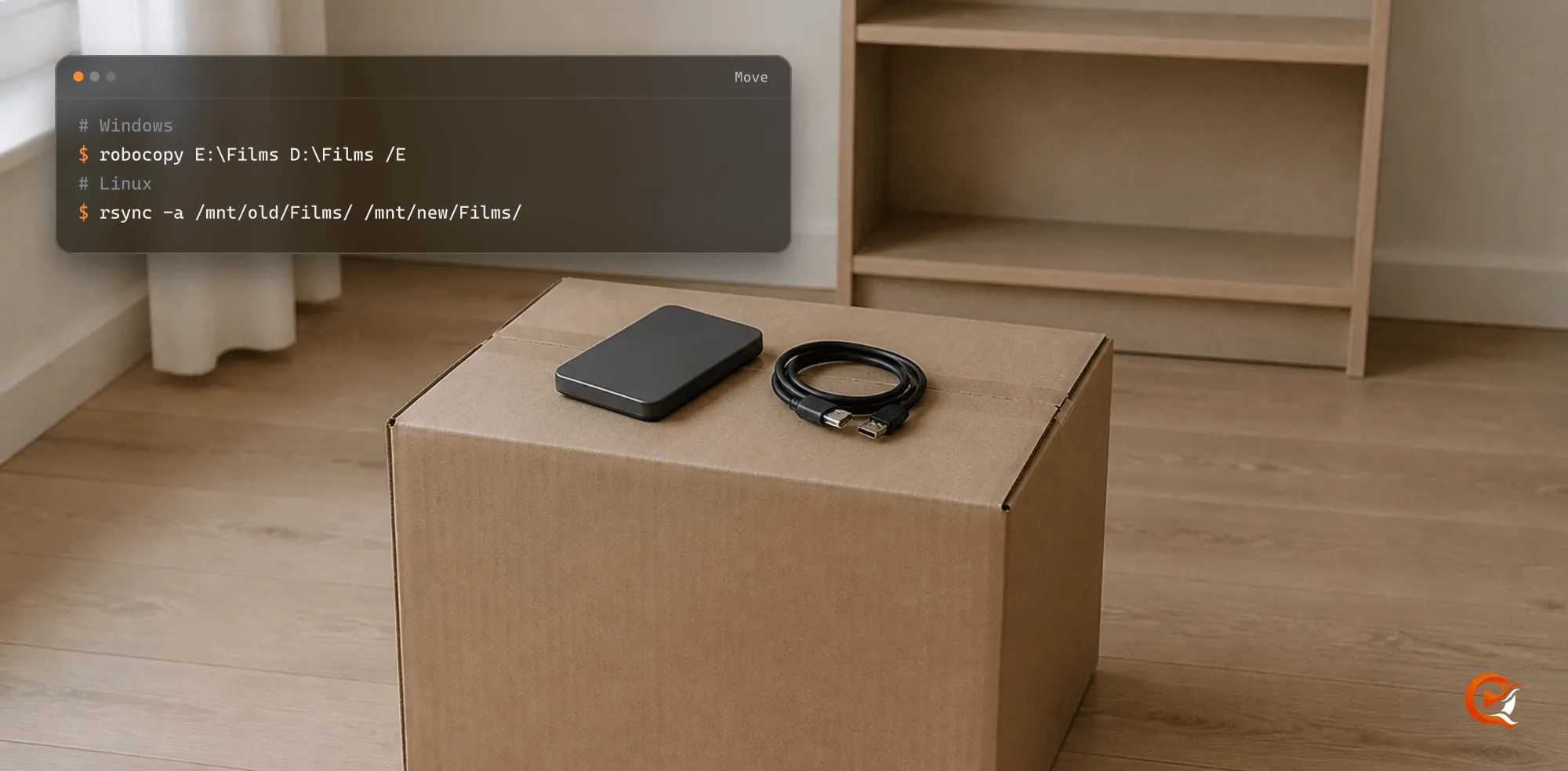
Moving a library to a new server takes one pass on a small sample, then the rest. Don’t tidy at the same time: when something looks wrong afterwards you need to know which change caused it.
1. Before you connect the new server
- Keep an independent backup of the files that matter. Your folders are the archive, and the catalogue the media server builds around them can be rebuilt.
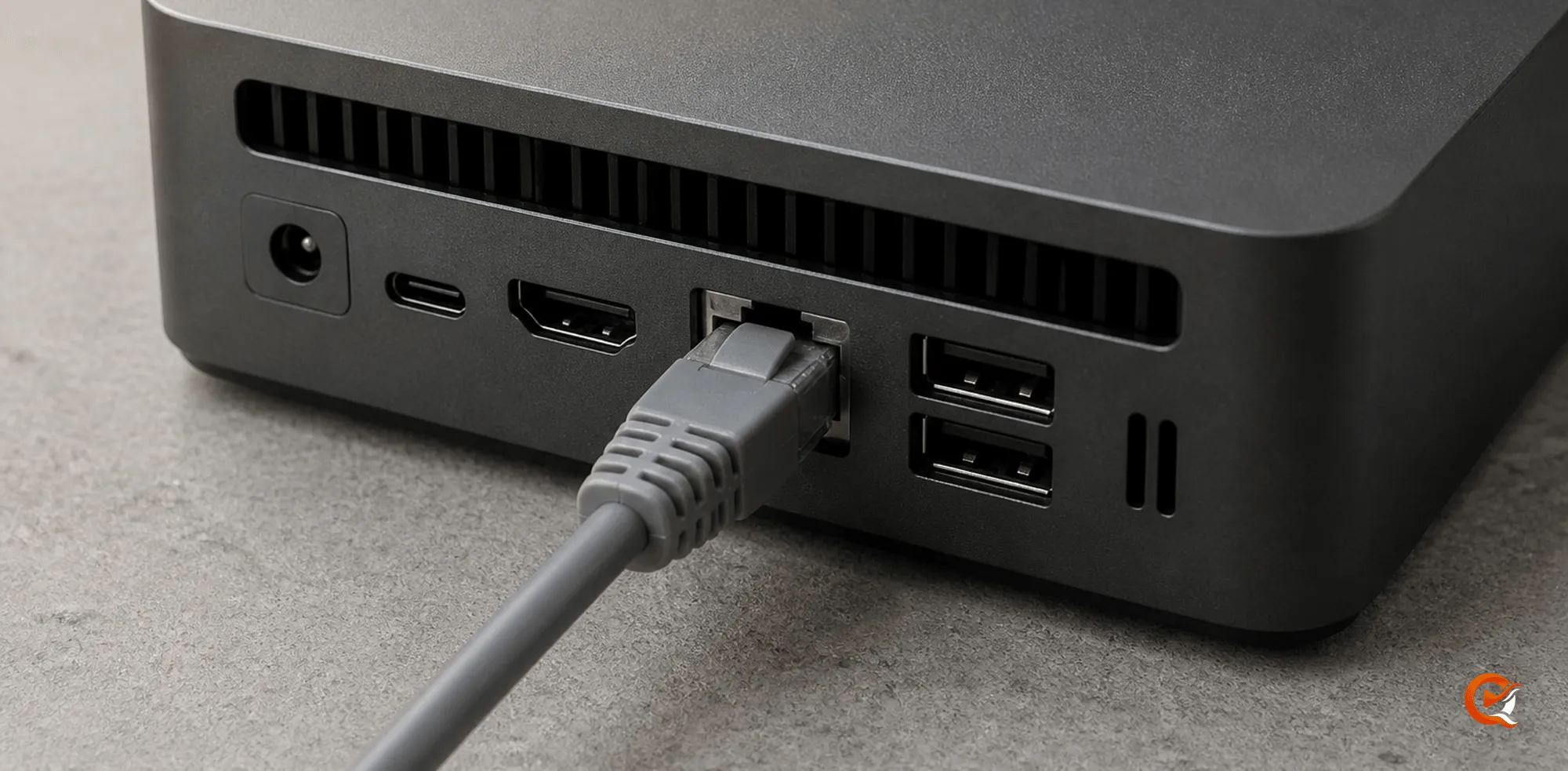
- Leave the folder structure as it is for the first pass.
- Don’t move the library between drives, rename hundreds of items and change server software in the same afternoon.
- Use stable, final paths and give the server account read access to them. A NAS share that appears under another drive letter every other reboot keeps causing problems after the migration.
2. Pick a small, awkward sample
Choose one film with an ordinary title, one with a remake, a television episode, a large remux, a title with external subtitles and something with two cuts or resolutions.
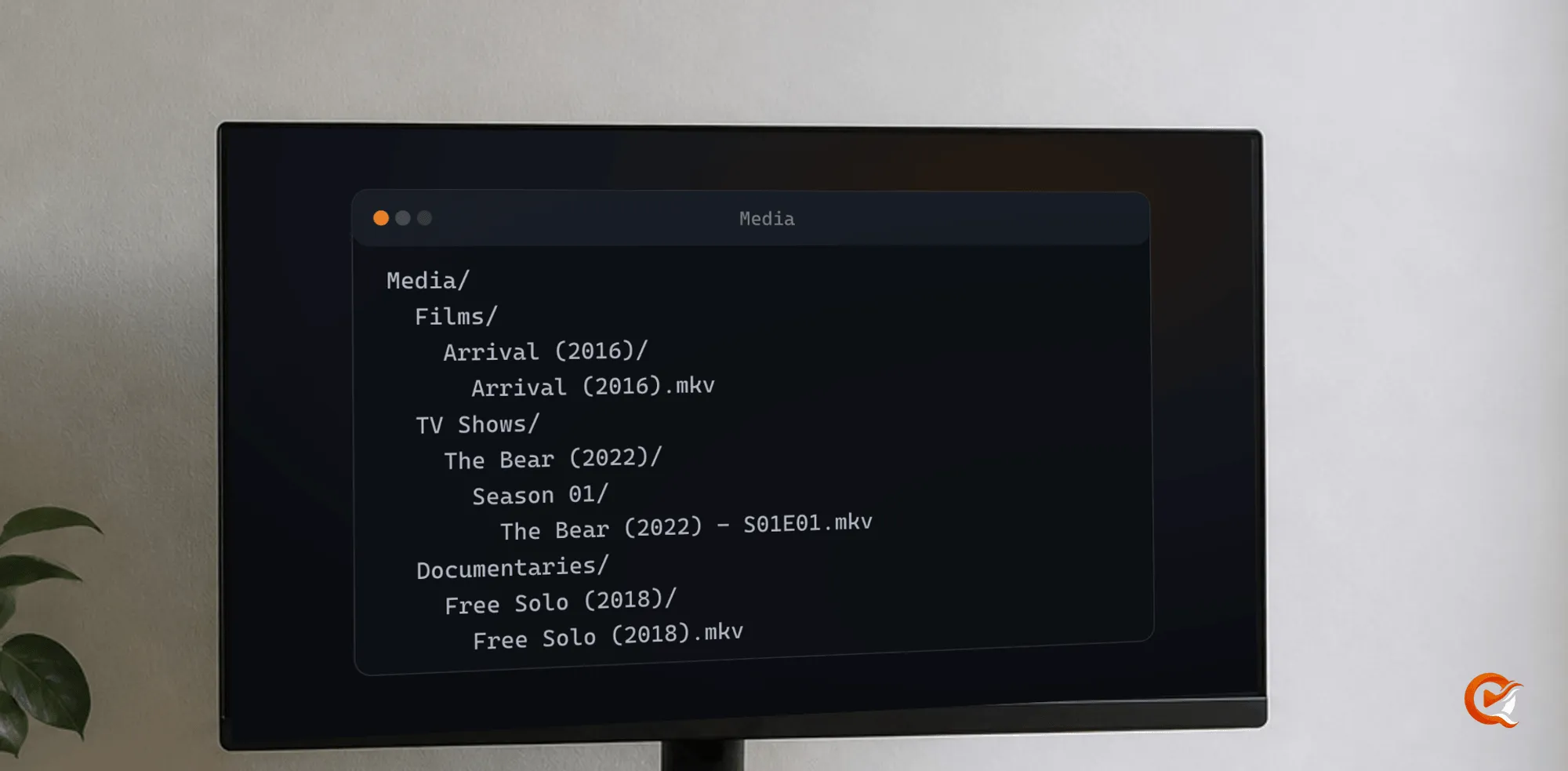
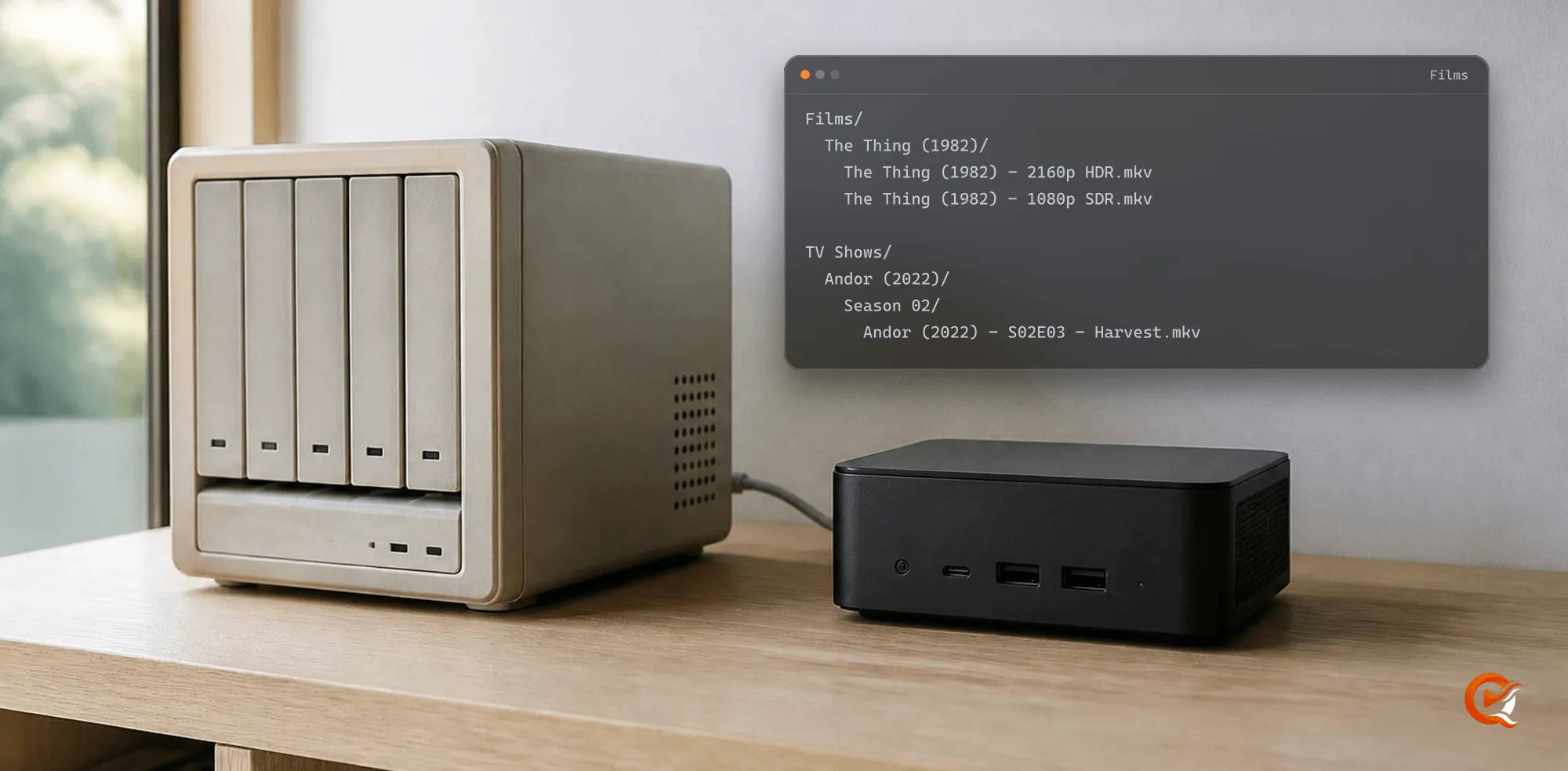
A name has to tell a person what the item is. Title and year do most of the work for films, and a season and episode marker for television:
Films/
  The Thing (1982)/
    The Thing (1982) - 2160p HDR.mkv
    The Thing (1982) - 1080p SDR.mkv

TV Shows/
  Andor (2022)/
    Season 02/
      Andor (2022) - S02E03 - Harvest.mkv
If an item is still ambiguous, stop and check the year, the edition and the actual file before you match it. A catalogue with a few items waiting for review beats a confident one built on the wrong film.
3. Scan, then play
- Scan the sample and read the uncertain matches. A high success rate over a large library still leaves real titles to review: generic names, missing years, foreign release titles and odd edition markers.
- Expand the scan once the sample is right.
- Test what a library has to survive: resume, the source selector, subtitles, one direct-play route and one route that adapts to another device.
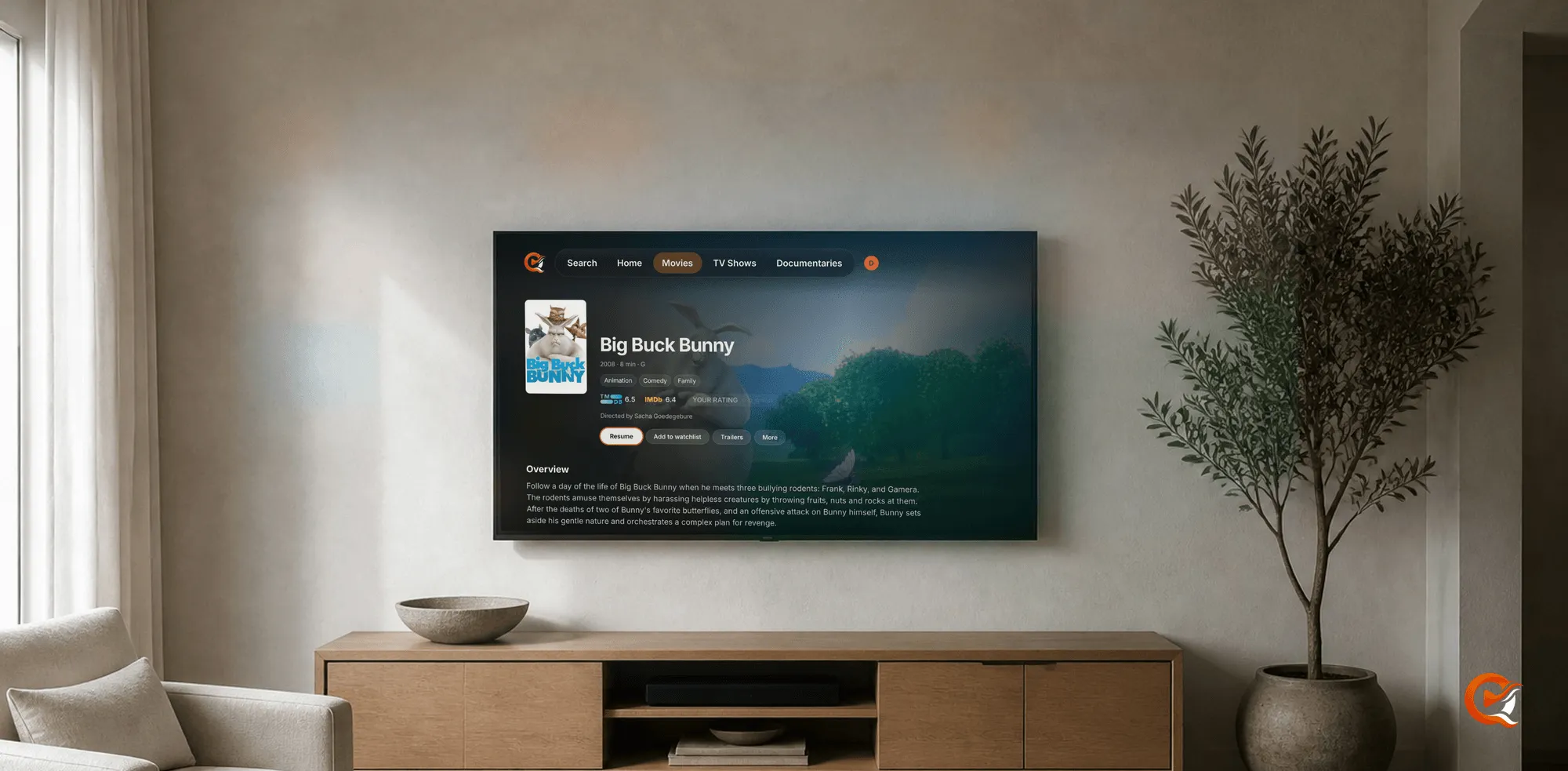
A successful scan only proves the server can read the folders, not that the household gets the version they expect. Quven’s scans leave the source media in place, and Versions lets the viewer choose among several physical sources under one title.
4. Keep both versions of a film
A duplicate is sometimes the right copy. A 4K HDR source can be perfect in the living room while the 1080p copy plays directly on an older screen. An extended cut, a theatrical cut and a version with another language track each answer a different question.
Keep the distinction in the filename: Director's Cut, Extended, 2160p HDR, 1080p SDR or an audio-language suffix.
5. Import the watch history from Plex or Jellyfin
Quven reads the old server directly. The import is one-way, so the old server is never written to and you can import while it’s still running.
- Open Settings, then the Import tab. It’s in the desktop app and the web client, and needs an administrator profile.
- Under Contents to import, switch on watched history, ratings, playback positions, genres, collections and playlists as you need them. Titles match by catalogue identity first and then by the path of their file, so a library you’ve reorganised still lines up.
- Give the source:
- Jellyfin: its address and an API key made in the Jellyfin dashboard. Quven only reads from it.
- Plex: the running server’s address and an
X-Plex-Token, the library database file, or both. The token appears in the browser’s address bar after you sign in to Plex and open any item. Reading the running server needs Quven 1.1.12 or later.
- Read the report before anything is written. It counts what matched, how much this profile had already watched, a matched-of-total figure for every collection and playlist, and what it leaves out with the reason: an item whose identifiers and file path match nothing in your library. Nothing is guessed.
- Confirm.
The Plex token reports watched state for its own account only. The library database holds every account in the house, and without it the report says so before anything is written. Quven opens the database path on the machine the server runs on, never on the computer you’re sitting at, so copy the file where the server can reach it, even if Plex is still running.
Whatever an import writes lands on the profile that ran it, and a profile runs one import at a time. Four Plex accounts mean four passes, each person signed in as themselves and choosing their account under Source account.
Running the same import again changes nothing, so rehearse first, correct the awkward matches and run it for real. It runs as a background job, so a library of a hundred thousand items doesn’t time out, and an import cut off part way continues from where it stopped.
It brings watched state, playback positions, ratings, genres, collections and playlists, not artwork choices or server settings. A title the old server never matched correctly and that sits at another path has nothing to attach its history to: correct the match in Quven first, then import.
6. Keep the way back open
Leave the previous setup alone until the new one has survived a few ordinary evenings: somebody finds a series, the right episode starts, a subtitle turns up and nobody asks where the old version went. Then improve names or remove files in small, reversible batches.
For a new naming structure, read how to organise films and TV shows. To see what the server chooses at playback time, read why native playback changes server load.
Frequently asked questions
Do I have to rename my files first?
No. Leave the folder structure and let the new catalogue show what it understood. Renaming and switching servers in the same evening leaves you nothing to compare against.
What should be ready before I connect the new server?
An independent backup, stable final paths and read access for the account the server runs as.
Will everyone’s Plex history come over, or only mine?
The token alone covers one person. Add the library database and every account in the house is within reach, and you pick whose history to read under Source account. The import still lands on the profile that ran it, so four people means four passes.
Can I run the import twice?
Yes. A second run writes nothing new, so the first pass shows which titles have no identifier or aren’t in your library yet, and the second picks up the history the first couldn’t place once you’ve corrected those matches.