 Quven
Quven'%3e%3cpath%20d='M0%200v40h60V0z'%20fill='%23012169'/%3e%3cpath%20d='M0%200l60%2040m0-40L0%2040'%20stroke='%23fff'%20stroke-width='8'/%3e%3cpath%20d='M0%200l60%2040m0-40L0%2040'%20clip-path='url(%23d)'%20stroke='%23C8102E'%20stroke-width='5'/%3e%3cpath%20d='M30%200v40M0%2020h60'%20stroke='%23fff'%20stroke-width='13'/%3e%3cpath%20d='M30%200v40M0%2020h60'%20stroke='%23C8102E'%20stroke-width='8'/%3e%3c/g%3e%3c/svg%3e)


A media server transcodes when the device in front of it can’t play the file as it sits on the disk, so the server decodes the video and encodes it again into something that device accepts, while direct play sends the file exactly as it is. Quven is a self-hosted media server by Quven Technologies S.R.L., free for personal use, and it’s built to stay on that second path, with hardware transcoding included on every plan for the files that still need converting.
Five things push a server into a transcode, but four of them can be fixed without spending any money.
What is media transcoding?
Transcoding means decoding a video, and often its audio or subtitles, then encoding the result again in a different format, size or bitrate. Direct play costs almost nothing. Direct stream, which moves the same video into another container, costs very little. A transcode is expensive and lossy. So the goal is never to transcode well, but to transcode as rarely as possible.
Why does a media server transcode?
| Trigger | What the server is fixing | Avoidable |
|---|---|---|
| Container | The client can’t demux MKV | Yes, natively |
| Video codec | No HEVC, AV1 or 10-bit decoder | Sometimes |
| Audio codec | TrueHD or DTS-HD the endpoint can’t render | Yes, pick another track |
| Subtitles | A bitmap track painted into the picture | Yes, natively |
| Bandwidth | The bitrate is above what the link carries | Only by lowering quality |
The first row has nothing to do with hardware. A browser accepts fragmented MP4 and a short list of codecs, so most of a typical shelf gets converted before it reaches a tab, which is why the native clients exist.
Which hardware encoders can a media server use?
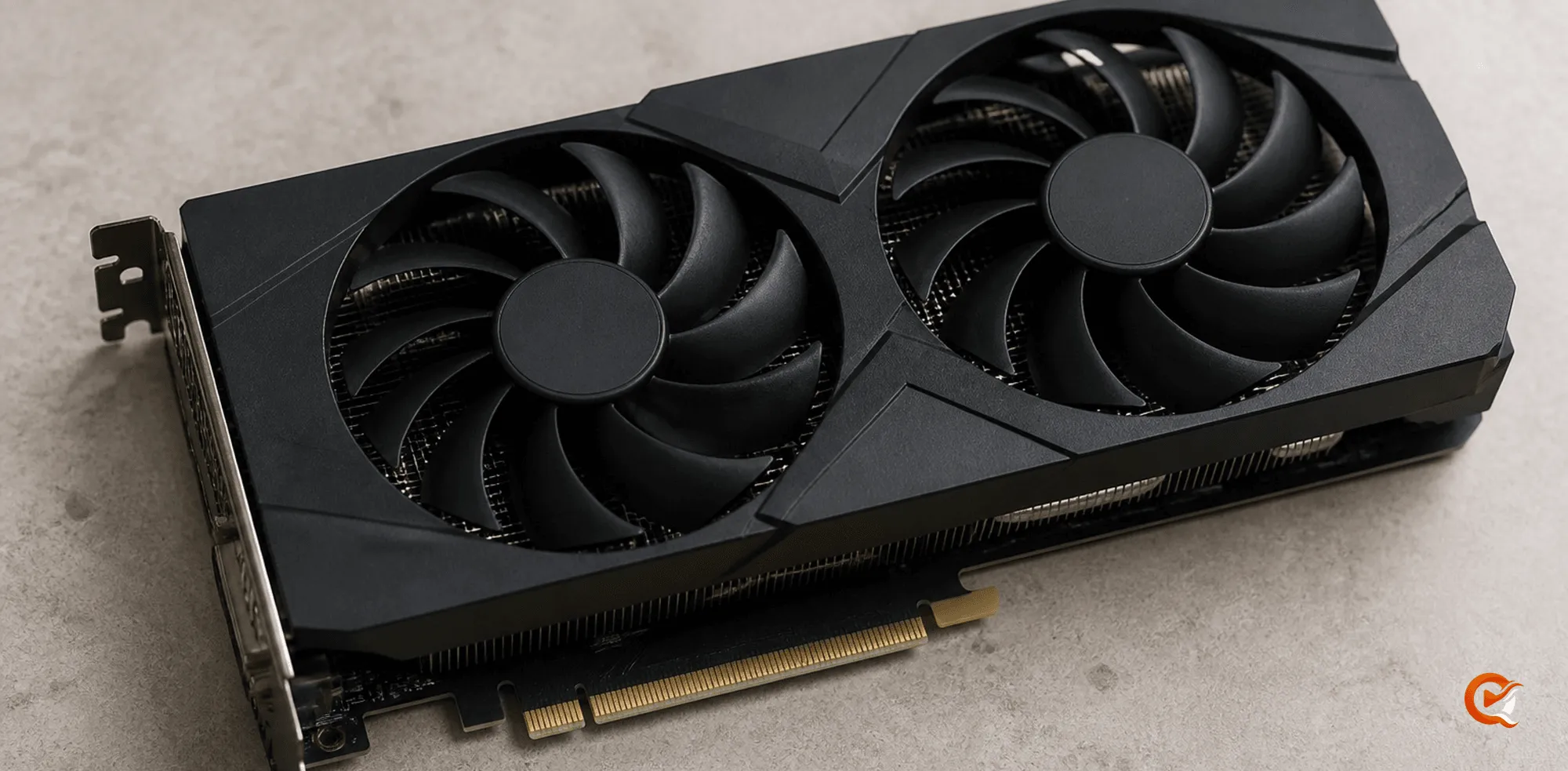
When a transcode can’t be avoided, what matters is which chip does it. Quven finds the accelerator on its own, and every backend below is free.
| Encoder | Hardware |
|---|---|
| NVENC | NVIDIA cards |
| Quick Sync | Intel integrated graphics |
| VAAPI | Intel and AMD on Linux |
| AMF | AMD cards on Windows |
| VideoToolbox | Macs |
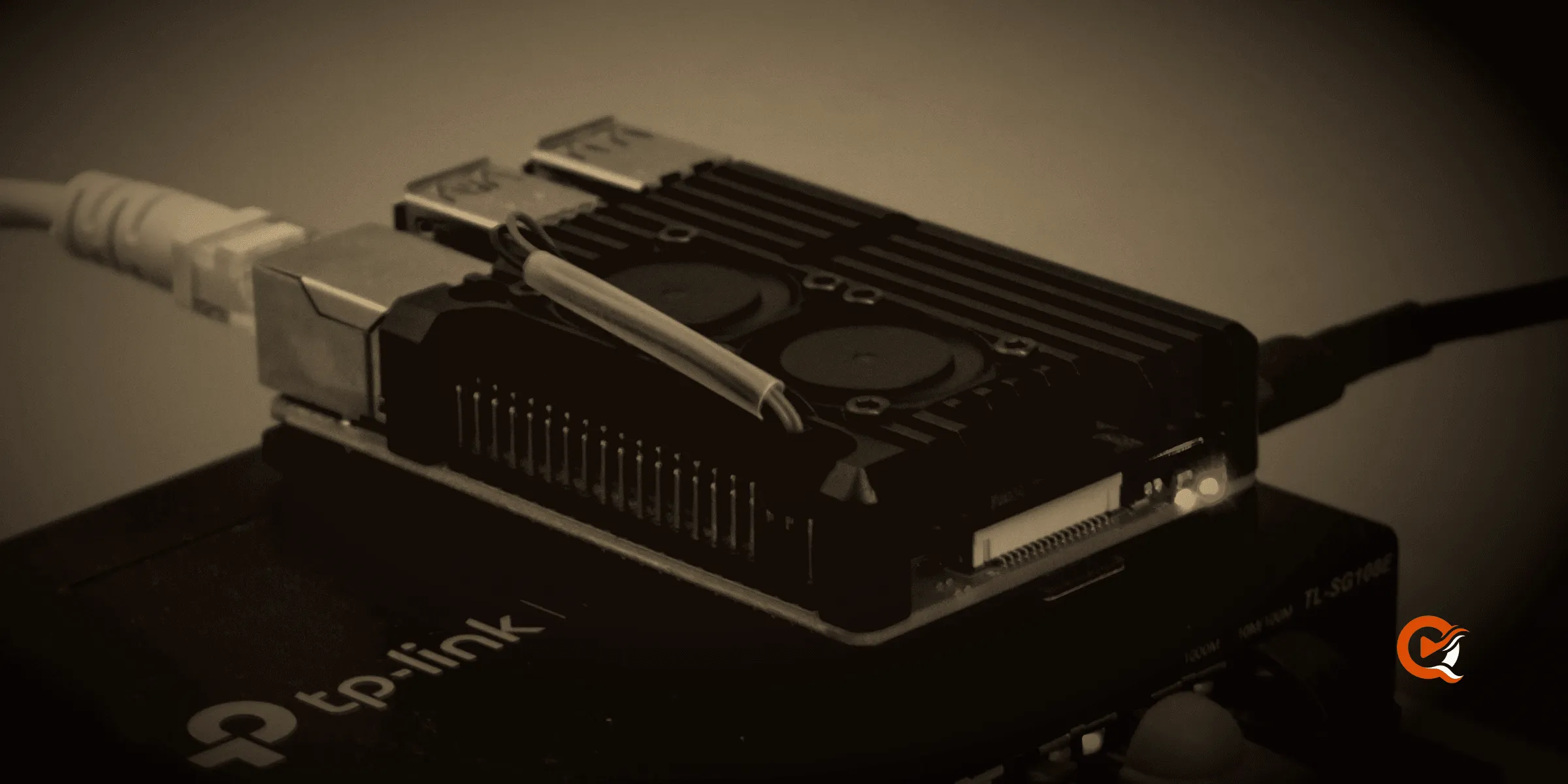
| V4L2 | ARM boards |
They aren’t interchangeable: a Raspberry Pi has a V4L2 encoder and no VAAPI. An Intel N100 has Quick Sync. Quven tries NVENC first and V4L2 last, and the backends your machine validated are listed on the Info & Diagnostics tab, where an administrator can pin one under Settings, on the Quality tab.
Is a session being encoded in software? A container that can’t see the render node drops back to software without saying so, and the only sign is a processor running flat out (Docker guide). Which servers charge for hardware transcoding has its own answer, and in Quven it’s one of the nine capabilities of the free plan.
How does HDR tone mapping work during a transcode?
An HDR10 or Dolby Vision master shown on an SDR screen without tone mapping looks washed out and grey. Quven maps with a Hable curve, which keeps the detail in the bright parts, and a native client that can take the HDR signal gets it untouched.
Why do subtitles make a media server transcode?
Text subtitles cost nothing, but PGS on a Blu-ray and VobSub on a DVD are pictures, and painting a picture onto the frame means re-encoding every frame it touches. But there’s a better way out than turning subtitles off: Quven’s native apps draw them themselves, and with Max the server can read a bitmap track into text once (why that’s hard), after which the film plays untouched again.
How do you keep direct play?
- Use a native client wherever the screen allows one, since the browser path is the one that converts most of what you own.
- Keep a compatible audio track beside a lossless one, because audio alone can force a transcode on some devices.
- Turn bitmap subtitles into text once, so that nothing has to be burned into the picture every night.
- Away from home, mind the upload: a 4K remux at 60 Mbps won’t go through a 10 Mbps uplink whatever codec you pick (remote access without opening a port).
If you’d rather see it than read it, download Quven, play the film that transcodes on your current server, and open the player’s stats panel, which names the decision for every title, because you may find that the film which stuttered was never a hardware problem at all.
Frequently asked questions
Does transcoding lose quality?
Yes, because it’s a lossy re-encode of something that was already lossy, although at a generous bitrate you’ll struggle to see it on most material.
How many streams can a home server transcode at once?
Several 1080p sessions are comfortable on a modern Intel or NVIDIA encoder, while on the processor alone one stream can take every core.
Do I need a graphics card for a media server?
Not if your clients play files directly, though an encoder pays off once several people watch at once, because a single transcode on the processor alone can keep every core busy for the length of a film while the rest of the household waits.
Is hardware transcoding free?
In Quven, yes, on every plan, with NVIDIA, Intel, AMD, Apple and V4L2 encoders.
What is the difference between direct play and direct stream?
Direct play sends the file untouched, while direct stream repackages it into another container.
Community
Comments
0 comments
No comments yet. Start the conversation.