 Quven
Quven'%3e%3cpath%20d='M0%200v40h60V0z'%20fill='%23012169'/%3e%3cpath%20d='M0%200l60%2040m0-40L0%2040'%20stroke='%23fff'%20stroke-width='8'/%3e%3cpath%20d='M0%200l60%2040m0-40L0%2040'%20clip-path='url(%23d)'%20stroke='%23C8102E'%20stroke-width='5'/%3e%3cpath%20d='M30%200v40M0%2020h60'%20stroke='%23fff'%20stroke-width='13'/%3e%3cpath%20d='M30%200v40M0%2020h60'%20stroke='%23C8102E'%20stroke-width='8'/%3e%3c/g%3e%3c/svg%3e)


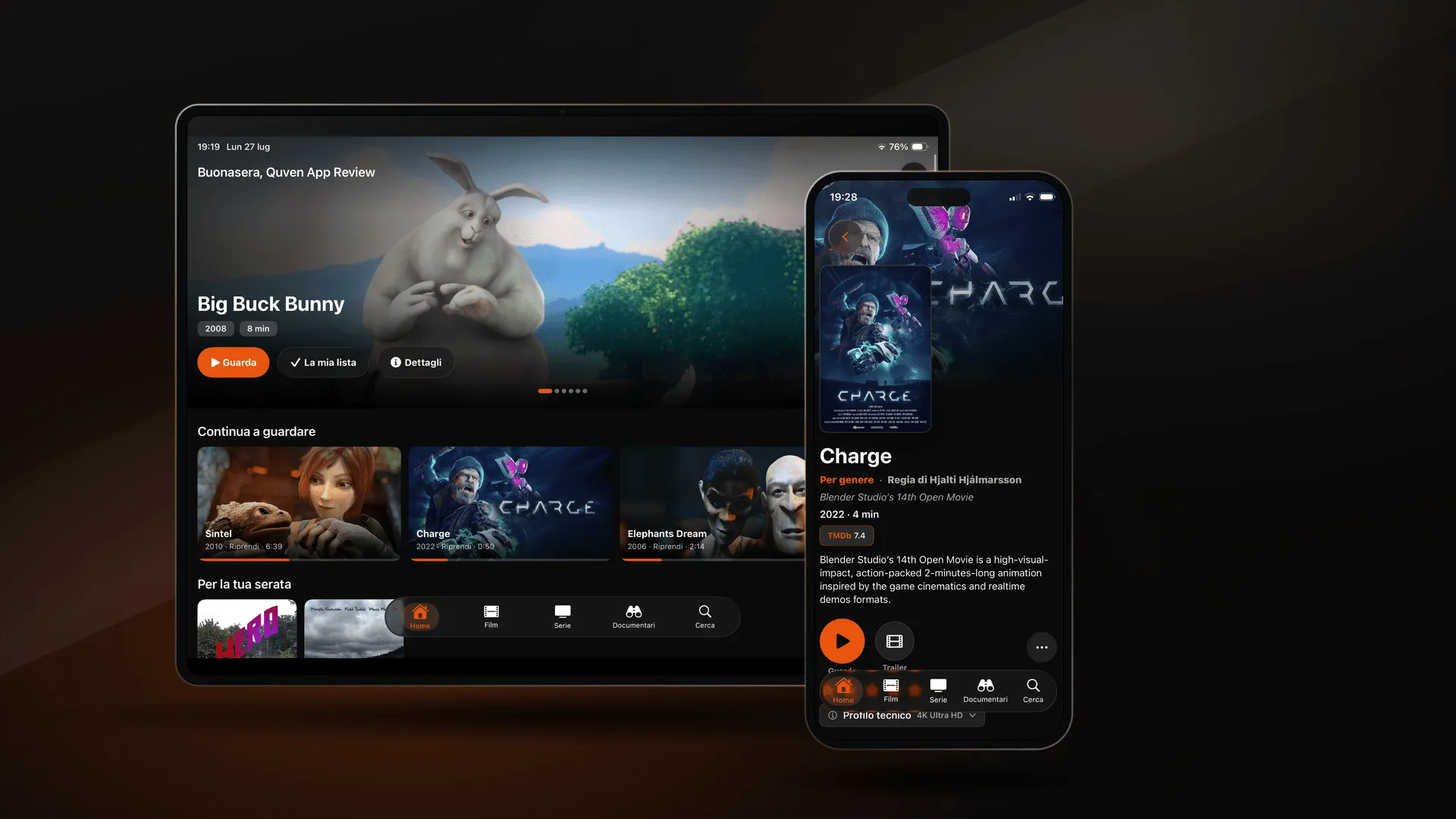
Apple approved Quven for iPhone and iPad on the first submission, and the app is now free on the App Store. It needs iOS or iPadOS 17, and it connects to the Quven server you already run.
It’s a client, not a media library
Quven for iOS comes with nothing to watch. It is a window onto a Quven server that runs on your own machine, with your own files on your own disk, so if you install it without a server you’ll get a sign-in screen and an empty library. Setting one up takes a Windows, macOS or Linux machine, or a Docker host. Once it’s running and linked to your Quven Account, the app lists it as soon as you sign in, and the first film is a few taps away. We would sooner say that plainly than have somebody download the app expecting a streaming service, only to find an empty library. The model hasn’t changed since the first release: the library is yours, it stays on your hardware, and every client is a different way of looking at it, whether that’s a desktop window, a phone or a television.
Native, not a web page in a costume
Anybody shipping a mobile client for a server product has a shortcut: take the web interface, wrap it in a shell, put an icon on it and call it an app. It works, but whoever is holding the phone will notice within about ten seconds. Quven for iOS is written in SwiftUI, and the iPad layout was designed for the iPad, so nobody stretched a phone screen sideways until it filled the space. Picture in Picture and AirPlay behave the way they do everywhere else on iOS, because they’re the system’s own. Details like that go unnoticed when they’re right. They’re the first thing people see when they’re wrong.
Playback is the part that took the longest
Although the visible half of a media client is the browsing, the half that decides whether people keep it is what happens after they press Play. Quven’s mobile clients don’t go through a stock player: they use the same native playback work as the desktop client, so when your device can decode the file, it plays the file, and the server doesn’t re-encode anything it doesn’t have to. That’s the whole argument for a native client over a browser tab, and it’s also the reason this part took months rather than weeks.
Android and the television
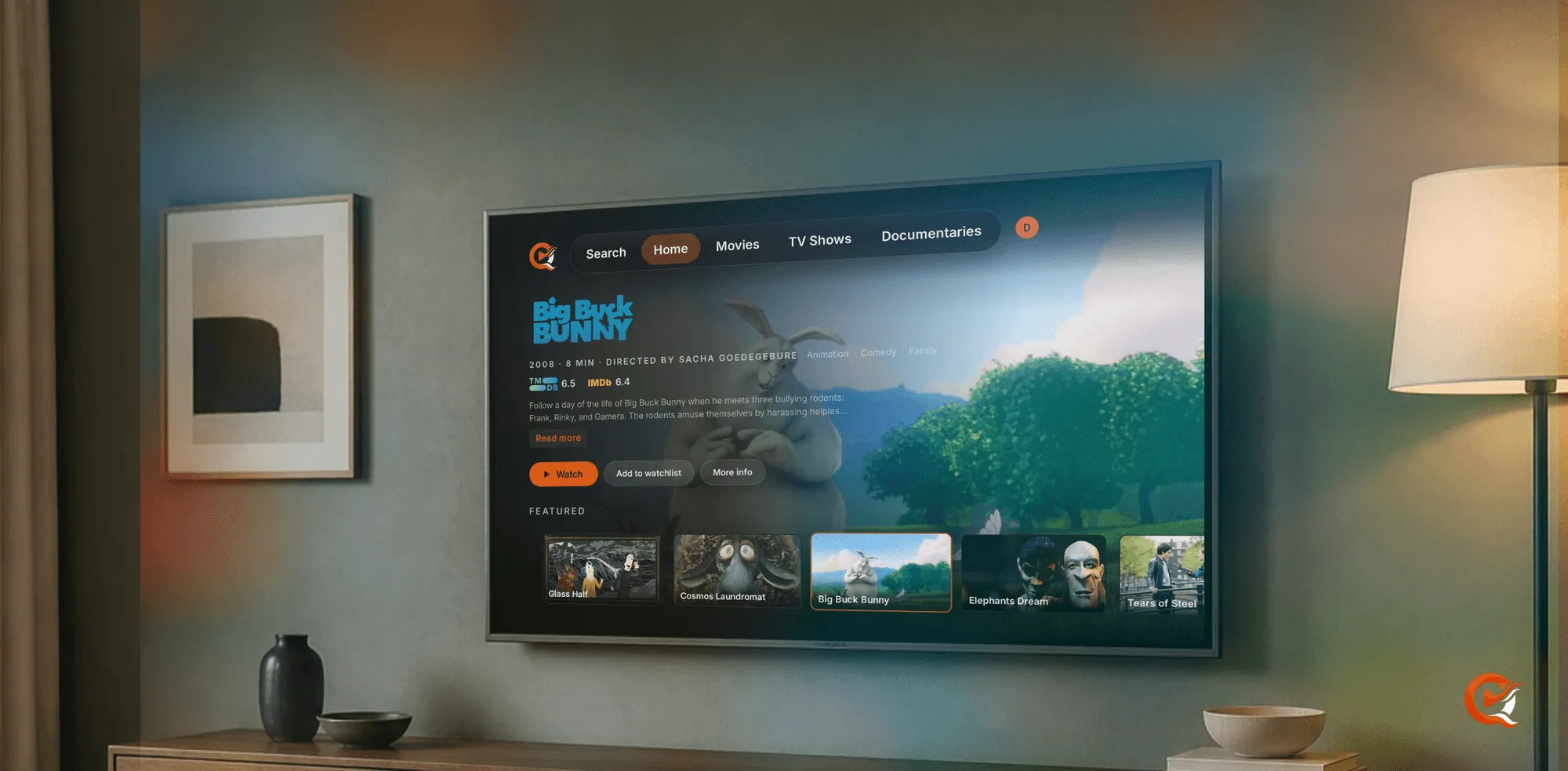
The Android app is public on Google Play, in one listing that covers phones, tablets and Android TV. The same television app is on the Amazon Appstore for Fire TV.
The feedback that helps most
The useful feedback is the specific kind: the thing you went looking for and couldn’t find, the screen that felt slower than it should have, the control that didn’t respond as you expected. Could a detail like that really change the app? It usually does, and the support page is where you can send it.
Quven for iPhone and iPad on the App Store
Frequently asked questions
Do I need a Quven server to use the app?
Yes. The app is a window onto a server running on your own machine, with your own files on your own disk, so install it without one and you will get a sign-in screen and an empty library.
Is it the web interface in a wrapper?
No. It is written in SwiftUI, the iPad layout was designed for the iPad, and Picture in Picture and AirPlay behave the way they do everywhere else on iOS because they’re the system’s own.
Is there an Android app as well?
Yes. It’s public on Google Play, in one listing that covers phones and tablets as well as Android TV, and Fire TV has the same app on the Amazon Appstore.


Community
Comments
0 comments
No comments yet. Start the conversation.