 Quven


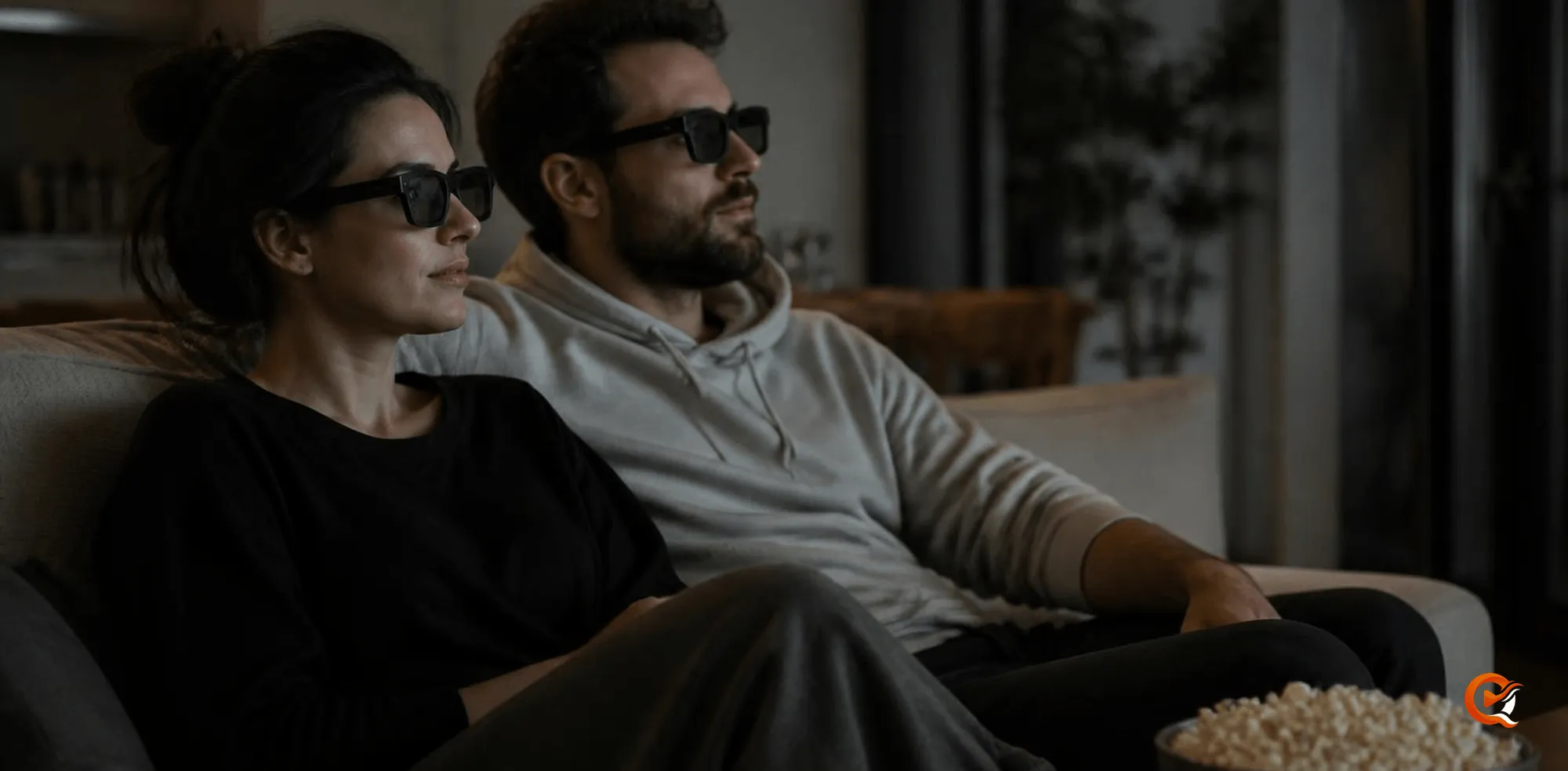
Play it from a server that keeps the frame whole, on a screen that has a 3D mode. Quven is a self-hosted media server by Quven Technologies S.R.L., free for personal use, and it plays a side-by-side or top-and-bottom film on every plan, then leaves the 3D television or projector to split the picture into the two views your glasses need.
What does the server have to get right?
A side-by-side file is an ordinary video whose frame holds the left view and the right view next to each other. A server can’t add depth to it, but it can easily lose it. Quven doesn’t:
- the native apps play the file directly whenever the device can decode it, so the frame reaches the screen untouched;
- when a transcode is needed, the two views travel through it as pixels, and the display still splits them;
- a subtitle is never burned into a 3D picture, where it would land half in each eye: the server refuses before it encodes a single frame, and the player says why;
- the 3D copy can stand apart from the 2D one, so the library shows you which is which.
How should I name the file?
Put the layout in the name, beside 3D, so the scan can read it:
Films/
  The Film (2009)/
    The Film (2009).mkv
The Film (2009) 3D-HSBS.mkv- Quven reads
3Dtogether withSBS,TAB,TBT,Side-by-Side,Top-and-BottomorOver-Under, on either side of it and with a half or full prefix. - The compounds
HSBS,Half-SBS,H-TABandFull.OUcount on their own. - A bare
3DorSBSisn’t enough, since titles use those letters too. {edition-3D}anywhere in the name works on every plan.
How do I watch it in 3D?
- Name the file as above, then choose Rescan from the library’s menu in the sidebar.
- Open the 3D copy. Its card carries a 3D badge, and the 2D film’s page lists it under Alternate editions, where Go to edition takes you to it.
- Press play in the app on the device wired to your 3D television or projector: the desktop app on a PC, the Android TV or Fire TV app, or the web client in that PC’s browser.
- Set the display to its side-by-side mode from its own 3D menu (top-and-bottom for a TAB file) and put your glasses on.
Burning in is how a server shows Blu-ray subtitles to a screen that can’t draw them, so with a 3D film the web client doesn’t offer such a track, and the television app marks it unavailable in a 3D video.
How do Plex and Jellyfin handle it?
| Quven | Plex | Jellyfin | |
|---|---|---|---|
| Layout read from the name | 3D-HSBS, Half-SBS, Side-by-Side, Top-and-Bottom, before or after 3D |
None documented: you name an edition yourself | 3D first, then hsbs, fsbs, htab, ftab or mvc |
| What the 3D copy becomes | Its own 3D edition, with a card and a watched mark | An edition | A version in the film’s list |
| Keeping it apart costs | Nothing with {edition-3D}; Pro reads the layout for you |
A Plex Pass on the server owner’s account | Nothing |
Plex’s Multiple Editions page, last modified on 7 July 2026, says editions need a Plex Pass on the server’s admin account and suggests one for a 3D version. Jellyfin’s Movies page gave the third column. We read both on 23 October 2026.
Where can I play it?
Every Quven app plays films: the desktop app for Windows and macOS, the apps for iPhone and iPad, for Android phones, tablets and TV and for Fire TV, and the web client at app.quven.tv, which comes with Pro. Apps for Samsung and LG televisions and for Apple TV are coming. For depth, though, you’ll want the app on the device that’s wired to the 3D display.
Not every device decodes every codec, which is why a server transcodes at all. Quven does it on the graphics card on every plan, and the 3D comes through.
Which plan do I need?
- Playing a 3D film, side by side or top and bottom, is free on every plan, and so is
{edition-3D}. - With Pro, Max or Lifetime, Quven reads the layout from the name and gives the copy an edition of its own. On Free that file joins the 2D film as a version, and it still plays in 3D.
- Remote access you set up yourself is free too, and no plan shows advertising.
- Lifetime is every Max capability for one payment, and its price rises at each step of the published schedule. The annual plan costs less than twelve months paid one at a time.
Still weighing them? This comparison of lifetime licences sets the two side by side, the plans page lists what each one carries, and the server is one download away.
Frequently asked questions
Does a transcode break the 3D effect?
No. The two views are part of the picture, so they come through a transcode as pixels and the display can still split them.
Will watching the 3D copy mark the 2D film as watched?
Not when it’s an edition. Each edition keeps its own watched mark and resume point, so the 2D film stays where you left it.
Community
Comments
0 comments
No comments yet. Start the conversation.