 Quven
Quven'%3e%3cpath%20d='M0%200v40h60V0z'%20fill='%23012169'/%3e%3cpath%20d='M0%200l60%2040m0-40L0%2040'%20stroke='%23fff'%20stroke-width='8'/%3e%3cpath%20d='M0%200l60%2040m0-40L0%2040'%20clip-path='url(%23d)'%20stroke='%23C8102E'%20stroke-width='5'/%3e%3cpath%20d='M30%200v40M0%2020h60'%20stroke='%23fff'%20stroke-width='13'/%3e%3cpath%20d='M30%200v40M0%2020h60'%20stroke='%23C8102E'%20stroke-width='8'/%3e%3c/g%3e%3c/svg%3e)


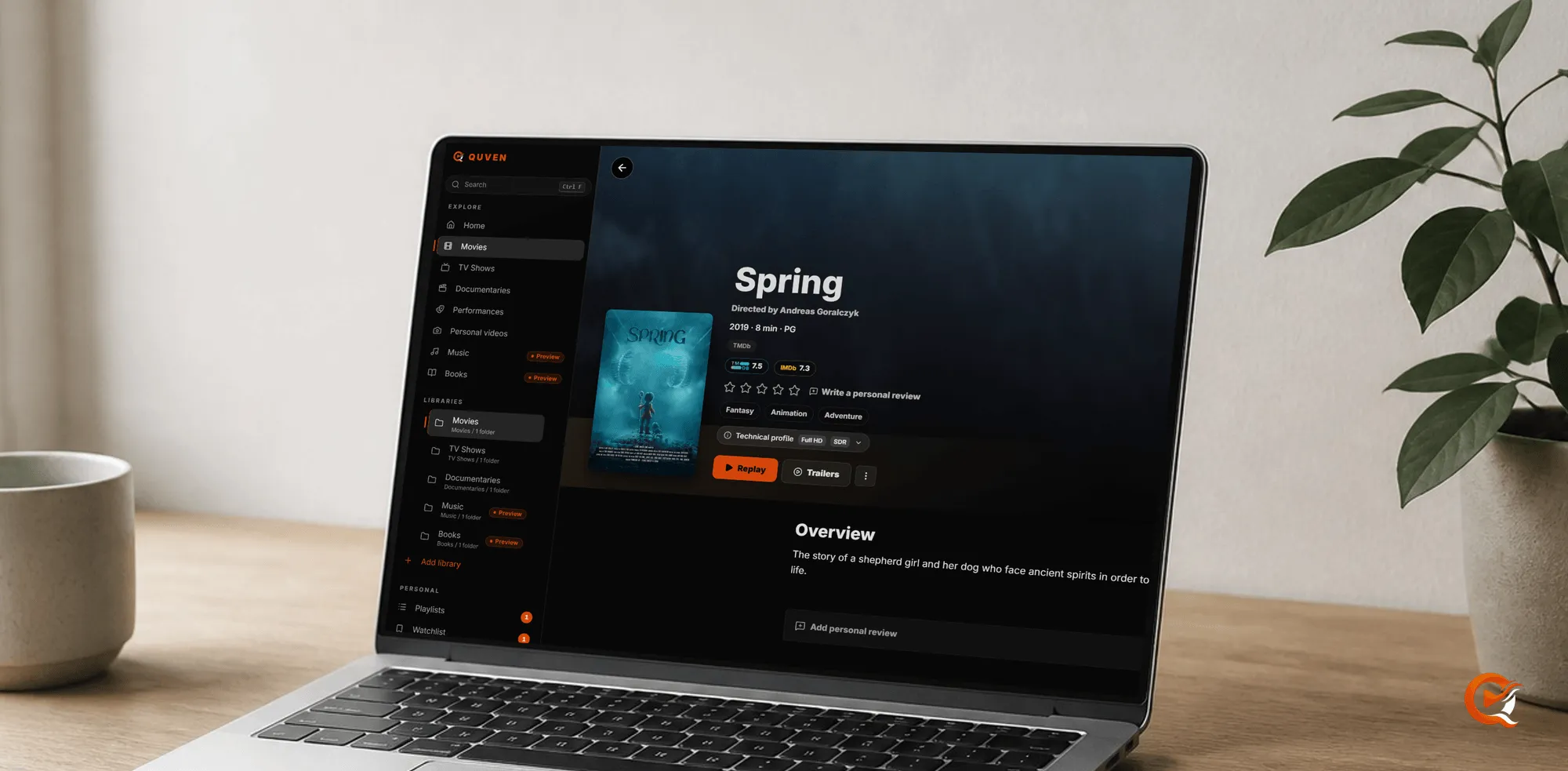
Until this release, when Quven matched a film to the wrong title, the only fix was to rename the folder on disk until the matcher agreed. That got the relationship the wrong way round: the files are yours, named the way you decided, on disks you own, and the catalogue is only an index over them, so 1.1.4 lets you correct the index and leave the files alone, whatever the matcher made of a title and however its folder happens to be named.
Correct the catalogue, not your archive
Some titles won’t match however you name them. A remake shares its name and its decade with the original, a film’s local release title belongs in the catalogue to a different production, and a documentary series isn’t listed anywhere the way your folders describe it. From this release you can correct the entry instead. Open the title in the desktop app or the web client and edit what’s wrong: the name, the year, the overview, the artwork or the poster. The correction is yours, it’s stored beside the library and it’ll survive the next scan, while the file on disk keeps the name that made sense to you.
Bring your history with you
When you move servers the files come with you. They never moved. The part that usually gets lost is the record of what the household has already watched: the series somebody was three episodes into, the film finished last winter, the playlists built up over years. Quven now reads that record straight out of an existing Plex or Jellyfin installation. Point the import at the old server, and Quven finds its database, shows you what it’s about to bring over, then transfers watched state and playlists. Titles are matched by catalogue identity, so a library you’ve already reorganised should still line up, and since the old server is only read, never modified, you can run the import while the previous setup is still standing.
What doesn’t come across? Watch state and playlists do. Artwork choices and server settings belong to the new server anyway, so they stay behind, and a title the old server never matched correctly has nothing to attach its history to, so you should correct the match first and import after.
Bonus material is recognised as such
Trailers, featurettes, behind-the-scenes reels, deleted scenes and interviews used to be catalogued as films of their own, which crowded the catalogue with stray entries. That’s over: they’re now recognised as bonus content belonging to the film or series next to them, whether they sit in a Featurettes or Extras folder or carry one of those words in the filename. If you’d been keeping them outside the library because of that, you can bring them back in. And each one belongs to its title.
See what the server is actually doing
There’s a live view of playback now: who’s watching, from where, over which route, and the technical detail of the file each session is playing. It shows only the sessions that are actually playing and credits each client’s progress to that client, so it’s a view you can trust when the whole household is watching at once.
Sign in on a screen with no keyboard
Signing a client in on a remote screen used to mean typing your account password on it, which you shouldn’t have to do on a television. Now the client shows a short code. You approve it in the account portal, and the password never appears on the far screen at all.
Away from home, at the quality you chose
Automatic quality follows what the connection sustains, which away from home is usually the right answer. When you choose a quality by hand, though, the managed relay now allows up to 2160p. The limit was a server default, so the change reaches every client at once without a client update.
The smaller repairs you will still notice
Continue watching shows one card per series, where it used to show one per episode. Scanning a series is faster, because each season’s translations are fetched once per scan instead of once per episode, and show status is written in the language you selected. Corrected artwork loads through the managed relay, and artwork left behind by a deleted correction is cleaned up. A library folder at the root of a disk no longer has its files treated as outside itself. Deleted files now leave that library as they should. And when the database can’t be put into write-ahead-log mode, the server says so in its log.
Hardware transcoding, repaired on every platform
Windows and Linux servers get the hardware-transcoding work that reached the Docker image first. Intel servers convert HDR films to SDR on the graphics chip: on a 4K HDR title, that moved the same conversion from about fourteen processor cores to a quarter of one, and a server with both an integrated and a dedicated card now uses the dedicated one. Before it trusts a graphics device, the server also checks that the device returns frames with their colour unaltered. A device that fails the check is skipped, and if none passes, the processor does the job, more slowly and with the right colours.
Where to get it
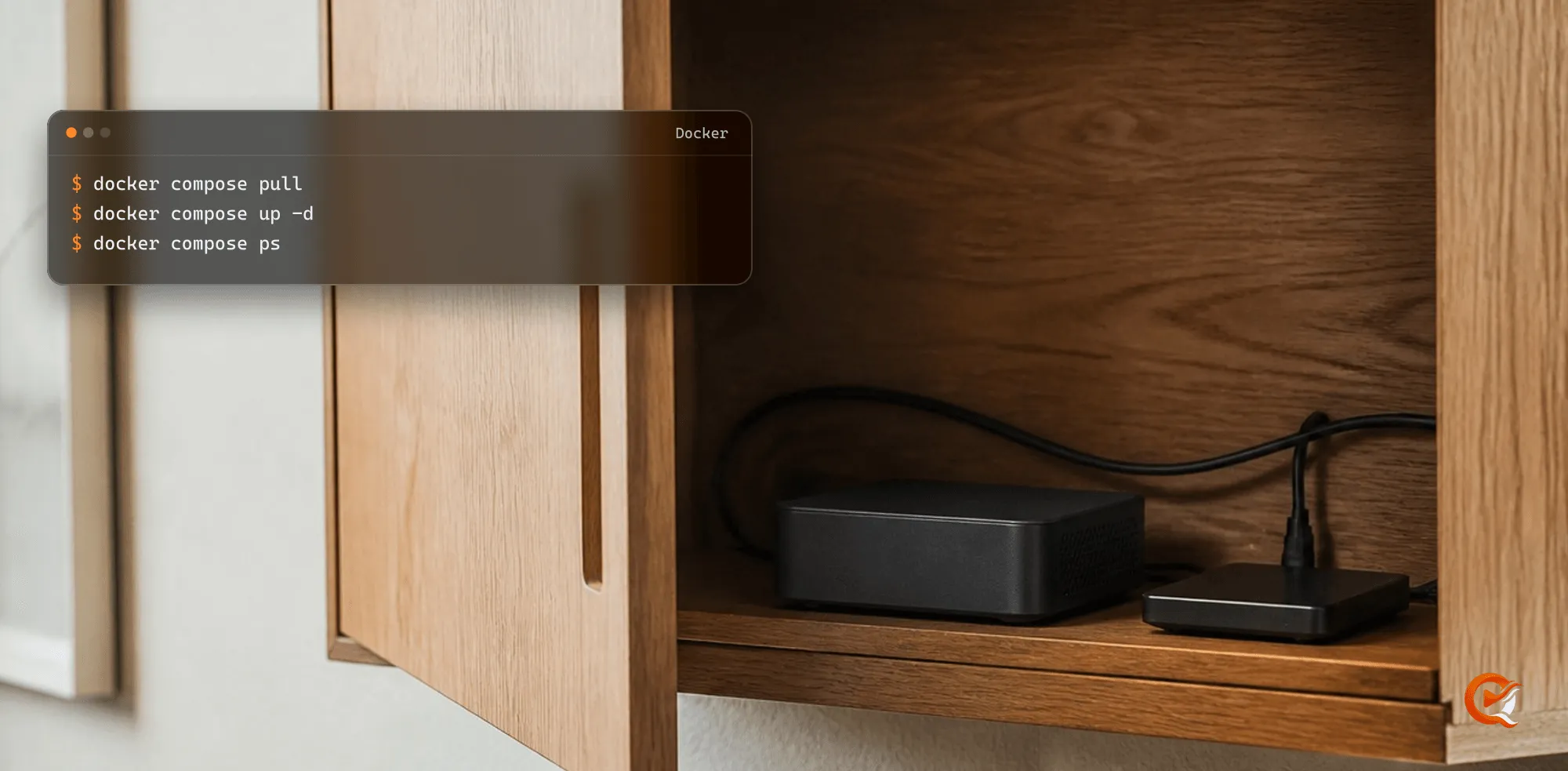
Windows and Linux installations update themselves. The signed Docker image is ghcr.io/nickayl/quven:v1.1.4 for Linux AMD64 and ARM64, with its versioned Compose bundle, Cosign public key and SPDX attestations published at quven.tv/docker/1.1.4/, and macOS received the same version shortly after. Everything described here that runs on your own machine is included in the free plan.
Community
Comments
0 comments
No comments yet. Start the conversation.