 Quven
Quven'%3e%3cpath%20d='M0%200v40h60V0z'%20fill='%23012169'/%3e%3cpath%20d='M0%200l60%2040m0-40L0%2040'%20stroke='%23fff'%20stroke-width='8'/%3e%3cpath%20d='M0%200l60%2040m0-40L0%2040'%20clip-path='url(%23d)'%20stroke='%23C8102E'%20stroke-width='5'/%3e%3cpath%20d='M30%200v40M0%2020h60'%20stroke='%23fff'%20stroke-width='13'/%3e%3cpath%20d='M30%200v40M0%2020h60'%20stroke='%23C8102E'%20stroke-width='8'/%3e%3c/g%3e%3c/svg%3e)


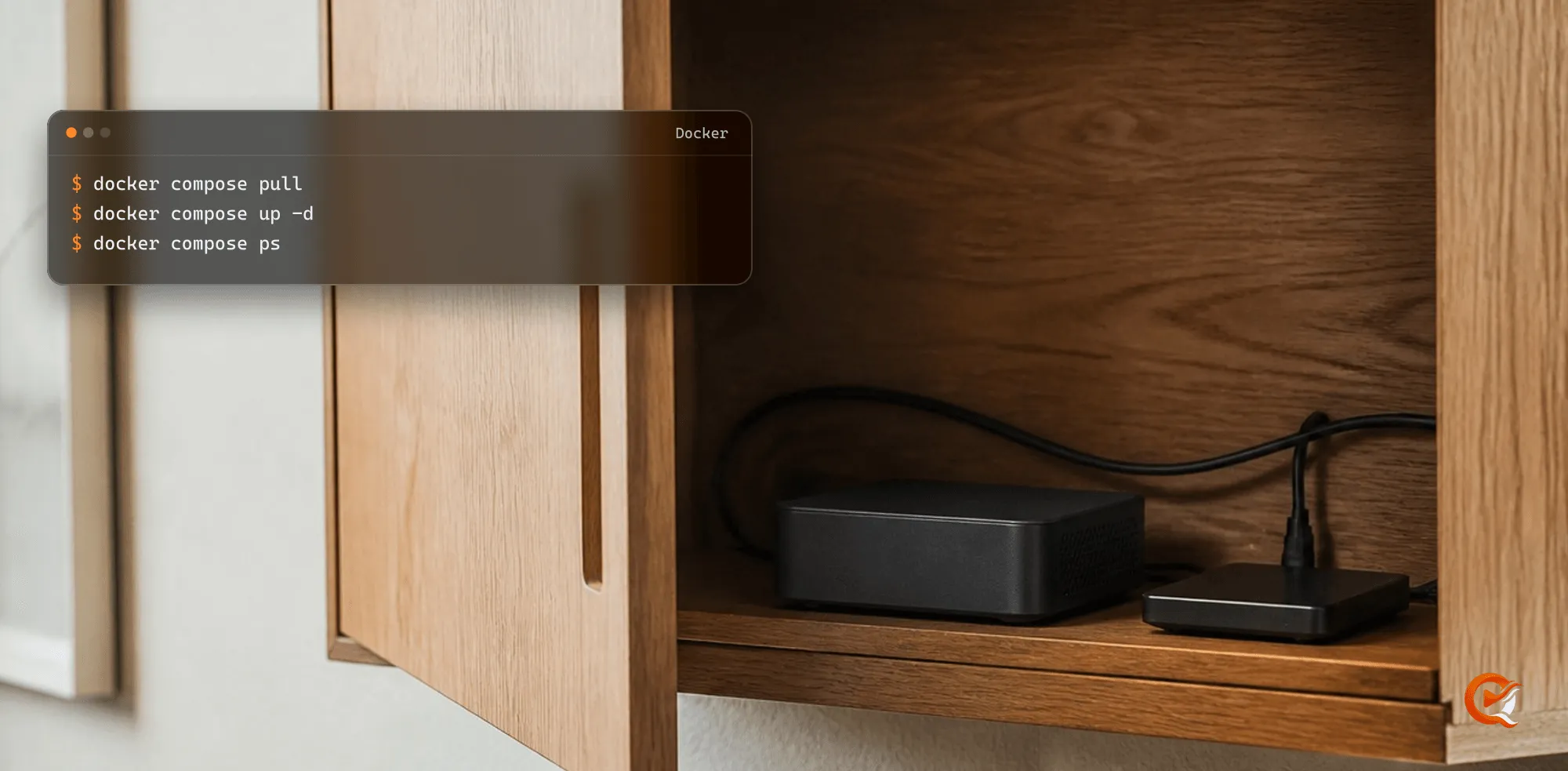
A container looks like a neutral box until something needs the hardware. The server starts, the library scans, the health checks are green, and then the first film needs a transcode and the GPU turns out to exist only outside the container. At that point you’re reading about device permissions instead of watching anything.
We didn’t want Docker support to mean that Quven happened to boot inside an image. The container should behave like any other Quven Server: discoverable on the home network, linked to the same account, keeping its state across restarts, leaving the library alone, and able to say which piece of hardware is doing the work. It’s public now.
We did not want to publish just an image
A registry will hold anything that reaches the end of a build. That alone doesn’t make it a release. The Quven image is built for Linux AMD64 and ARM64, published under one versioned coordinate, signed with Cosign and shipped with an SPDX attestation, and the public manifest records the digest of the image index and of each platform, which is the detail that lets you prove what’s running. And that matters the day a container gets recreated on a different machine, because a version tag tells you what you asked for and a digest tells you what actually arrived.
The Compose environment points at the latest tag, and that’s deliberate. docker compose pull and docker compose up -d bring each release and its corrections to your server, whereas a pinned version number would keep a later correction from reaching it. You’ll still know which release arrived, since every manifest records its digest.
The library comes in, but it is not handed over
A container is easy to replace and a personal library isn’t, and the default setup starts from that difference. Quven keeps its database and its configuration in a persistent volume, with the logs beside them. The media directory is the one place it writes into your library, and the only thing it puts there is a subtitle it generated for a film, beside that film, while the process itself runs without Linux capabilities, can’t raise its own privileges and sees a read-only root filesystem. None of that can make a badly administered host safe. But it gives an ordinary installation sensible boundaries before anyone has thought about hardening.
And the lifecycle stays uneventful. Recreate the service and the state is still there. Change the image and the media paths don’t move. Roll back, and the previous digest still names the exact thing that used to run.
Hardware acceleration is not one checkbox
Does a container see the host’s GPU? Not on its own. NVIDIA, VA-API and V4L2 expose different interfaces, and Raspberry Pi HEVC decode uses the stateless Request API, which is a fourth, so a single device mount that claims to cover all of them looks convenient and fails on the first difficult file.
So the published bundle treats hardware profiles as alternatives. Start with the base service. If CPU playback already covers your library, you can stop there. If the host has an interface you’ve verified, add the matching NVIDIA, Intel/AMD or ARM profile, with only the devices it needs. A missing value fails before startup instead of silently exposing all of /dev. It’s less convenient than an accelerate=true switch, but it’s much easier to understand when something changes after a kernel or driver update.
Tested with the public image
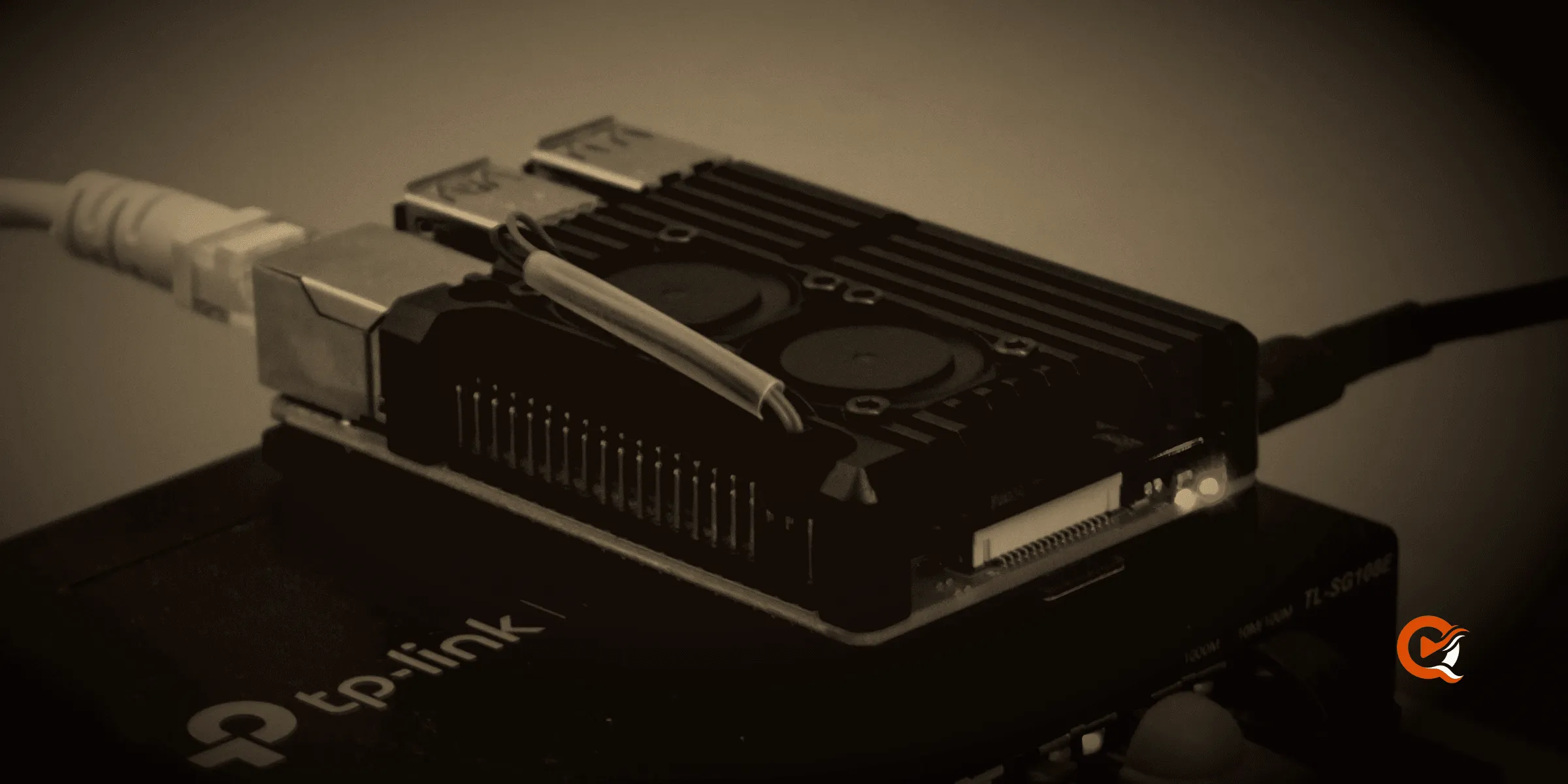
For ARM64 we pulled the exact public multi-architecture image onto a Raspberry Pi 4, linked a real server and streamed through authenticated HLS, using the published Compose profiles, the same ones you’d download. H.264 decode and encode ran through V4L2, and an HEVC source used the Pi’s Request decoder with hardware H.264 encode and produced roughly one and a half seconds of output for every second measured, and in a longer manual playback the buffer stayed well ahead of the viewer. Although the Pi is an inexpensive small computer, its hardware blocks were doing the work they were built for.
But another ARM board or a NAS may expose different interfaces, and the guide says so: check what’s actually active on the box before choosing a profile.
Download a release, not a promise
The quick path is short on purpose. Download the Compose file and the environment template, point QUVEN_MEDIA_DIR at the library, and then validate the setup, start it and link the server. The optional hardware profiles come afterwards, one per hardware family, so you only run the commands that apply to your machine.
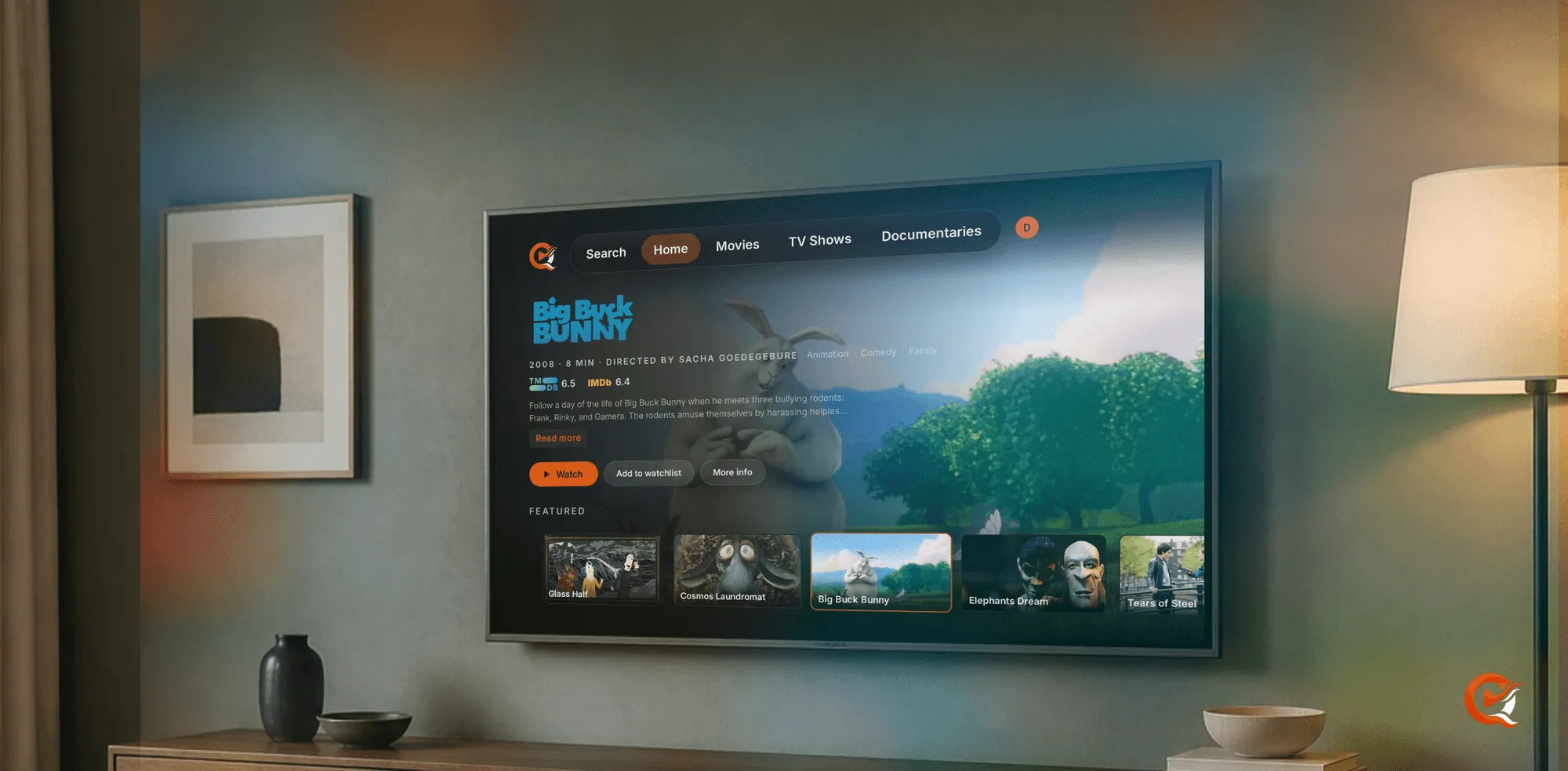
The image is Server-only. The native clients still provide the local experience, and with Pro the hosted web client can reach a linked server through the managed relay. Docker changes where the server lives and nothing else about it. Start with the Docker download on the Quven Downloads page, then follow the complete Docker setup guide.
Frequently asked questions
Why publish a digest as well as a version tag?
A version tag tells you what you asked for. The digest tells you what actually arrived. Both are in the public manifest, for the image index and for each platform, so a container recreated on another machine can be shown to be the same one.
Can the container touch my media?
Only to put a subtitle it generated beside the film it belongs to. QUVEN_MEDIA_READ_ONLY=true in your .env stops even that. The process runs without Linux capabilities, can’t raise its privileges and sees a read-only root filesystem. Everything Quven keeps lives in a persistent volume that survives the service being recreated.
Does hardware transcoding work on a Raspberry Pi?
On the Pi 4 we tested, yes, through V4L2 for H.264 and the Request decoder for HEVC. On another ARM board or a NAS, check which interfaces are active before choosing a profile.

Community
Comments
0 comments
No comments yet. Start the conversation.