 Quven


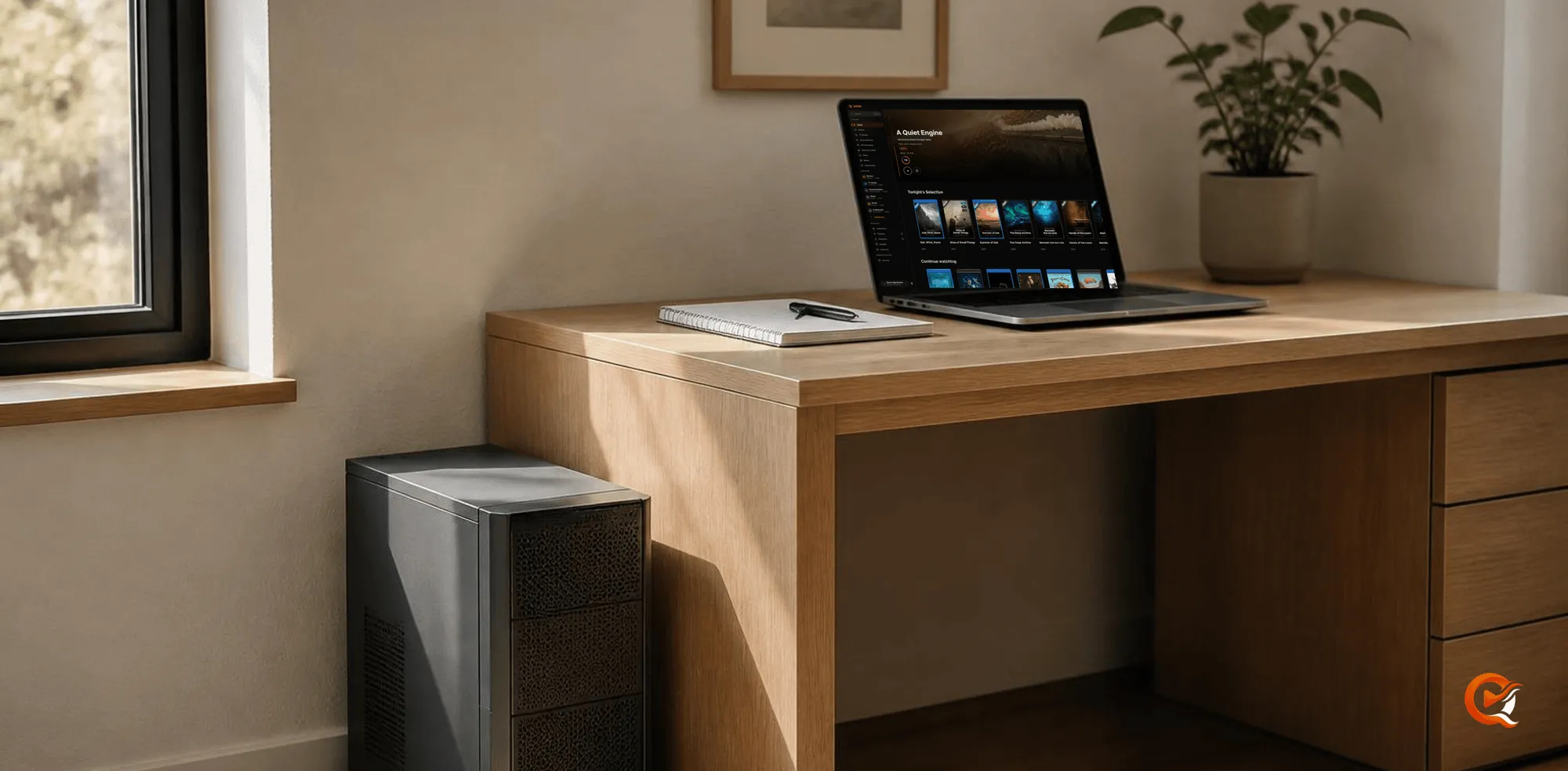
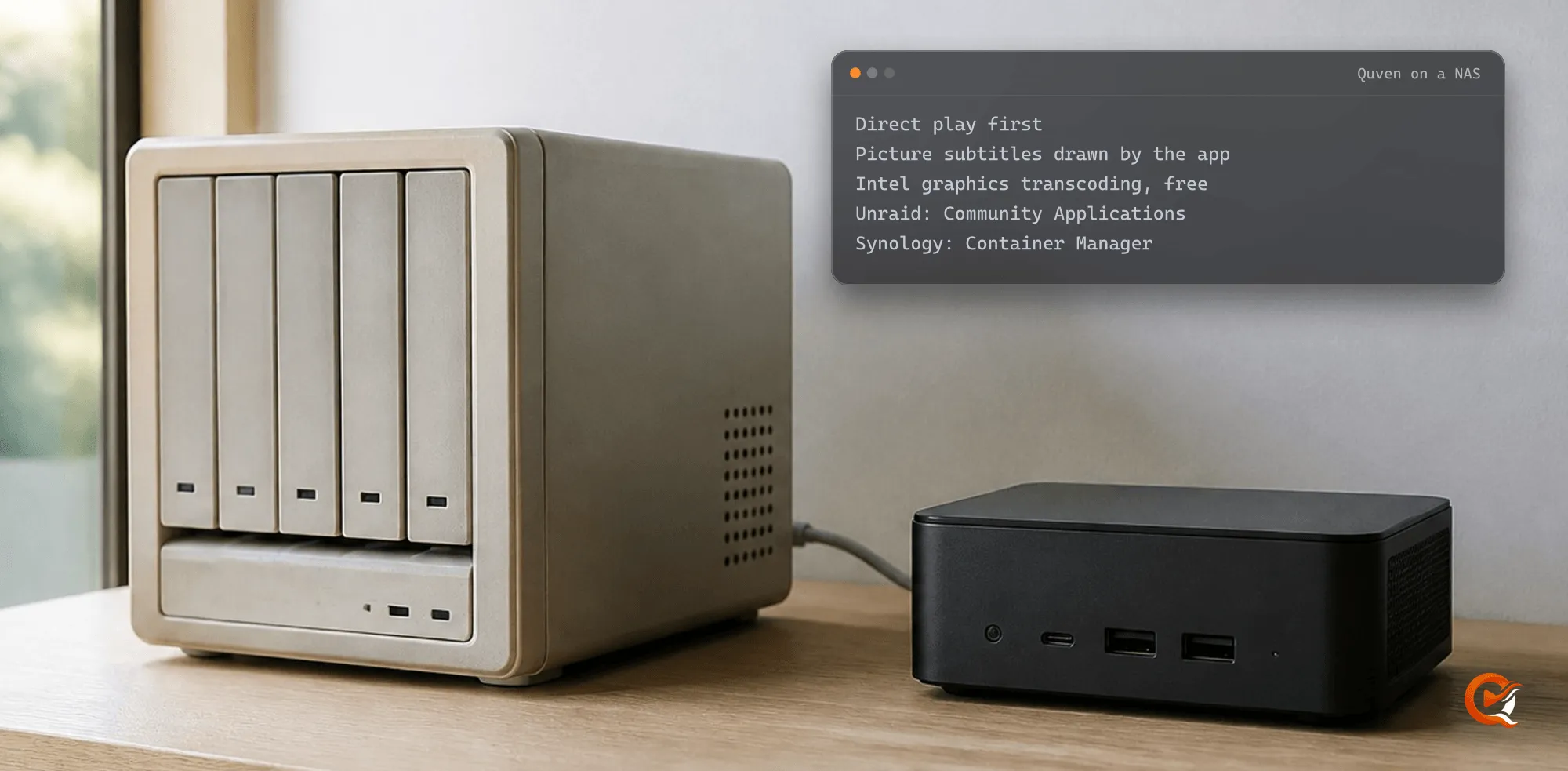
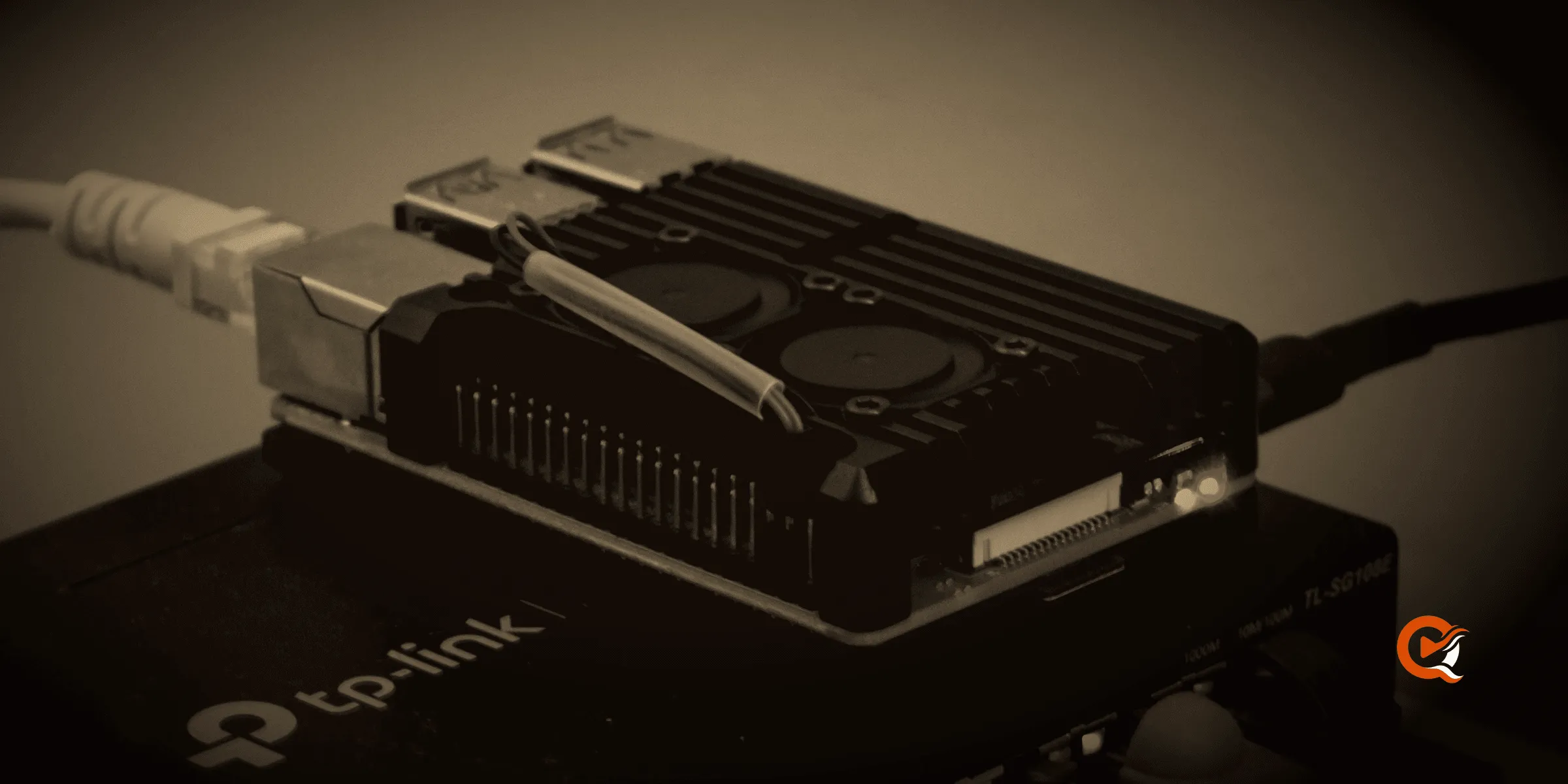
Both work, and with Quven they start the very same Compose file, so the choice comes down to how you’d rather look after the server. Quven is a self-hosted media server by Quven Technologies S.R.L., free for personal use, and its official image runs on Linux AMD64 and ARM64 with host networking and a read-only root filesystem whichever tool starts it, on anything from a Raspberry Pi in a drawer to a four-bay NAS in the hall cupboard.
What changes and what doesn’t
| Task | Docker Compose | Portainer |
|---|---|---|
| First start | docker compose up -d |
Add stack, Web editor, Deploy the stack |
| Media folder | QUVEN_MEDIA_DIR in .env |
Environment variables of the stack |
| Update | pull, then up again | Update the stack with Re-pull image and redeploy |
| Logs | docker compose logs -f quven |
The container’s Logs page |
| Account link | docker compose exec |
The container’s Console |
The server underneath is identical. It runs as uid 10001, keeps its database in the quven-data volume and answers on port 5181 of the host, so nothing about playback, transcoding or remote access depends on the tool you picked, and you could swap one for the other next month without losing a single film you’ve marked as watched.
When the command line fits better
- You keep the server’s setup in a Git repository and want every change as a diff.
- You add a GPU profile, since Compose layers
compose.nvidia.yamlorcompose.vaapi.yamlover the base file without touching it. - You’d rather not run one more web app with its own login on the host.
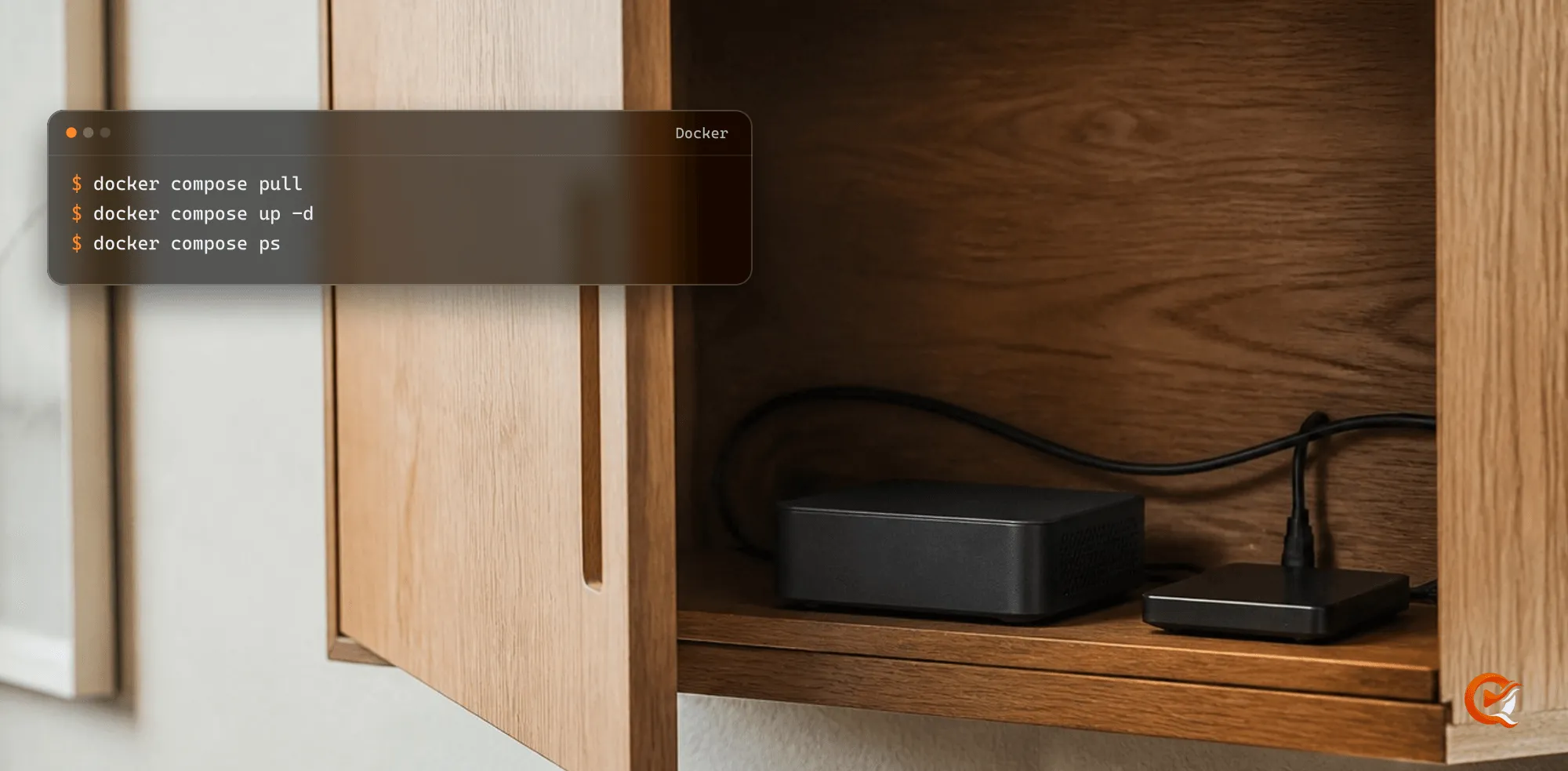
An update from a terminal is two commands:
docker compose pull
docker compose up -d
When Portainer earns its place
- The NAS already runs several containers and you’d like them on one page.
- You check on the server from a phone browser more often than from a terminal.
- Someone else in the house looks after the box and doesn’t use a shell.
Although Portainer is convenient, it’s one more service to keep patched, and you should guard its login like any other admin password. A fresh Portainer 2.45 also asks for a setup token on its first screen. Its container log prints it. Our Portainer guide walks through the stack step by step, and it was run on that version before it went up.
What you get whichever you pick
- Hardware transcoding on every plan, free, once you add the profile for your GPU. The NAS 4K guide shows which processors can actually do it.
- Remote access you set up yourself, free, or the managed relay with Pro when you can’t open a port.
- Native apps for Windows, macOS, iPhone, iPad, Android phones and tablets, Android TV and Fire TV, plus the web client at app.quven.tv with Pro.
- Watch history and playlists imported from Plex or Jellyfin, and no advertising on any plan.
So which should you choose? Neither is wrong. If you already live in a terminal, the Docker guide is the shorter road. If your NAS runs Portainer anyway, a stack takes five minutes and one variable. Download Quven for the desktop app that adds your libraries, and if you want the relay and the extra capabilities, Lifetime gives you every Max feature for one payment, with its price rising at each step of the published schedule.
Frequently asked questions
Can I move from Compose to Portainer later?
Yes. Stop the Compose project and create a stack from the same file: the volume is called quven-data in both, so the stack finds the library and settings where they were.
Does Quven run on a NAS that has Portainer?
Yes, on any NAS that runs Docker on Linux AMD64 or ARM64. Asustor, for example, lists Portainer in App Central.
Community
Comments
0 comments
No comments yet. Start the conversation.