 Quven
Quven'%3e%3cpath%20d='M0%200v40h60V0z'%20fill='%23012169'/%3e%3cpath%20d='M0%200l60%2040m0-40L0%2040'%20stroke='%23fff'%20stroke-width='8'/%3e%3cpath%20d='M0%200l60%2040m0-40L0%2040'%20clip-path='url(%23d)'%20stroke='%23C8102E'%20stroke-width='5'/%3e%3cpath%20d='M30%200v40M0%2020h60'%20stroke='%23fff'%20stroke-width='13'/%3e%3cpath%20d='M30%200v40M0%2020h60'%20stroke='%23C8102E'%20stroke-width='8'/%3e%3c/g%3e%3c/svg%3e)


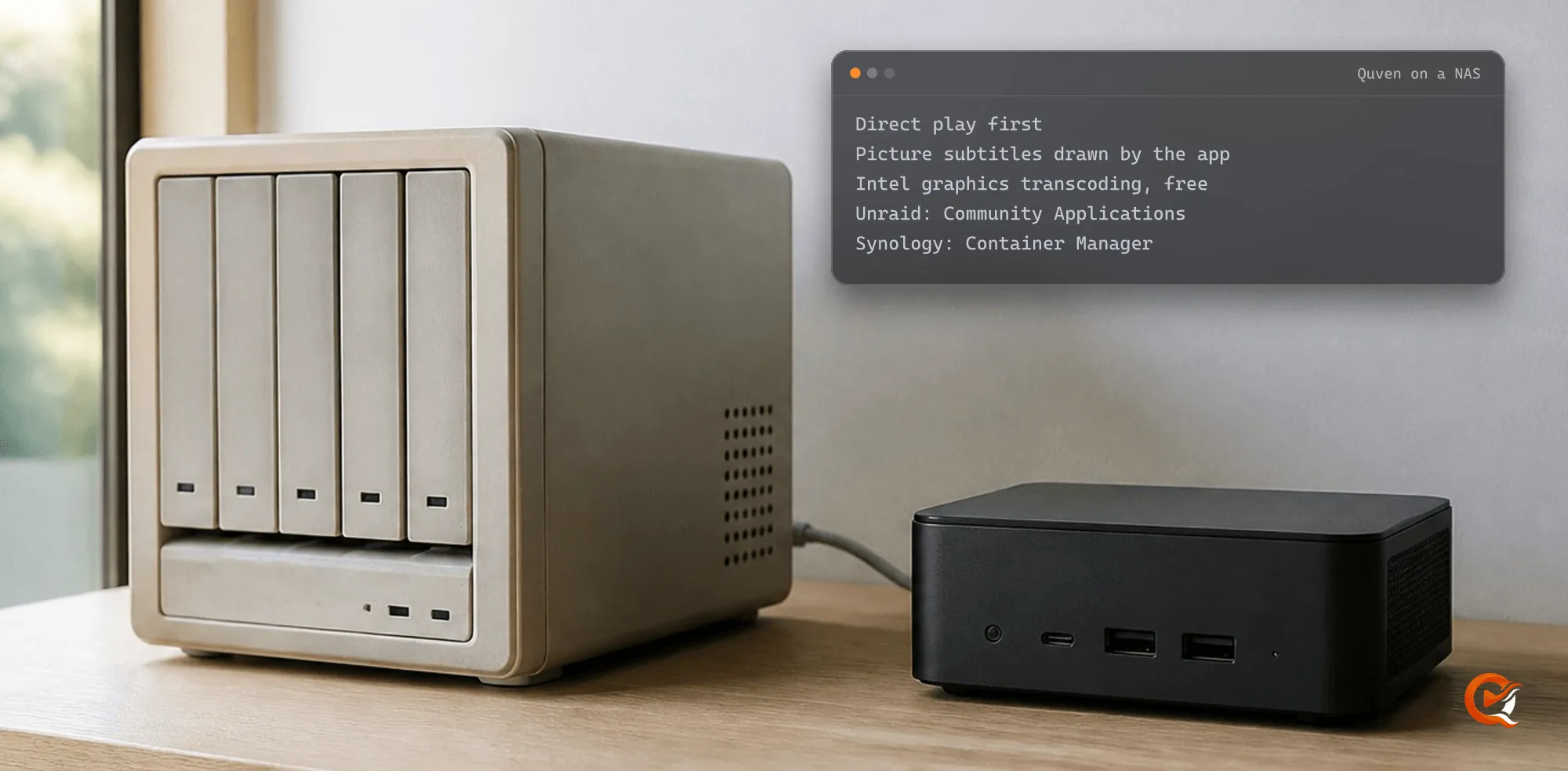
Quven is the Plex alternative that asks the least of a NAS: it rarely makes the box transcode, and when it has to, it uses the NAS’s graphics on every plan. Quven is a self-hosted media server by Quven Technologies S.R.L., free for personal use. On Unraid it’s a template in Community Applications, and on a Synology it runs from the Compose file the Docker guide publishes, so neither takes more than the few commands below.
Why does a NAS struggle with Plex?
Plex’s own pages, read on 10 October 2026, say so:
- Most home NAS processors aren’t powerful: only some transcode 720p well, and very few manage 1080p.
- Hardware transcoding would fix that, though Plex calls it a premium feature that needs an active Plex Pass, with only the NVIDIA SHIELD and two Western Digital models excepted.
How does Quven keep the NAS out of the transcoder?
- The native apps ask for the file as stored, and when the device can decode it, it goes out untouched.
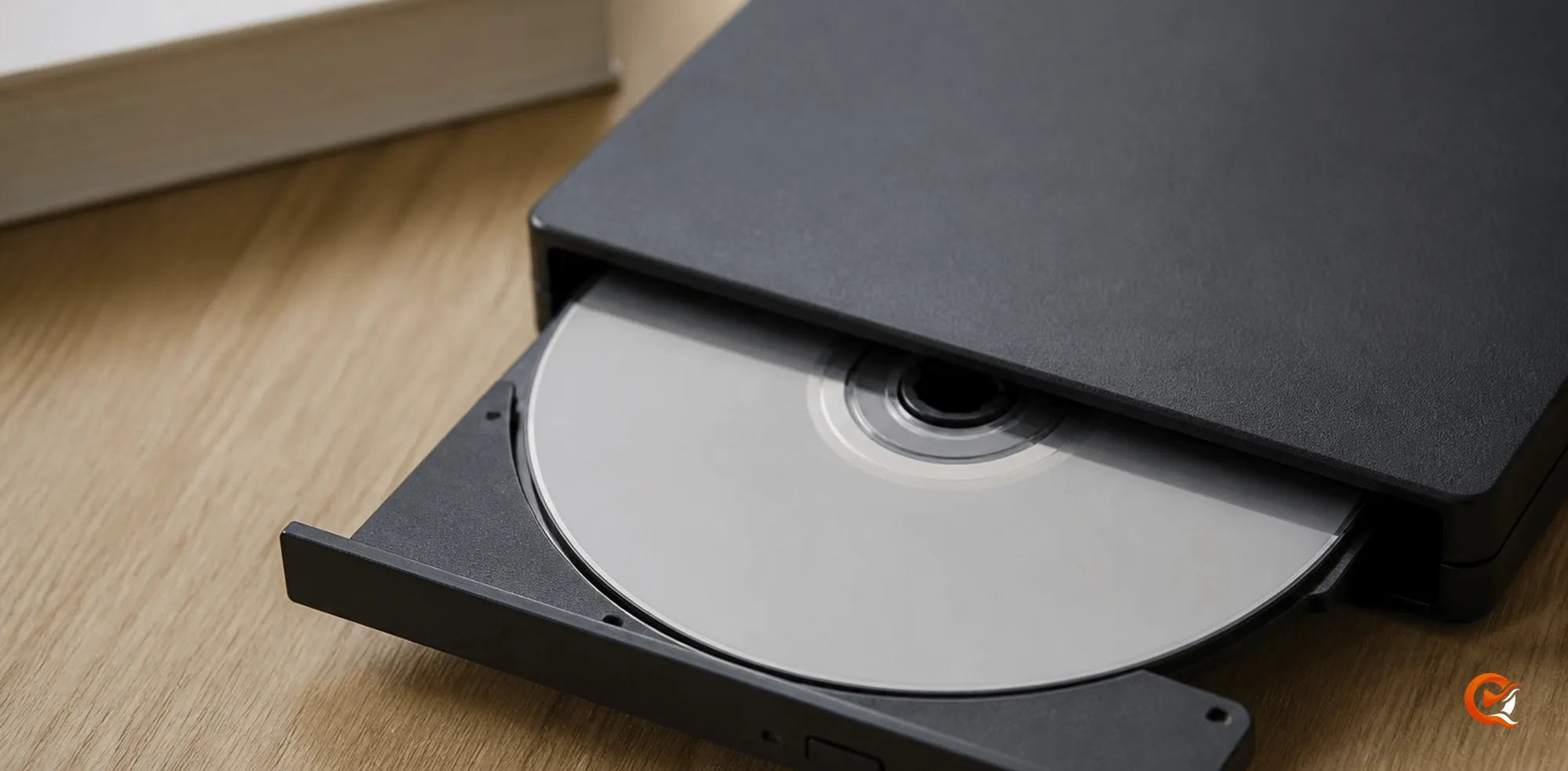
- Blu-ray PGS and DVD VobSub subtitles are images, so a server that can’t hand them to the player has to draw them into every frame. Quven’s apps draw them on the device, and only a browser gets them burned in: why Blu-ray subtitles make a server transcode.
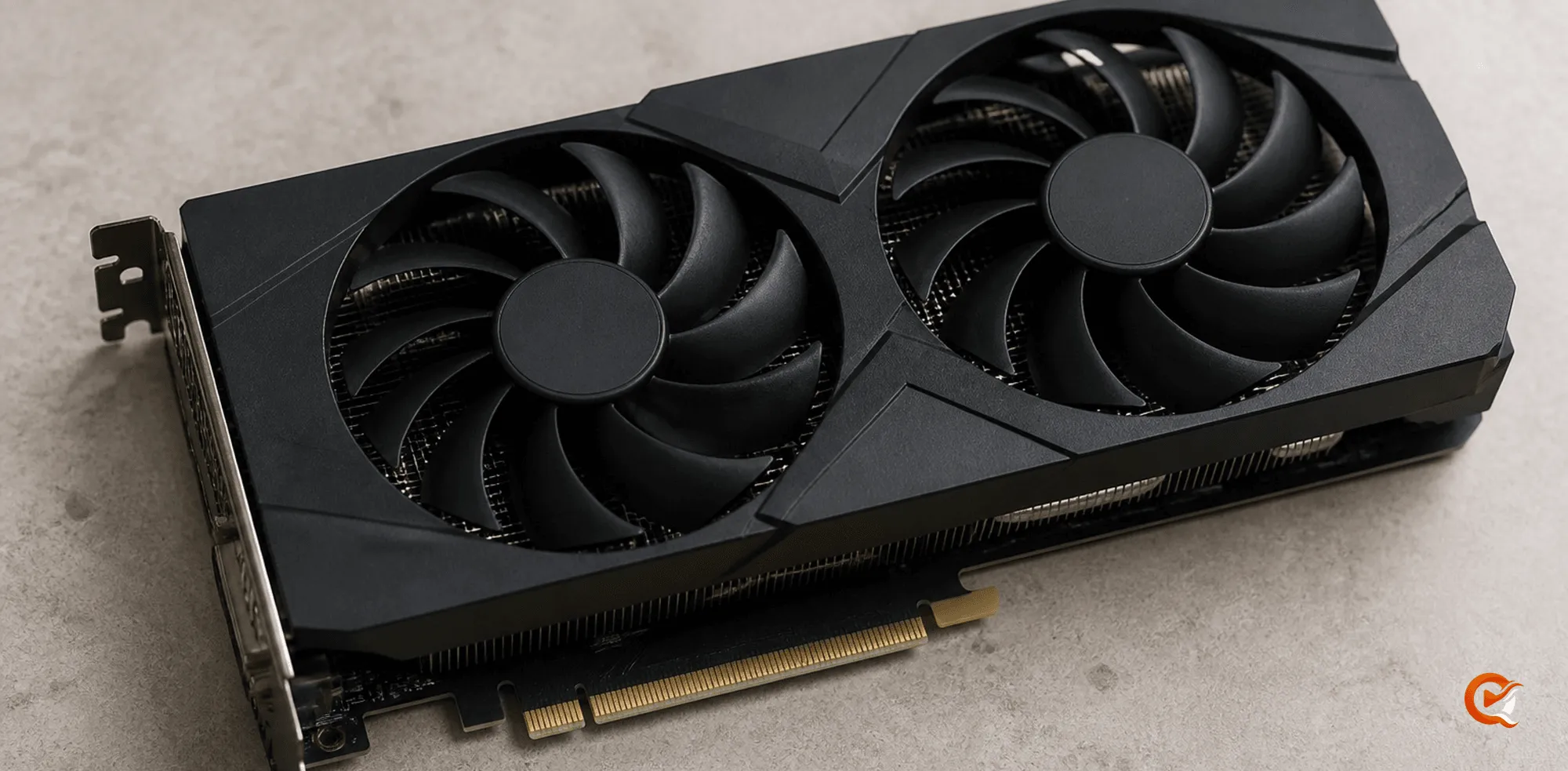
- When a transcode can’t be avoided, Quven uses NVIDIA, Intel Quick Sync, VA-API or the V4L2 codecs of an ARM board, on every plan: free hardware transcoding.
How do you install Quven on Unraid?
- Search for Quven in the Apps tab; it has been in Community Applications since August 2026.
- Give the appdata folder to uid 10001 from the Unraid terminal:
mkdir -p /mnt/user/appdata/quven && chown -R 10001:10001 /mnt/user/appdata/quven - Start the container from the Docker tab.
- Link it to your Quven Account:
docker exec -it Quven /app/Quven.Local.Server account link - Open the address it prints and approve the server.
The template maps the appdata folder to /data and your media share, /mnt/user/media by default, to /media, with host networking on port 5181. Hardware transcoding stays out of the template, since it would need the host’s render and video group IDs, so the VA-API and NVIDIA profiles ship as Compose files.
How do you run Quven on a Synology?
Container Manager runs a Compose file as a project, and Quven’s compose.yaml is that file, so from an SSH session in a folder on one of your volumes you fetch the files the Docker guide publishes and tell Quven where your films are:
mkdir -p quven && cd quven
curl -fsSLO https://quven.tv/docker/1.5.2/compose.yaml
curl -fsSL https://quven.tv/docker/1.5.2/env.example -o .env
# in .env, set QUVEN_MEDIA_DIR=/volume1/video (the path of your shared folder)
docker compose up -d
docker compose exec quven /app/Quven.Local.Server account link- On an Intel model,
compose.vaapi.yamladds the render node under/dev/dri, and the Docker guide lists the commands that set the group IDs it needs.
Would you rather the server never wrote into your library? One line makes it read-only:
echo 'QUVEN_MEDIA_READ_ONLY=true' >> .envWhere do you add your libraries from?
- The Quven desktop app on a Windows or Mac computer browses the NAS through the server, so you pick folders under
/mediawithout mounting anything. - With Pro, the web client does the same, and the server watches the folders: a new film is scanned about thirty seconds after its file stops changing.
Quven and Plex on a NAS, side by side
| On a Synology or Unraid NAS | Quven | Plex |
|---|---|---|
| Hardware transcoding on the NAS’s Intel graphics | Free on every plan | Plex Pass, outside three devices Plex names |
| Blu-ray and DVD picture subtitles | Drawn by the native apps, with no transcode | Burned in for some apps and formats, which needs a transcode |
| Your own videos away from home | Free over a route you set up | A Plex Pass on the admin’s account, or a pass on yours |
The Plex entries come from its support pages, read on 10 October 2026; the remote access guide shows the route you set up yourself.
Can you try Quven without leaving Plex first?
- Yes: both servers can read the same folders, and Quven never writes to Plex.
- It reads the running Plex server through its address and an
X-Plex-Token, or its library database copied into a folder the container can see, and brings your history across (migration guide).
The reason to decide now
Download Quven tonight and point the container at the shares you already have: the free plan does everything above except folder watching and the web client, which Pro adds. Lifetime is every Max capability for one payment, and its price rises at each step of the published schedule, so the step you’re in now is the cheapest one left. The plans page compares them all.
Frequently asked questions
Can Quven run on a Synology NAS?
Yes. Container Manager runs Quven’s published Compose file as a project, and on an Intel model the VA-API profile adds hardware transcoding at no cost.
Is Quven in Unraid’s Community Applications?
Yes, since August 2026. Search for it in the Apps tab.
Do I need Plex Pass for hardware transcoding on a NAS?
On Plex, yes: its page, read on 10 October 2026, says hardware-accelerated streaming requires an active Plex Pass. Quven includes it on every plan.
Will Blu-ray subtitles make my NAS transcode?
Not with Quven’s native apps, which draw PGS and VobSub tracks themselves. Only a browser gets them burned in.
Can I keep Plex running while I try Quven?
Yes. Both servers can read the same folders, and Quven’s import never writes to Plex.
Community
Comments
0 comments
No comments yet. Start the conversation.