 Quven


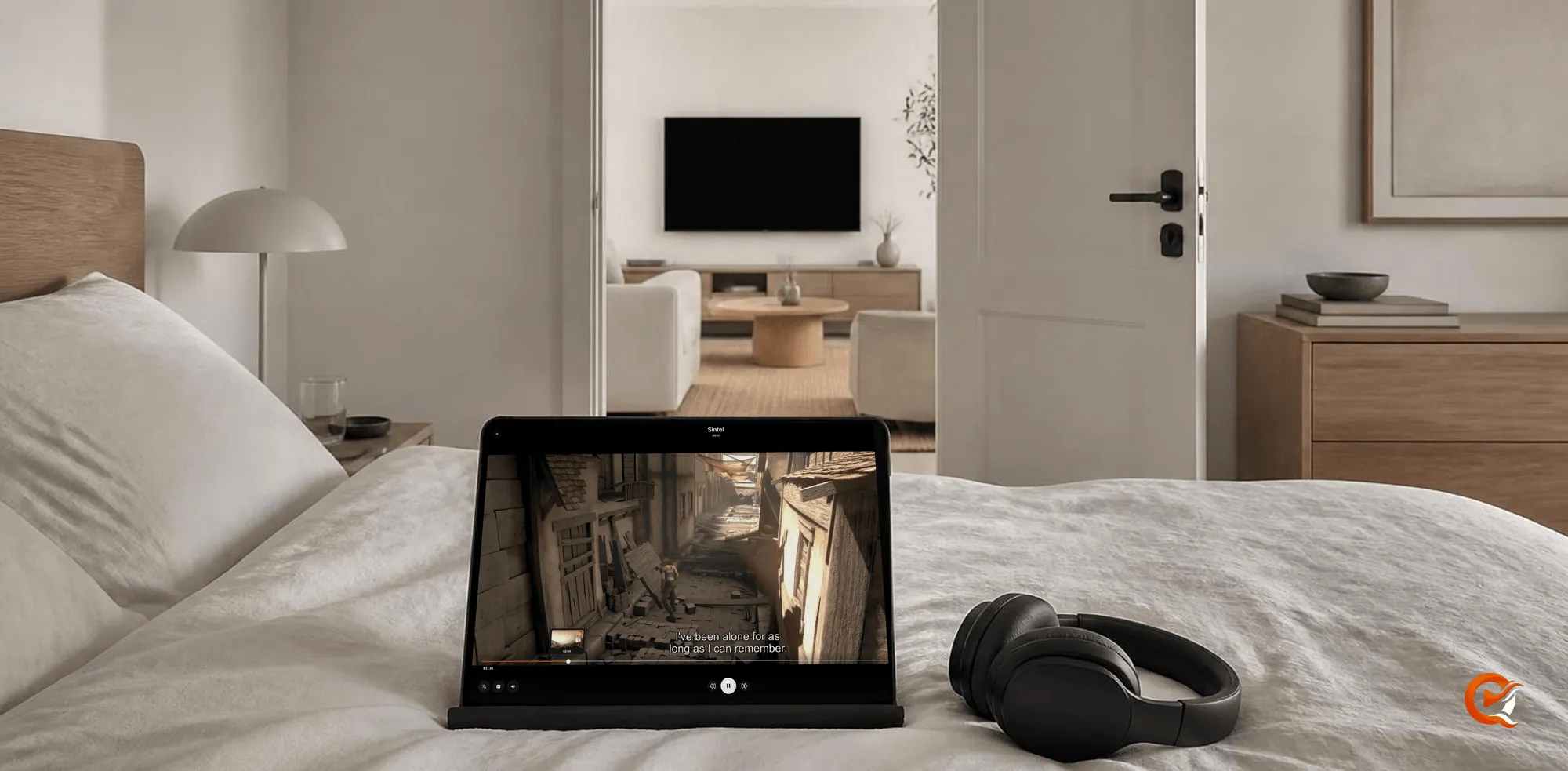
Yes, as long as the server keeps your place rather than the device. Quven is a self-hosted media server by Quven Technologies S.R.L., free for personal use, and it records where each profile stopped in every film and episode, so the next Quven app you open, on whichever screen is nearest, starts from that second.
Where is my place kept?
On your own server. While a film plays, the app sends its position at short intervals and once more when you close the player, and the server stores it under your profile. That’s why a phone, a television and a laptop all agree: none of them holds the place, they all ask the same machine. What if the phone’s battery dies mid-scene? You’d lose a moment at most, since the last position it sent is already stored.
Two details make the hand-over feel exact. The place belongs to the title rather than the file, so a film you keep in two copies, say a 4K one and a 1080p one, will resume at the same moment whichever version opens. And the film starts two seconds before the stored point, so you can catch the end of the line you left on instead of landing mid-word.
What counts as started or finished?
The server doesn’t treat every press of play as an evening’s viewing:
| Where you stopped | What the server keeps |
|---|---|
| Within the first 15 seconds | Nothing: the title isn’t counted as started |
| After that, before the last 5% of the running time | Your place, which Resume opens |
| Inside the last 5% | The title marked watched, so the credits never leave it half-seen |
Profiles matter too. Each one has its own row for every title, so a family sharing one server will never inherit someone else’s place, and a child’s cartoon can’t push your thriller off the home screen.
How do I pick it up on another screen?
- Close the player on the first device, wherever you are in the film.
- Open Quven on the next device and choose the same profile.
- Find the title in Continue watching on the home screen, or open its page, where the play button now reads Resume.
- Press it. In a series, the following episode waits in Up next once you finish the one you were on.
Nothing else is needed. To drop a title you won’t finish, open its menu in Continue watching and choose Stop watching.
Which devices can carry it?
Every Quven app that plays films reads and writes the same place: the desktop app for Windows and macOS, the apps for iPhone and iPad, for Android phones, tablets and TV and for Fire TV, and the web client at app.quven.tv, which comes with Pro. Apps for Samsung and LG televisions and for Apple TV are coming. Although the browser needs Pro, every native app carries your place on Free. With a native app on each screen, the film also plays from its original file wherever the device can decode it.
Away from home, nothing changes. The place lives on the server, wherever you reach it from. Remote access that you set up yourself is free; the managed relay, which needs no open port, comes with Pro.
Can I bring my places from Plex or Jellyfin?
Yes. Quven’s import reads a Plex or Jellyfin server for what you watched and where you stopped, then writes each half-watched place onto the matching title in your library, never over a title you’ve already finished in Quven and never over a place you’ve already passed. Leaving Plex this way brings your playlists and ratings along too.
Plex’s support pages, read on 27 October 2026, say that since 29 April 2025 streaming your own videos away from home needs a Plex Pass or a Remote Watch Pass on your account, or a Plex Pass on the server owner’s. With Quven, resuming a film away from home costs nothing when you set up the access yourself.
Which plan do I need?
- Resuming, Continue watching, Up next and the import are included on every plan, and no plan shows advertising.
- Pro adds the web client and the managed relay, so any browser on any network can open your place.
- Lifetime is every Max capability for one payment, and its price rises at each step of the published schedule. The annual plan costs less than twelve months paid one at a time.
The plans page lists what each one carries, a comparison of lifetime licences sets the two side by side, and the server is one download away.
Frequently asked questions
Can two people resume the same film at different places?
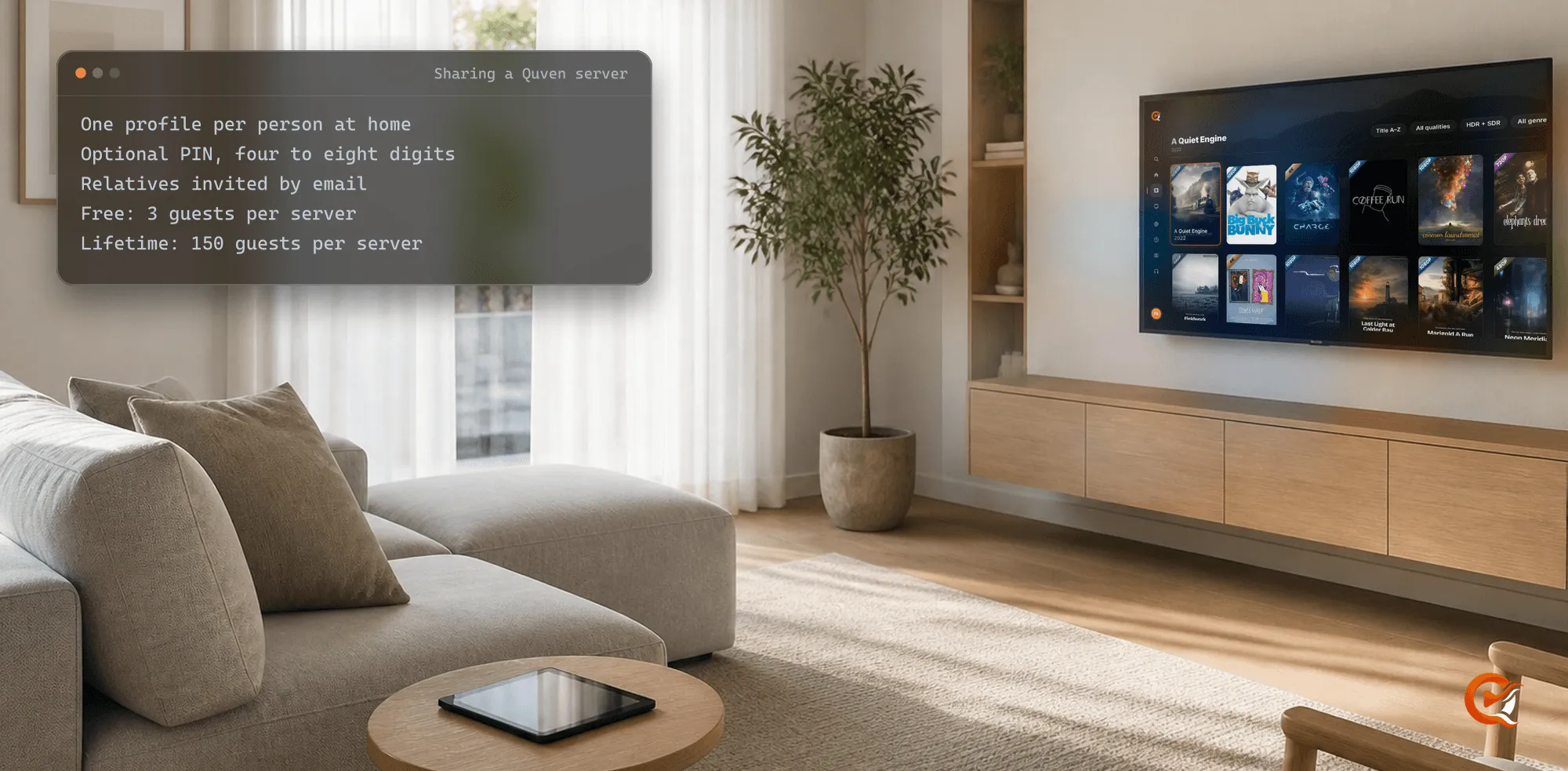
Yes, as long as each one watches under their own profile, and a server may hold as many profiles as you like. Every profile keeps its own place, so one person’s evening doesn’t move another’s.
Does a place carry over to another edition of the film?
No. A director’s cut or a 3D edition is a title of its own with its own place, while two versions of the same edition share one.
Community
Comments
0 comments
No comments yet. Start the conversation.