 Quven
Quven'%3e%3cpath%20d='M0%200v40h60V0z'%20fill='%23012169'/%3e%3cpath%20d='M0%200l60%2040m0-40L0%2040'%20stroke='%23fff'%20stroke-width='8'/%3e%3cpath%20d='M0%200l60%2040m0-40L0%2040'%20clip-path='url(%23d)'%20stroke='%23C8102E'%20stroke-width='5'/%3e%3cpath%20d='M30%200v40M0%2020h60'%20stroke='%23fff'%20stroke-width='13'/%3e%3cpath%20d='M30%200v40M0%2020h60'%20stroke='%23C8102E'%20stroke-width='8'/%3e%3c/g%3e%3c/svg%3e)


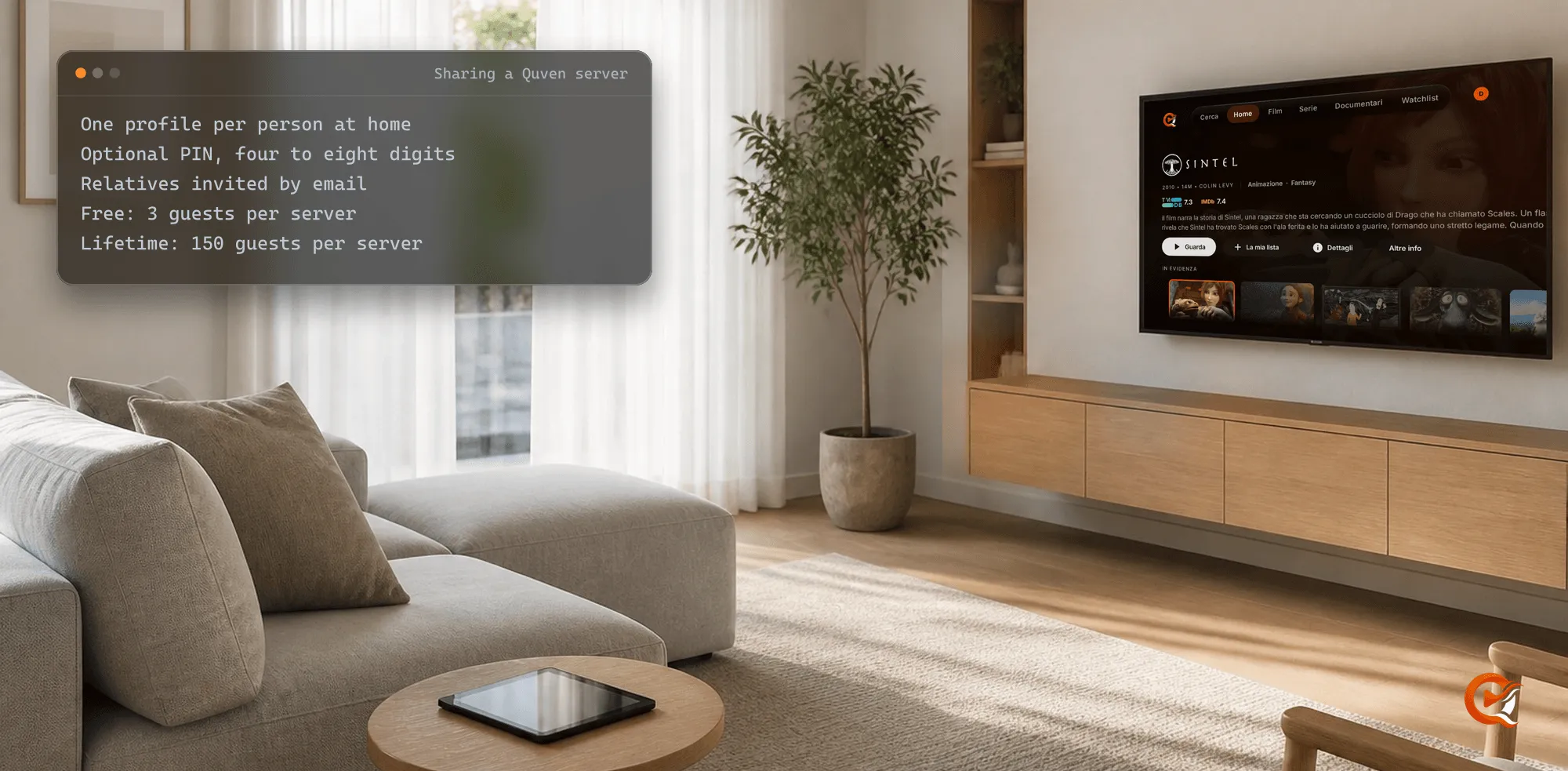
Give everyone at home a profile and send relatives who live elsewhere an invitation by email. That’s it, and on the free plan neither half costs anything. Quven is a self-hosted media server by Quven Technologies S.R.L., free for personal use, and one server can reach the phone, the tablet and the television in every one of those homes.
Who needs a profile and who needs an invitation?
- People under your roof each get a profile on your Quven Account. Profiles are unlimited on every plan, and each one keeps its own watch state, its watchlist and its ratings.
- Relatives in another house sign in with a free Quven Account of their own and accept an invitation to your server. They become guests: they can watch every library on it, and they can’t change anything you’ve set up.
- Any profile can carry a PIN of four to eight digits, which the apps ask for before anyone switches to it.
How do you add a profile for everyone at home?
Everything happens at three addresses:
accounts.quven.tv/account/settings#profiles   one profile per person at home
accounts.quven.tv/account/settings#servers    Share, then Send invite
accounts.quven.tv/link the code a television shows- Open the first address and sign in.
- Press + Add profile and type a name.
- Add a PIN if you want one, then press Create profile.
- Open Quven on any device in the house and pick that profile.
How do you invite family who live somewhere else?
- Open Servers and press Share beside the server.
- Type their address under Email address to invite and press Send invite.
- They open the link in the email within fourteen days and press Accept invite, creating a free account first if they haven’t got one.
- The server appears in their Quven apps, under their own profiles.
A pending invitation counts as a seat until it expires. A server takes three guests on the free plan, 25 on Pro, 50 on Max and 150 with Lifetime. Remove ends a guest’s access at once, and a guest can leave whenever they like.
Which devices can each person use?
- iPhone and iPad: the App Store app, with picture-in-picture and AirPlay.
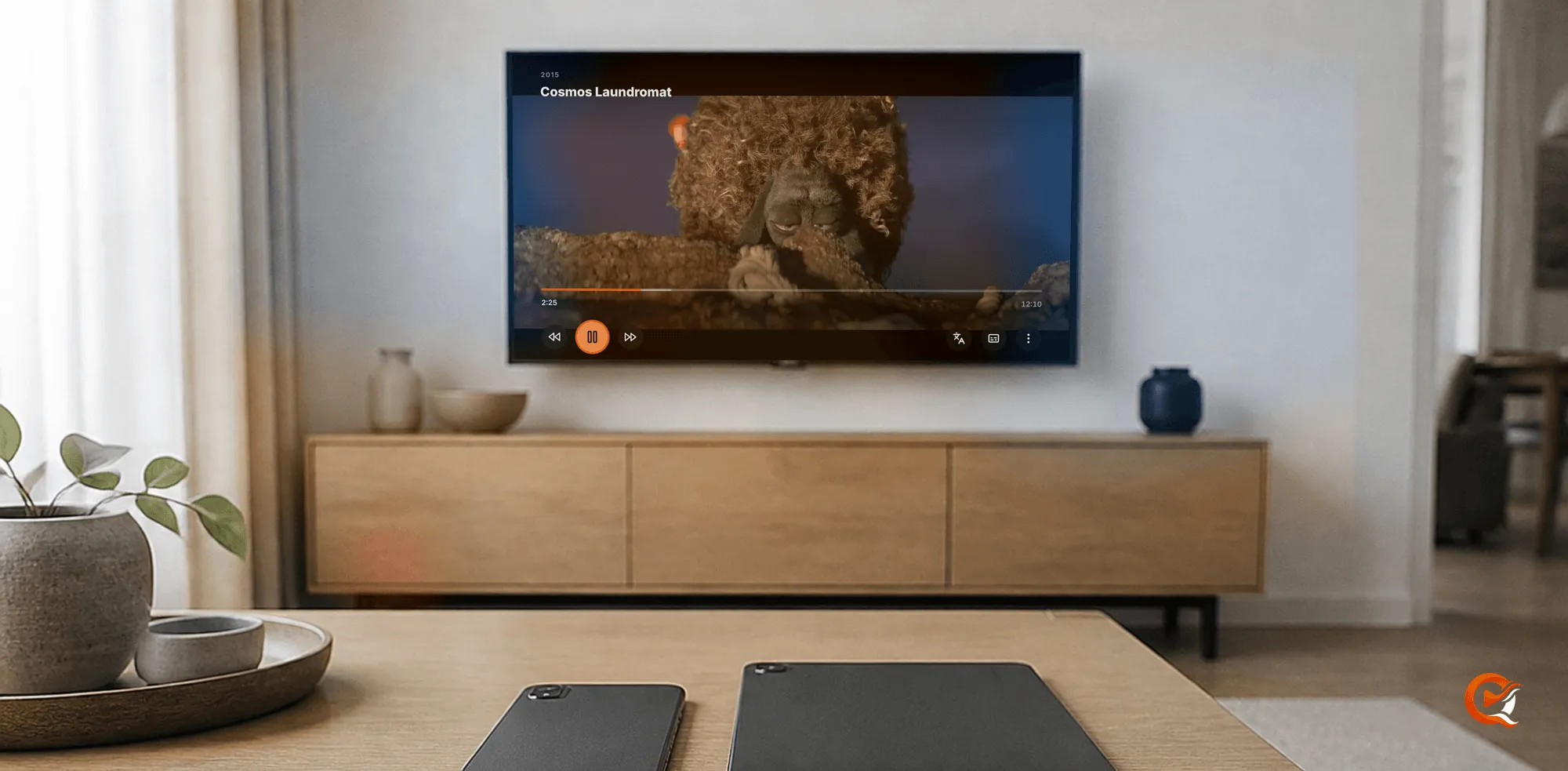
- Android phones, tablets, Android TV and Fire TV: one app, from Google Play or the Amazon Appstore. A television signs in from a phone, by its code or its QR code.
- Windows and Mac: the desktop app, which also plays music and opens ebooks and comics.
- Any browser: the web client at app.quven.tv, which comes with Pro and does the same.
The phone, tablet and television apps carry films and series along with documentaries and performances, and since they ask for the original file before anything is converted, a guest’s television in another town should rarely make your server work any harder than your own does. Samsung and LG televisions, Hisense sets and Apple TV are on the way, and the article on the apps shows what each one does today.
Do relatives away from home have to pay to watch?
No. Remote access you set up yourself, through a forwarded port, a reverse proxy or Tailscale, is free on every plan for you and every guest, and the remote access guide walks through each route.
But what if your line can’t take a forwarded port? Pro adds the managed relay: the server dials out, your plan covers it, and guests still don’t need a plan of their own.
How does a family fare on Quven and on Plex?
We read Plex’s own support pages on 13 October 2026:
| For a family | Quven | Plex |
|---|---|---|
| Profiles in one household | Unlimited, on every plan | A Plex Home holds 15 users, the admin included |
| Who counts as family | Anyone you give a profile or an invitation | Plex Home is meant for people who physically live together |
| Watching from another house | Free over a route you set up | A Plex Pass on the admin’s account, or a pass for each viewer |
Why does Lifetime suit a family server?
A family server tends to grow, because children move out, a cousin asks to join, a friend from the old flat would like the same films on a new television in another city, and every one of them takes a seat on the server that you might rather have kept for a sister who hasn’t asked yet. Max holds 50 guests on each server. Lifetime holds 150.
Lifetime is every Max capability for a single payment, with nothing to renew. Its price goes up at each step of the published schedule, although the annual plan already costs less than twelve months, as the plans page shows. Download Quven, add a profile for each person at home and send your first invitation today.
Frequently asked questions
Can several people watch at the same time?
Yes. Simultaneous streams are on the plans page’s list of what stays free on every plan.
Can a guest create subtitles on my server?
No. Creating a subtitle belongs to the server’s owner, and a guest plays the finished track.
What does a relative need to install?
The free Quven app for their device and a free Quven Account. Your films stay on your own machine.

Community
Comments
0 comments
No comments yet. Start the conversation.