 Quven
Quven'%3e%3cpath%20d='M0%200v40h60V0z'%20fill='%23012169'/%3e%3cpath%20d='M0%200l60%2040m0-40L0%2040'%20stroke='%23fff'%20stroke-width='8'/%3e%3cpath%20d='M0%200l60%2040m0-40L0%2040'%20clip-path='url(%23d)'%20stroke='%23C8102E'%20stroke-width='5'/%3e%3cpath%20d='M30%200v40M0%2020h60'%20stroke='%23fff'%20stroke-width='13'/%3e%3cpath%20d='M30%200v40M0%2020h60'%20stroke='%23C8102E'%20stroke-width='8'/%3e%3c/g%3e%3c/svg%3e)


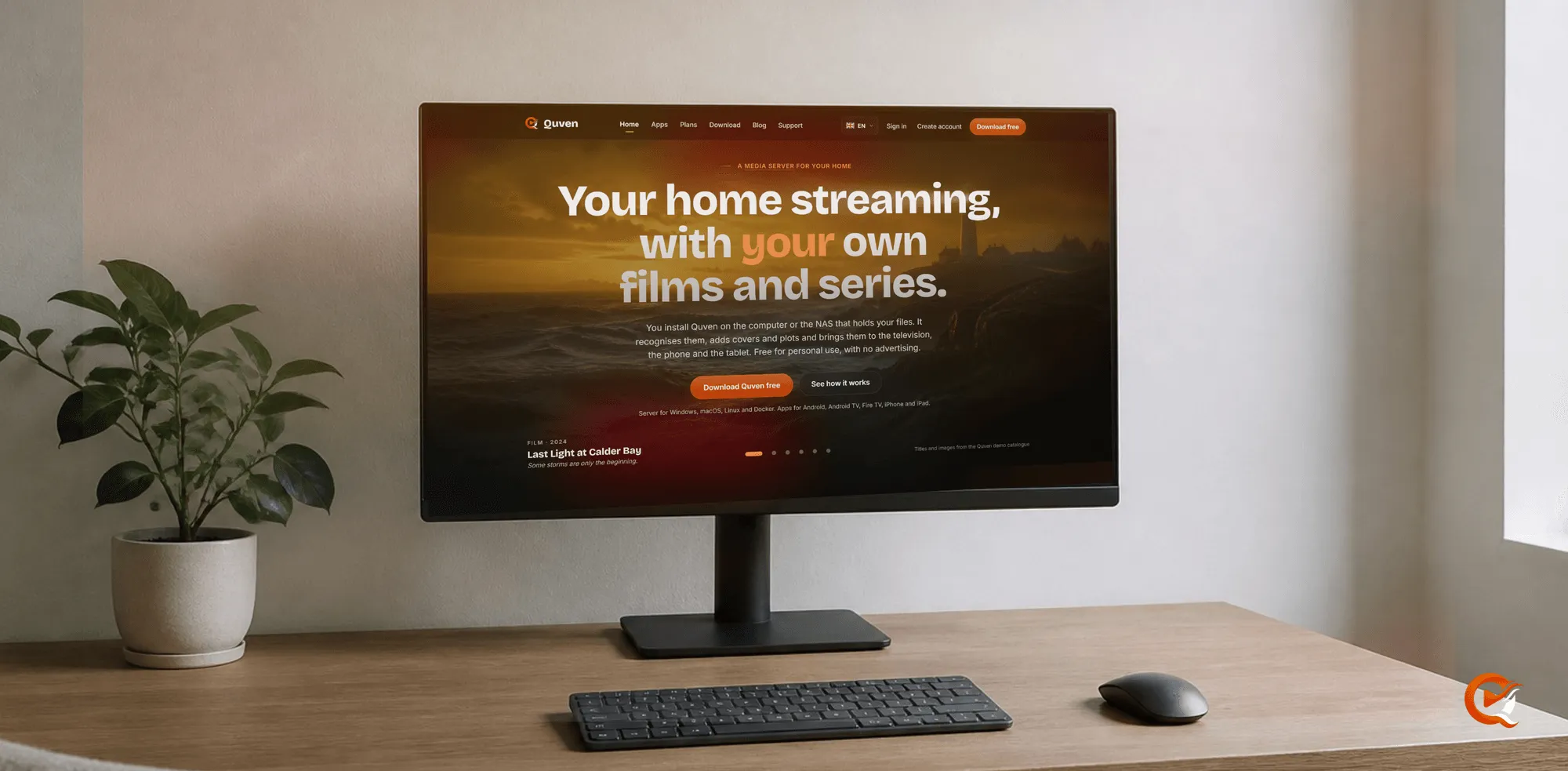
The Quven website you’re reading has been rebuilt from the ground up. Since 15 October 2026 every page of quven.tv reads in four languages, shows the apps through real captures and says what a server needs before you install one. Quven is a self-hosted media server by Quven Technologies S.R.L., free for personal use, and the new site should show you that in a few seconds instead of describing it at length.
What’s different on the new site?
- Every page reads in English, Italian, French and Spanish, guides and blog articles included, and the language menu won’t offer a version a page doesn’t have.
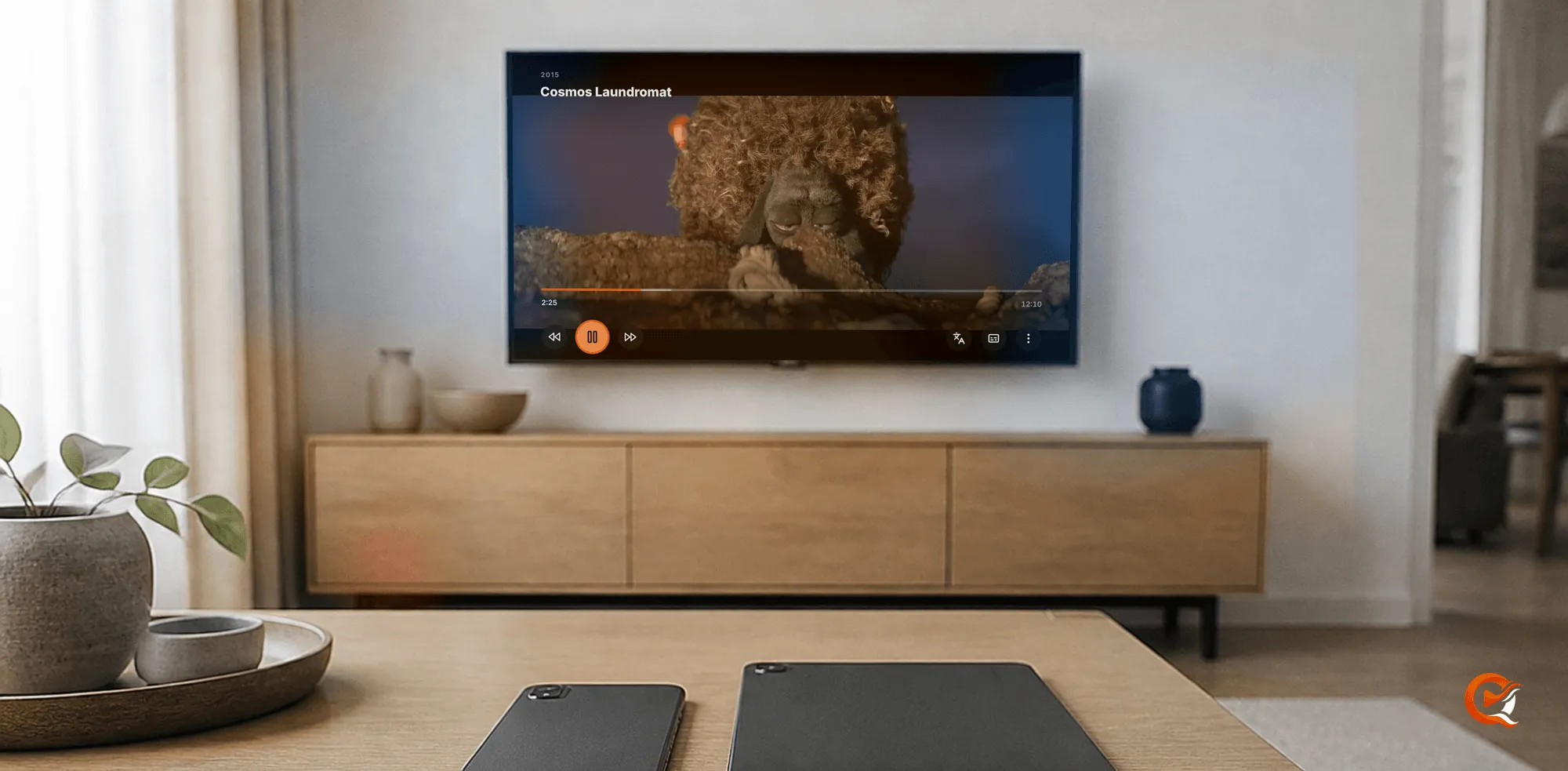
- The apps appear as real captures taken on a demo server, and the works on screen are credited under them.
- The features page and its two neighbours, Why Quven and Security, are drawn as scenes: a capture beside a few short rows you can scan.
- Each layout is made for the screen it lands on, so a long French label wraps instead of running off a phone.
- You’ll find a Create account link beside Sign in, both in the header and in the footer.
Where do you find each thing?
| Page | What it shows now |
|---|---|
| Requirements | The load of each kind of playback, the six encoders the server uses and what the machine needs |
| Apps | Every platform with its state: a tick for a published app, a note for one still to come |
| Plans | Annual prices first, Lifetime as a card of its own, every announced price step under the cards |
| Download | The installers for each desktop system, then Docker |
| Integration API | Each read-only route, tried against your own server with your own key |
The guides and the blog open on a search box with suggestions, and every answered question unfolds where you read it. You’ll need a key before you can try the reference, which the Integration API guide shows you how to create.
How do you read the requirements page?
Will the old mini PC in the cupboard cope? The page answers that before you download anything, and it opens on a photograph of a small server with the player’s own statistics across it:
Playback stats · Playing
Decision          DirectFile
Server encoder    Not applicable
Decoder           Hardware
Source            h264 / aac · 1080p
That’s the common case. The device plays the file as it is, and the server converts nothing. Then:
- Pick a job under Three jobs, three weights. Direct play is a minimal load, Transcoding happens only when a device asks for another format, and Subtitles from speech is heavy but runs once per file.
- Find your graphics hardware among the six encoders: NVIDIA NVENC, Intel Quick Sync, AMD AMF, VA-API for Intel and AMD on Linux, Apple VideoToolbox and V4L2 on ARM64 Linux. You don’t have to pick one, since the server finds the encoder it has and uses it on its own.
- Check the plate at the bottom. The server runs on Windows 10 1809 or later and on macOS 13 or later, while Linux needs glibc 2.34 and OpenSSL 3; 8 GB of memory is recommended and 4 GB is the minimum, and the app takes 1 GB of disk before the speech model adds its half gigabyte.
Without a graphics card, transcoding still works. It’s slower. Subtitles written from speech come with Pro, and they run on Metal on Apple silicon Macs and on Vulkan on x64 Windows and Linux.
What hasn’t changed?
Quven itself. The free plan still plays the original file first, transcodes on your graphics card at no cost and imports watch history from Plex or Jellyfin, and it lets you set up remote access through your own network, so a server you run at home can stay free for as long as you keep it. There’s no advertising on any plan, and one account still holds every server you link. Pro adds the managed relay, which reaches your server behind CGNAT without touching the router, and the web client at app.quven.tv.
The native apps haven’t moved: desktop apps for Windows and macOS with the server inside, Android phones and tablets, Android TV and Fire TV, the iPhone and the iPad, with Linux as a server. Samsung and LG televisions and Apple TV are marked as coming. If you’re starting from nothing, the self-hosted media server guide walks through the first install.
Why print every price step?
So you can see what waiting would cost. Lifetime is every Max capability, including those still to come, for one payment, and it gets dearer at each step of a schedule that’s now printed in full under the plan cards. An annual plan costs less than twelve monthly payments, although Lifetime ends the renewals altogether. Whether it’ll pay for itself is a question our Lifetime article answers with the sums.
Frequently asked questions
Do links to the old site still work?
Yes. Every address the previous site published still answers and leads to the page that replaced it.
Is Quven itself available in Spanish?
The site and its guides read in Spanish, and so do the account pages. The apps read in English and Italian, and in French as well.
Are the captures real?
Yes. Each one is the real interface, taken on a demo server. The titles come from Quven’s demo catalogue, and the works on screen are credited on the page.
Community
Comments
0 comments
No comments yet. Start the conversation.