 Quven


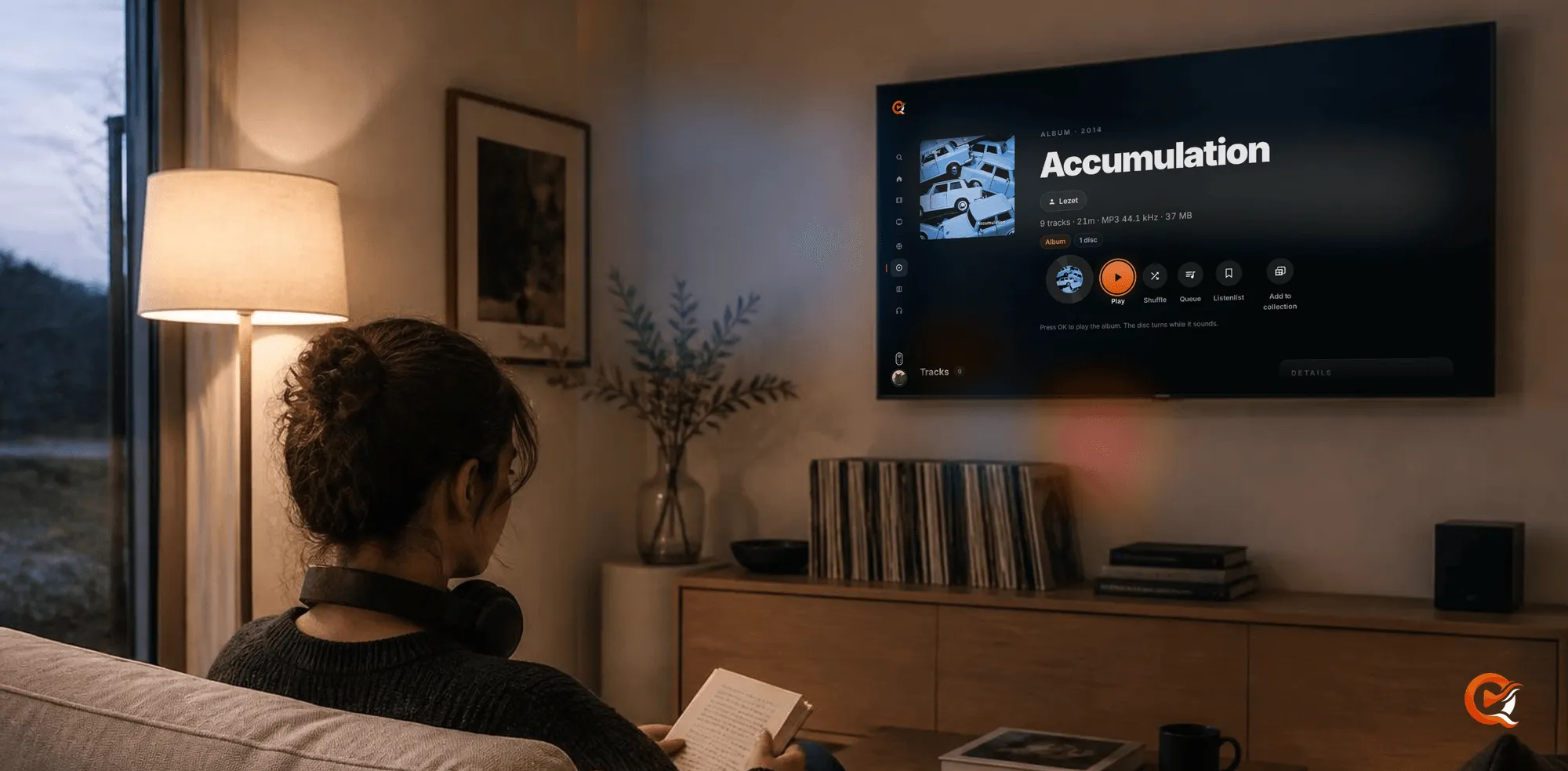
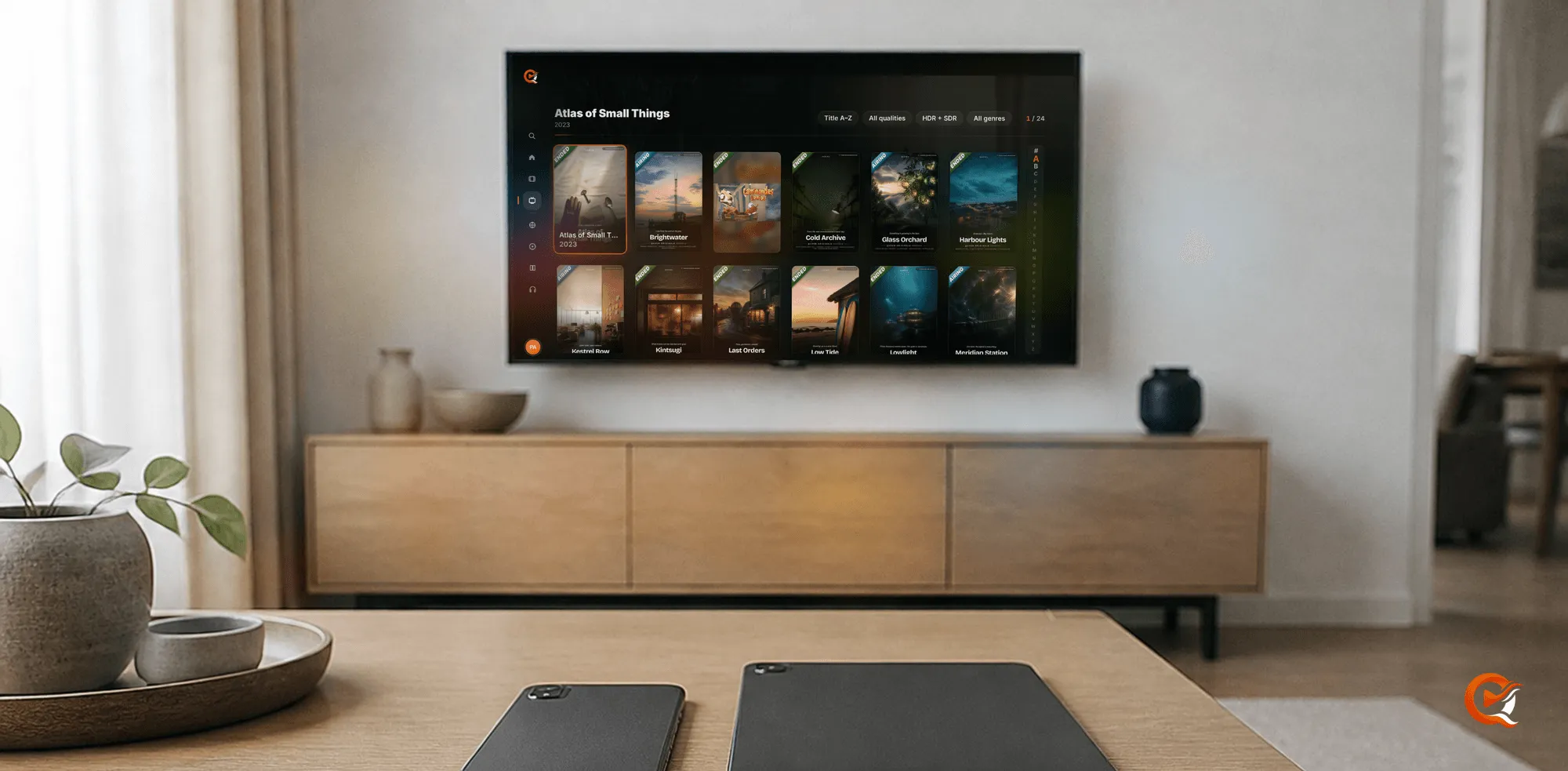
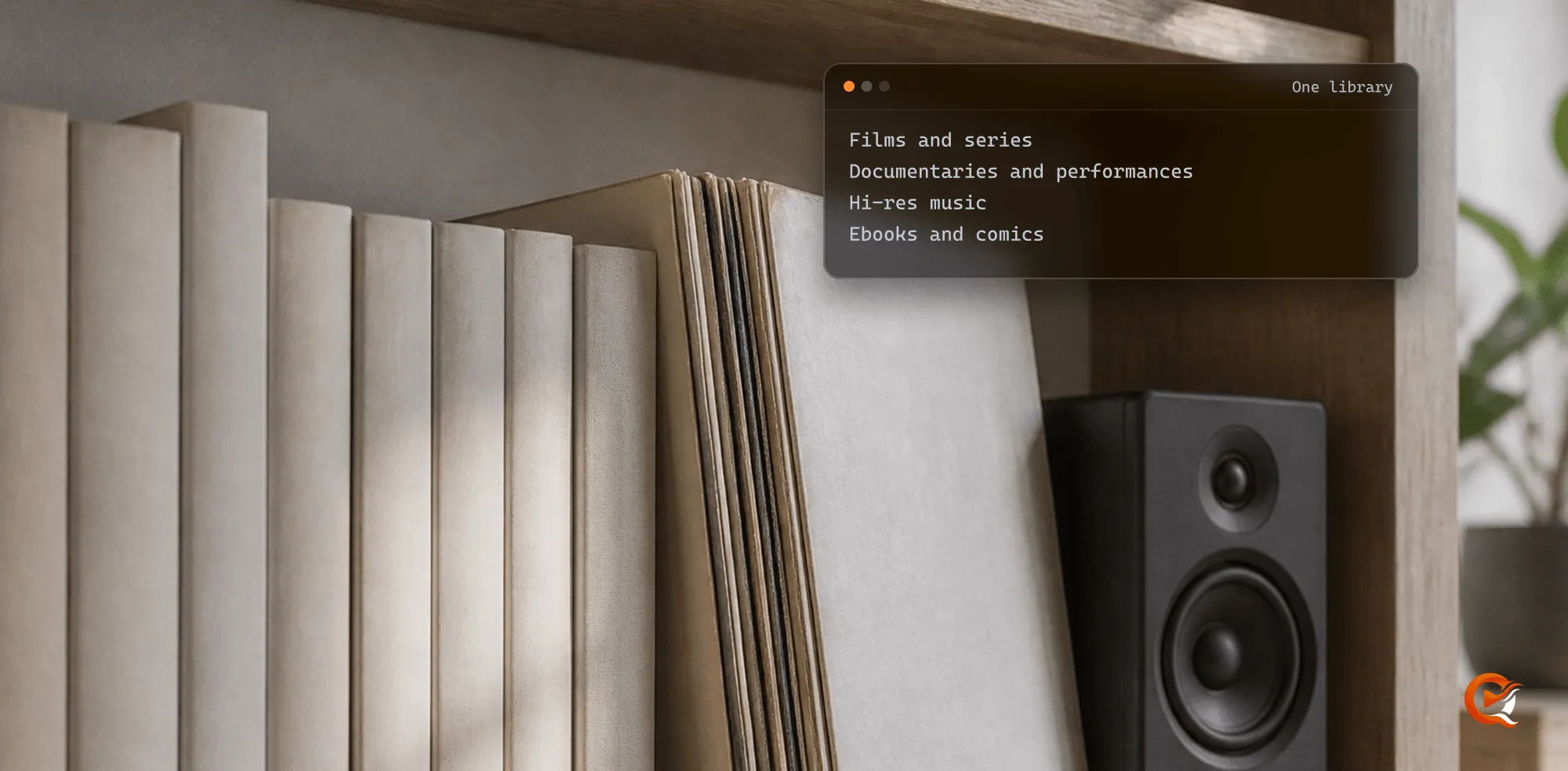
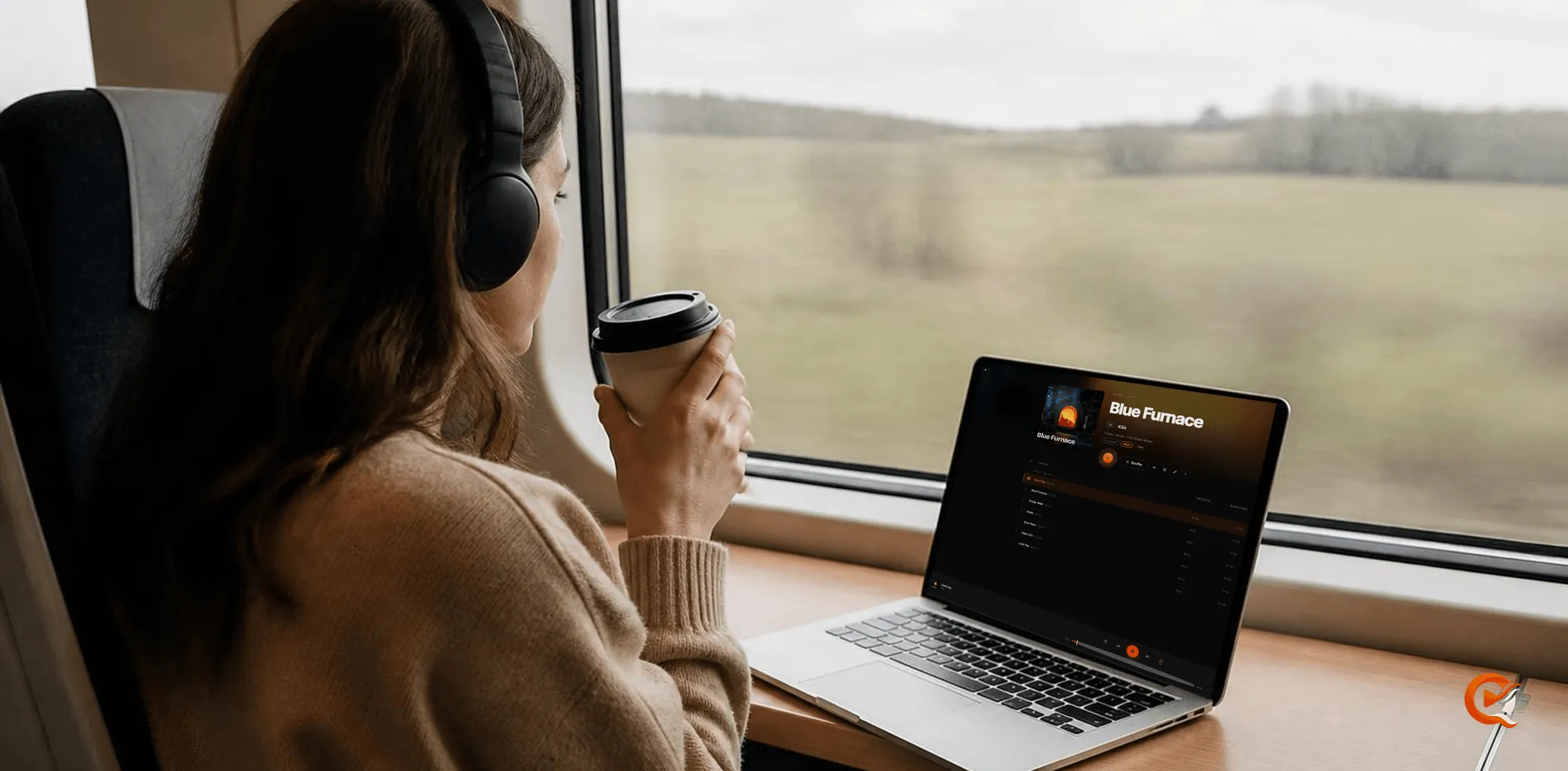
Since 28 October the Quven app for Android TV and Fire TV opens the whole shelf on the television: films and series as before, and now albums and audiobooks, along with ebooks and comics. Quven is a self-hosted media server by Quven Technologies S.R.L., free for personal use, and the same app runs on Android phones and tablets.
What the television app opens now
| Kind | On the television |
|---|---|
| Films and series | The original file, played directly whenever the set supports it |
| Music | Albums under their artist, a play queue, Shuffle and your Listenlist |
| Audiobooks | Chapters, the time left and your place kept on every device |
| Books and comics | EPUB and MOBI, PDF files and comic archives, opened at the page you stopped on |
Each kind has its own entry in the rail on the left. Two presses of the remote take you from a film to an album.
How do I put my shelf on the television?
- In the desktop app, choose Add library in the sidebar and set Library type to Music, Books or Audiobooks.
- Point it at the folder: one folder per album, one folder per audiobook, and your ebook folder as it is, a calibre one included.
- Install Quven from Google Play on Android TV, or from the Amazon Appstore on Fire TV, and sign in with your Quven account.
That’s all. You don’t set up anything on the television itself. The ebooks and comics guide covers formats and file names, and the audiobook guide covers chapters and narrators.
Albums the way you ripped them
- The album page shows the tracks, the running time, the format and the size on disk before you press anything.
- Press OK and it plays while the disc on screen turns.
- A FLAC rip reaches the television as FLAC whenever it can play it as it is.
Books on the sofa and in your hand
- A book’s page shows how far you’ve read, the chapter you’re in and the time left.
- Your place follows you, so a chapter you started on the computer opens on the phone at the page you stopped on, and you won’t have to hunt for it.
- On phones and tablets the reader keeps text size and contents a tap away.
Audiobooks, chapter by chapter
An audiobook opens on its chapters and the time that’s left. Mind wandered? One press takes you back a few seconds. Each audiobook resumes where you left off, on any device, though we still mark them as experimental while we finish them.
Why does a native app matter on a television?
The app’s written for Android TV, so the focus moves the way the remote expects, Back goes where you think it will, and nobody on the sofa should have to guess which tile is selected before pressing OK on a film they’ve been waiting all week to watch. When the set can play a file as it is, the server sends the original and doesn’t re-encode it, which our guide to playing on Android TV without transcoding explains step by step. You see the picture you ripped.
Where to get it
- Google Play: Android phones and tablets, and Android TV.
- Amazon Appstore: Fire TV.
- Windows, macOS and Linux: the server, with the desktop app.
- Under review: iPhone and iPad at the App Store, and the LG and Samsung television apps in their own stores.
Every client is listed on the apps page. Why not try it on your own shelf tonight? The server, the native apps and hardware transcoding are free for personal use, there are no ads on any plan, and you can download Quven in a minute and point it at the folders where your old CD rips and the ebooks you’ve collected over the years have been sitting untouched on a drive. If you’d also like the managed relay and the AI tools, Lifetime gives you every Max capability for one payment, and its price rises at each step of the published schedule.
Frequently asked questions
Do I need a paid plan to read books or play music on the television?
No. Reading books and comics and playing music work on every plan, the free one included.
Does the Fire TV app carry the same features as Android TV?
Yes. Fire TV runs the same television app, published on the Amazon Appstore.
Community
Comments
0 comments
No comments yet. Start the conversation.