 Quven
Quven'%3e%3cpath%20d='M0%200v40h60V0z'%20fill='%23012169'/%3e%3cpath%20d='M0%200l60%2040m0-40L0%2040'%20stroke='%23fff'%20stroke-width='8'/%3e%3cpath%20d='M0%200l60%2040m0-40L0%2040'%20clip-path='url(%23d)'%20stroke='%23C8102E'%20stroke-width='5'/%3e%3cpath%20d='M30%200v40M0%2020h60'%20stroke='%23fff'%20stroke-width='13'/%3e%3cpath%20d='M30%200v40M0%2020h60'%20stroke='%23C8102E'%20stroke-width='8'/%3e%3c/g%3e%3c/svg%3e)


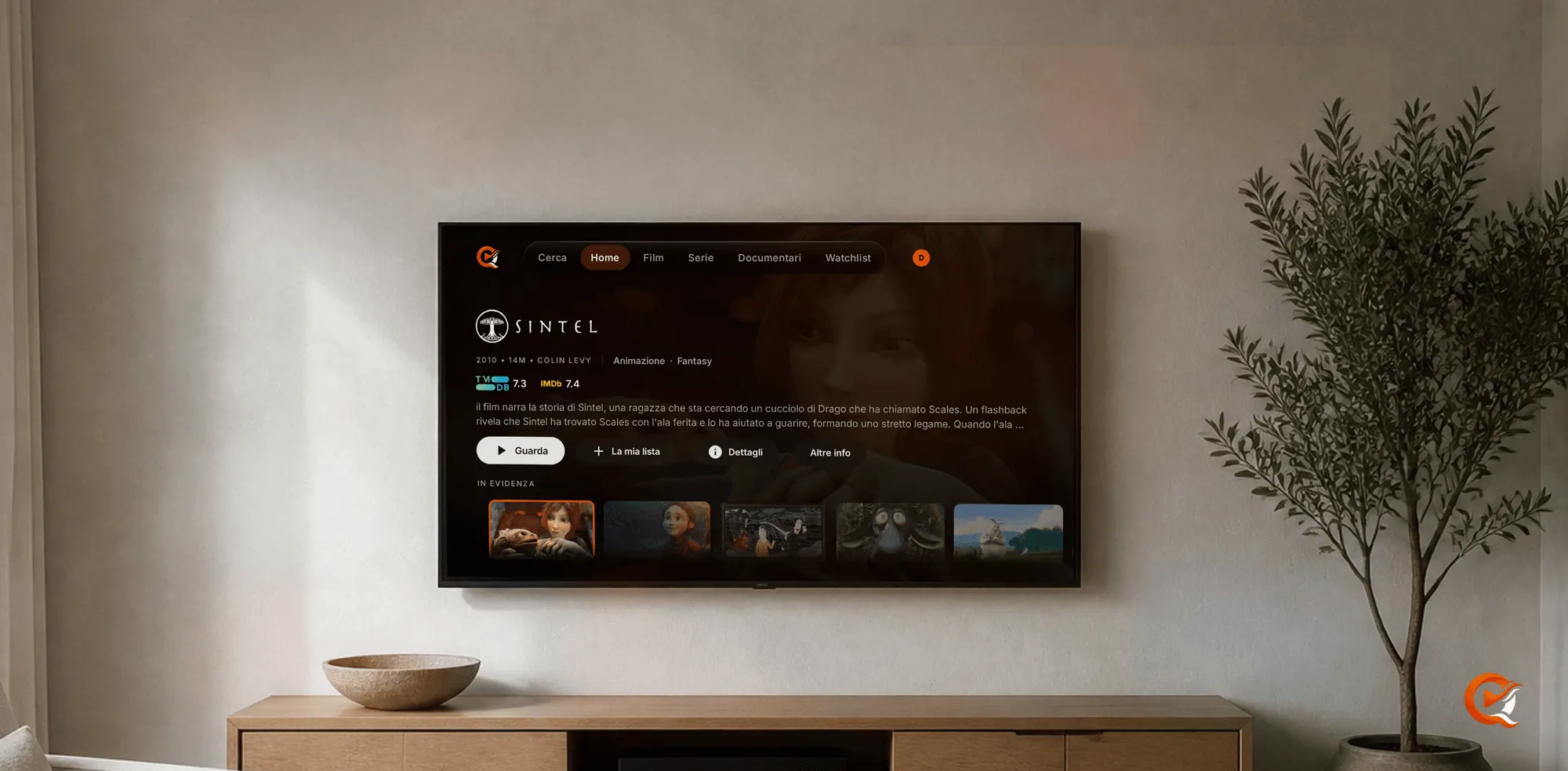
A media server feels premium on a television when the film reaches the screen as it was stored and the interface was drawn for a remote, with nothing in between asking for a subscription. Quven is a self-hosted media server by Quven Technologies S.R.L., free for personal use, and its app for Android TV and Fire TV does that on the free plan. It plays the original file first, sends HDR to a screen that accepts it and draws Blu-ray subtitles on the box itself, so the server has nothing to convert for most films, and when it does have to convert, it uses the graphics hardware you already own without a licence.
Does the picture reach the screen as it was stored?
On Quven it does whenever the box can take it, because the app reads what the box’s own decoders can handle before it asks for a film. Setup takes four steps:
- Install Quven from Google Play on an Android TV, or from the Amazon Appstore on a Fire TV.
- Sign in: the television shows a code and a QR code, and you approve it on your phone with your Quven Account.
- Leave Hardware decode override on Auto (Settings, Quality) and Playback engine on Modern (Settings, Player).
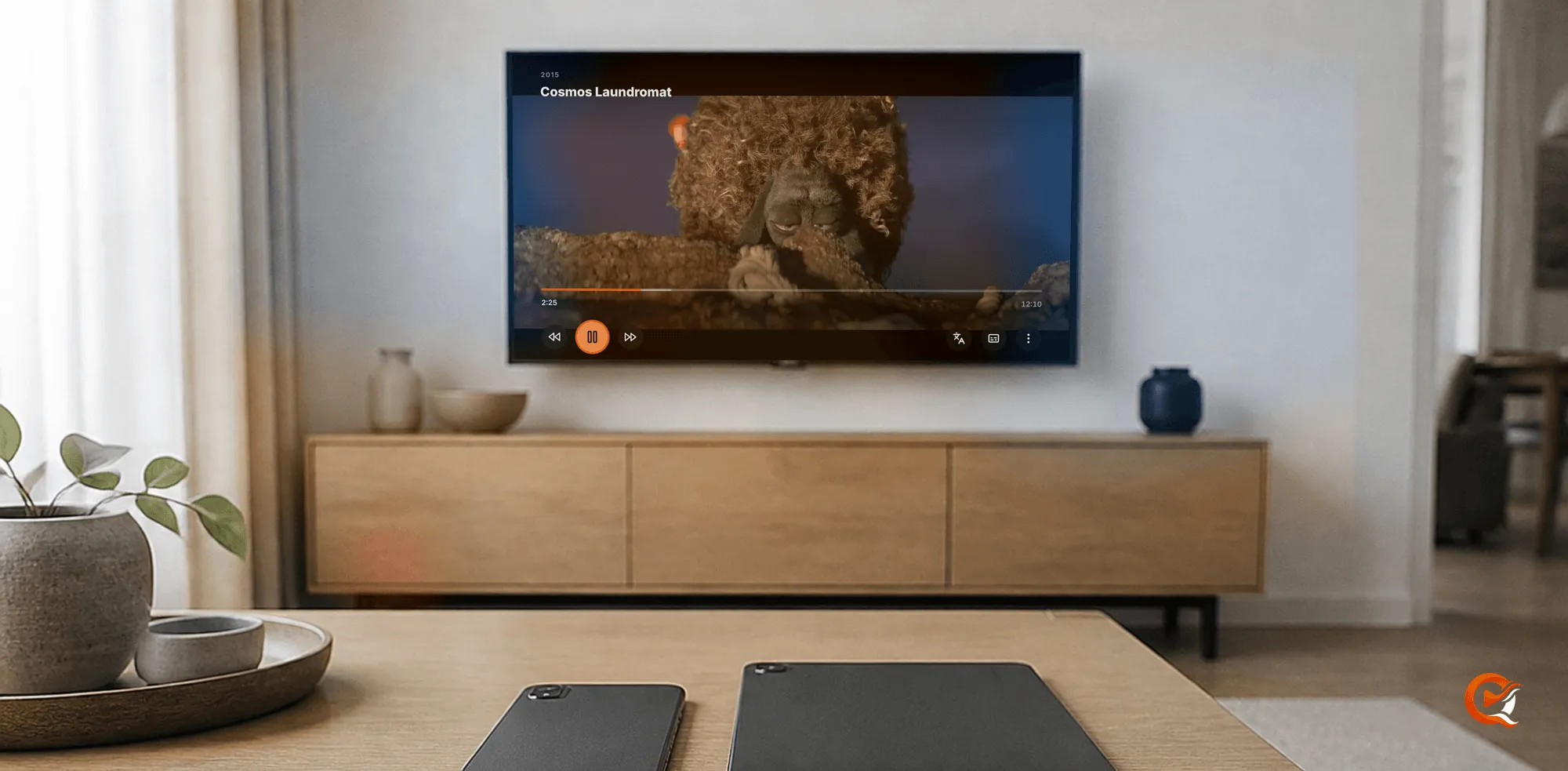
- Play a film, open the player’s menu, choose Show stats and read the Decision row.
Would you like to know what each answer means?
- Direct File: the television plays the file itself.
- Direct Play: the server only repackages it.
- Transcode: the server converts it.
The Android TV guide explains both settings, and you may leave the rest of the menu alone. HDR passthrough is on from the start, so the app hands HDR to a display that accepts it and maps it to SDR itself only where the display refuses.
When a conversion is unavoidable, for a codec an older stick doesn’t decode, the server works on your graphics hardware and tone-maps HDR for a screen that can’t show it (HDR guide), though the check runs film by film. Plex’s page on hardware-accelerated streaming, last modified on 11 September 2025, calls hardware transcoding a premium feature that needs an active Plex Pass.
What happens to the sound and the subtitles?
- The audio travels inside the file, and the AC3 and E-AC3 passthrough switches keep a Dolby Digital or Dolby Digital Plus track unchanged.
- A Blu-ray or DVD carries subtitles as PGS or VobSub images, and Plex’s page about direct play and transcoding, last modified on 4 July 2021, says that when the app can’t use a subtitle stream the server burns it in, which takes a full transcode.
- Quven’s television app draws those images over the film itself: why that matters for a remux.
Is the interface built for the remote?
- Every screen is laid out for the directional pad, with ten-foot layouts for the catalogue, the watchlist and search.
- Home opens on a featured carousel followed by Continue watching.
- Each profile keeps its own watch history, so a film paused on the phone can resume at the same minute on the television, whoever else in the house is watching something different.
What does a film’s page show?
- The title artwork, the scores, the synopsis and the Watch and Trailer buttons.
- A technical sheet for each version, so you know which one you’re about to play.
- Plex’s page on trailers and extras, last modified on 28 October 2024, says automatic extras need a Plex Pass.
| On the television | Quven | Plex | Emby |
|---|---|---|---|
| Hardware transcoding when the box can’t play a file | Free on every plan | Plex Pass, with three device exceptions | Emby Premiere, with two exceptions |
| HDR tone mapping during a transcode | Free on every plan | Plex Pass on the server’s main account | Emby Premiere |
Both columns come from the products’ own pages, read on 11 October 2026.
Which televisions can run Quven?
The comparison of television and phone apps sets what each server charges. Apps for Samsung, LG, Hisense and Apple TV are on the way, and the article on leaving Plex shows how the import can bring your history across.
Why choose now?
Download Quven today and you can watch your library in full on the free plan; the plans page sets out what Pro and Max add. Lifetime is every Max capability for a single payment, and its price rises at each step of the published schedule, so the sooner you buy it, the less it costs.
Frequently asked questions
Does the Quven app for Android TV and Fire TV cost anything?
No. It’s free, and it plays every film in full on the free plan.
Will a Blu-ray subtitle make my server transcode on the television?
No. The app draws PGS and VobSub subtitles over the film itself, so the file keeps playing as it’s stored.
Will I have to type my password with the remote?
No. The television shows a code and a QR code, and you approve it on your phone.
Does Quven send HDR to my television?
Yes, when the display accepts it, and the app maps the picture to SDR itself where it doesn’t.
Can I keep my music and ebooks on the same server?
Yes. They open in the desktop app and in the web client, which comes with Pro, while the television app plays films and series.
Community
Comments
0 comments
No comments yet. Start the conversation.