 Quven



It can, as long as your opinions belong to your profile rather than to somebody’s website. Quven is a self-hosted media server by Quven Technologies S.R.L., free for personal use, and every profile on it can give a film or a series one to five stars and write a private review of it. Both stay on your own server, on every plan.
What does a title page show?
Open any film or series and you’ll find two kinds of opinion side by side. Yours are private. The rest aren’t.
| On the title page | Where it comes from | Who sees it |
|---|---|---|
| The five stars under the title | Your profile | Your profile alone |
| Personal review | Your profile, up to 2,000 characters | Your profile alone |
| Reviews | TMDb users, with the reviewer’s score out of ten | Everyone on the server |
| Score badges | TMDb, IMDb, Rotten Tomatoes and Metacritic, where they rate the title | Everyone on the server |
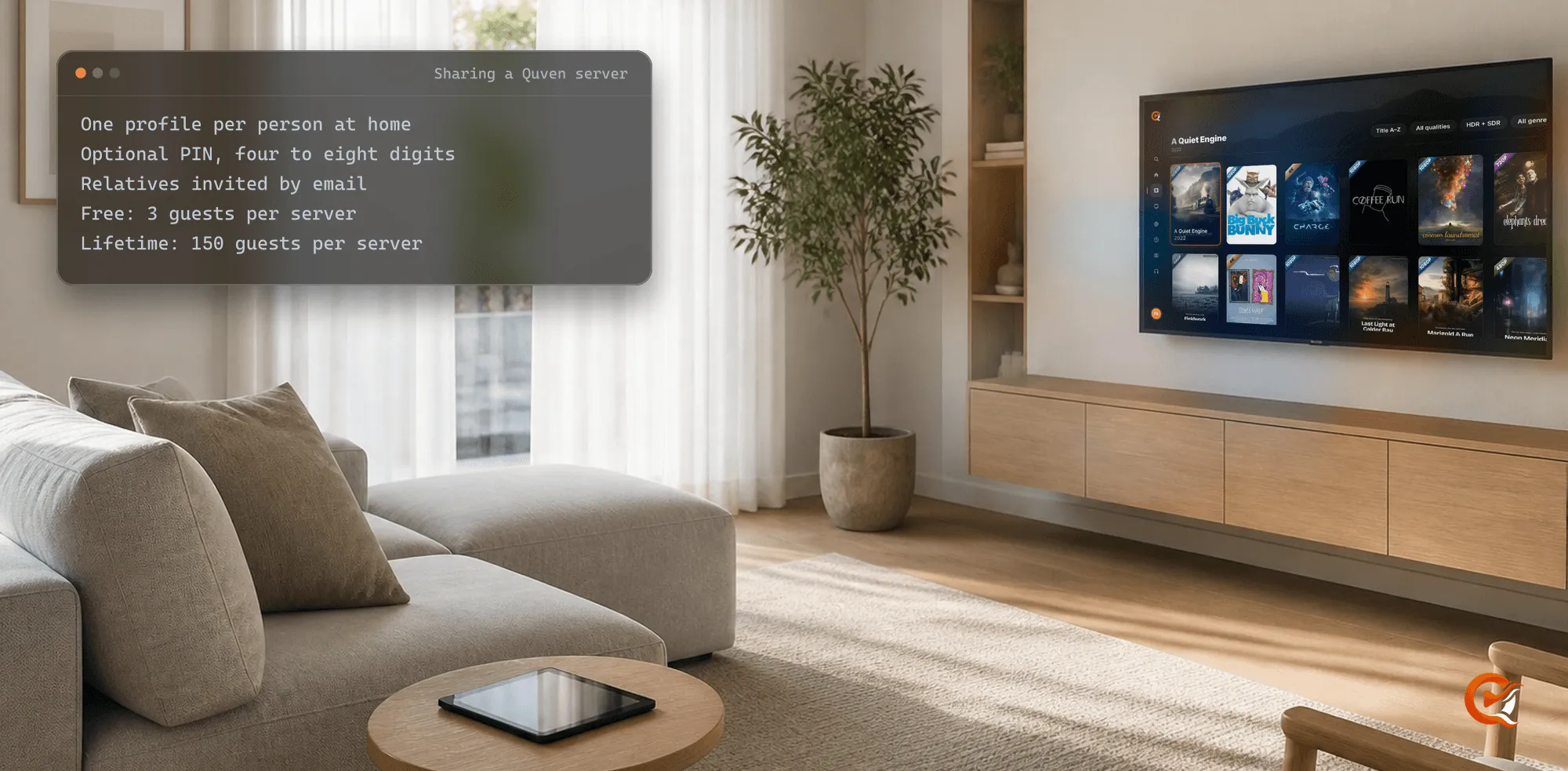
Another profile on the same server keeps its own stars and its own review of the same film, so a family sharing one server won’t read each other’s verdicts.
How do I rate a film and write a review?
- Open the film or series in the desktop app or the web client.
- Click a star under the title. Click it again and the vote goes.
- Press Write a personal review, say what you thought and save it. The same sheet holds the stars, so you can change both at once.
- Come back whenever you like: the review waits under Personal review, ready to edit or delete.
The phone and tablet apps work the same way, on Android and on Apple devices alike. Tap a star on the title page and the sheet opens on that star. Deleting a review asks first, so a stray tap can’t erase an evening’s thoughts.
Where can I see everything I’ve rated?
On your profile page, under Reviews and ratings, which lists every title you’ve rated or reviewed with the day of each review. It’s the same list in whichever app you open it, because it belongs to the profile and not to the device.
Your opinions also survive the library’s housekeeping. Will a metadata refresh wipe them? It won’t. Refreshing a title leaves your stars and review alone, and when two copies of a film are joined into one title, the more recent rating is kept rather than lost.
Do my ratings follow me to another server?
Yes. Your Quven account carries them. Each rating and review is copied under your profile to the account and tied to the title by its catalogue identity, which means a second server linked to the same account shows them on that film as soon as it holds it, even if you rated it years earlier somewhere else. Two servers disagree? The newer rating wins. A director’s cut or a 3D edition keeps a rating of its own.
That’s one account for every server you use. The privacy guide sets out what the account keeps and what never leaves your machine.
Can I bring my ratings from Plex or Jellyfin?
Yes. The import in Quven’s settings reads a Plex or Jellyfin server and turns each score out of ten into stars, so a film you once gave a 7 arrives with four stars and one you gave a 9 arrives with five, without a single title typed in again by hand. It never replaces a rating you’ve already given in Quven. Plex hands over its ratings of films and episodes, Jellyfin its ratings of films. The same run brings your watch history and playlists too, as the migration guide shows step by step. You can run it again later. Stars you’ve given since stay put.
Which apps can I rate from?
The server runs on a Windows or macOS computer, or on Linux. Its native apps cover the desktop, iPhone and iPad, Android phones and tablets, Android TV and Fire TV, and the web client at app.quven.tv comes with Pro; apps for Samsung and LG televisions and for Apple TV are coming. Each app is designed for its own screen and plays the original file wherever the device can decode it, although you’ll probably write the longer reviews at a keyboard and leave the quick stars from the phone in your hand while the credits are still rolling on the television.
Which plan do I need?
- Stars and private reviews come with every plan, the import too. No plan shows advertising.
- Pro adds the web client and the managed relay, so you can rate from any browser on any network.
- Lifetime is every Max capability for one payment, and its price rises at each step of the published schedule. The annual plan costs less than twelve months paid one at a time.
The plans page lists what each plan carries, and the server is one download away.
Frequently asked questions
Can other people on my server read my reviews?
No. A personal review belongs to your profile alone. Other profiles keep their own, and everyone sees the public TMDb reviews.
Can I give half a star?
No, Quven counts whole stars from one to five. An imported score halfway between two stars is rounded up.

Community
Comments
0 comments
No comments yet. Start the conversation.