 Quven


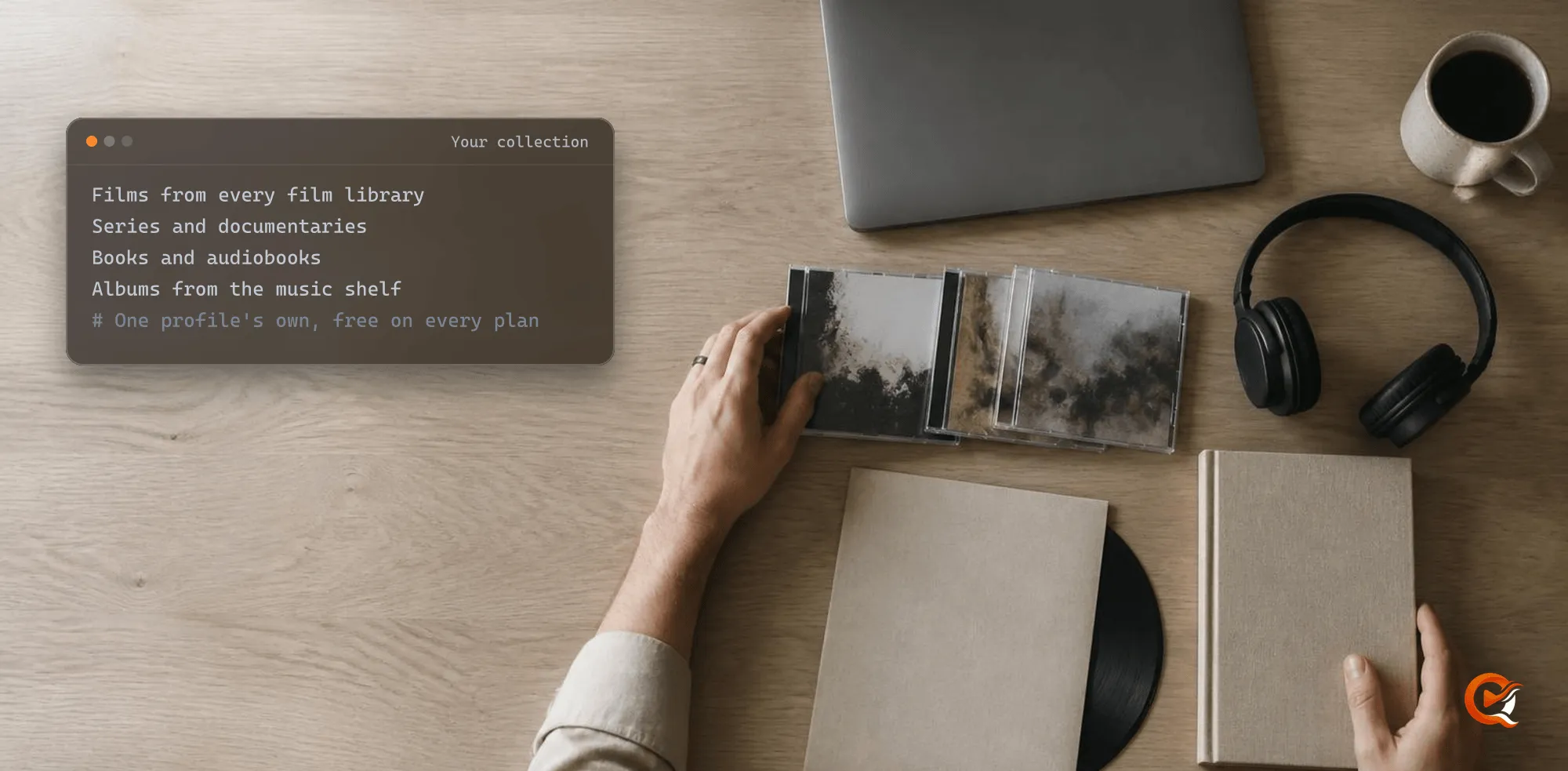
You group films from different libraries by making a collection: a named list that belongs to your profile and holds works from any library on the server. Quven is a self-hosted media server by Quven Technologies S.R.L., free for personal use, and collections come with every plan. You don’t move a file or rename a folder, since a collection only points at titles your libraries already hold.
How do I make a collection?
In the desktop app and the web client it takes four presses:
- Open Collections in the sidebar, under Created by you, and press New collection. Name it after a saga or a director.
- In any catalogue, open a card’s menu and choose Add to collection…. Tick the collection, or type a new name and it starts with that title.
- To file many titles at once, press Select in the catalogue’s toolbar, tick the titles and press Add to collection… in the bar that appears.
- Open the collection and press Change cover if you’d rather see a picture of your own than the artwork of its works.
On a phone or a tablet, and on Android TV or Fire TV, you can file a film or a series from its own menu, and your collections open from the profile.
What can one collection hold?
A horror marathon can sit beside the novel it came from and the soundtrack. Which library does a title have to live in? Any of them, because a collection isn’t tied to a kind of library:
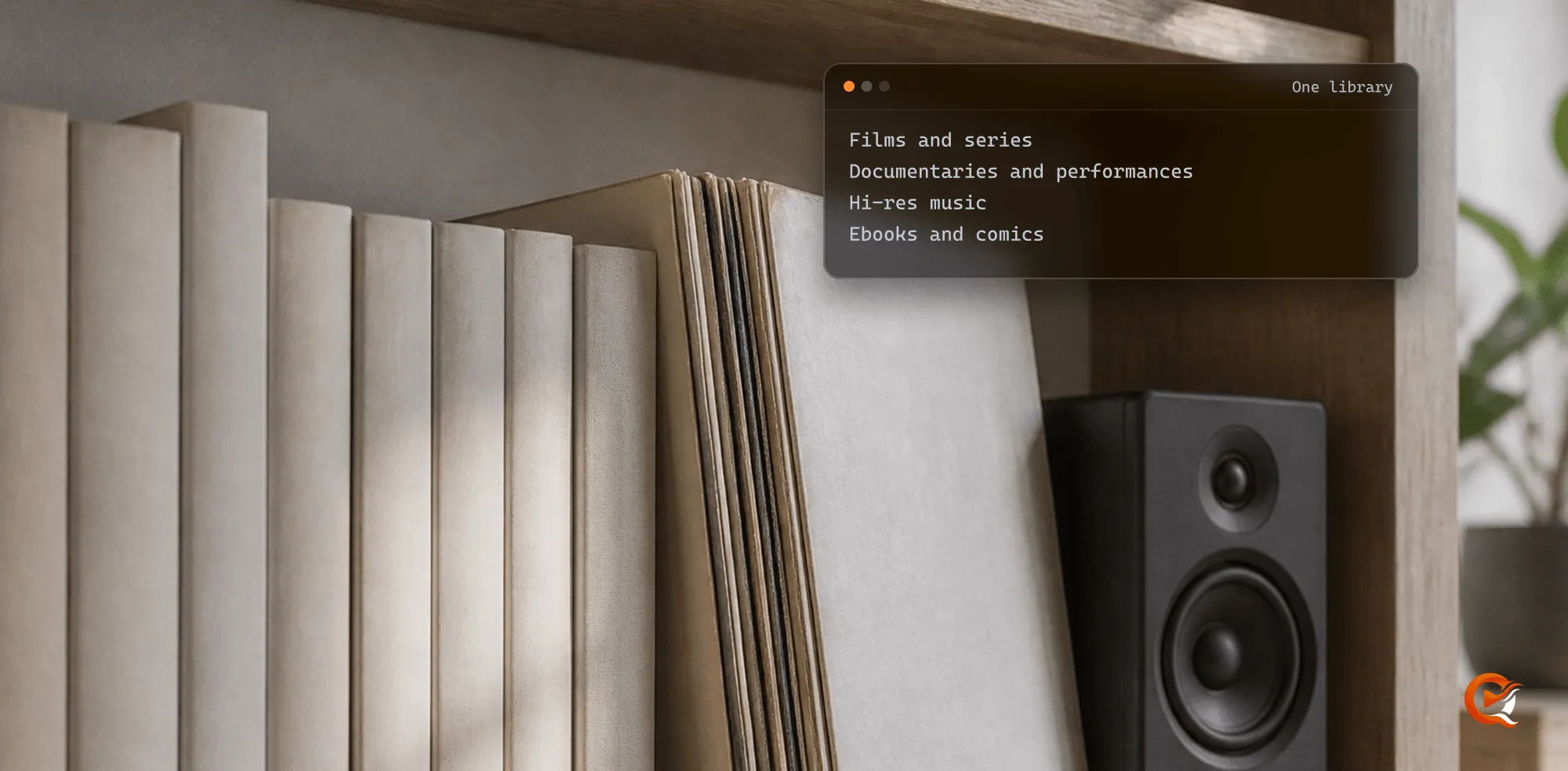
- films from any library, along with documentaries and performances
- personal videos
- series, documentary series included
- books and comics
- audiobooks and albums, the kinds one server keeps together
Each work goes in once, and though a series goes in whole, an import can add a single episode. A catalogue’s Collections view lists it for what it holds of that kind, with a line such as “This collection contains 3 films”.
Which kind of collection is this?
Quven keeps two kinds apart. Plex’s support page on collections, read on 4 November 2026, describes a third. Yours answers to your profile alone, while Collections of the catalogue are shown to every profile.
| Your collection in Quven | Collection of the catalogue in Quven | Collection in Plex | |
|---|---|---|---|
| Made by | You, by hand | The catalogues, once your libraries hold two works of a saga or series | You, by tag or filter, or the server in a movie library |
| Across libraries | One collection, every library | Named among the works of every library | One per library, related by an identical name |
| Holds | Any kind of work your libraries hold | The works of one saga or series | Video titles and music |
That page says a collection’s details page holds the items in that library and can also include items from other libraries sitting in a collection with the exact same name. So on Plex a group across three libraries means three collections kept under one spelling. On Quven it’s one.
Can I bring my Plex collections with me?
Yes, and the import comes with every plan. It reads Plex or Jellyfin and leaves the old server untouched:
- Open Settings, then the Import tab, with an administrator profile.
- Under Contents to import, keep collections switched on.
- Read the report, which gives a matched-of-total figure for every collection before anything is written.
- Plex collections of one name in two libraries arrive as one collection, whatever their case.
- Run it again and you won’t get a second copy.
Where do my collections open?
They’re on the server, so every app reads the same ones:
- Windows and macOS, in the desktop app
- the web client at app.quven.tv, which comes with Pro
- iPhone and iPad
- Android phones and tablets
- Android TV and Fire TV
Linux runs as a server. A book in a collection opens in the desktop app and the web client and on Android, and apps for Samsung, LG and Hisense televisions and for Apple TV are on the way.
Collections ask for no plan, so you can download Quven and build one tonight. The plans add the web client and the managed relay, which open a collection in a browser away from home without touching your router, and the annual plan costs less than twelve months, while Lifetime is every Max capability for one payment at a price that rises at each step of the published schedule.
Frequently asked questions
Does deleting a collection delete the films?
No. The collection goes and its works stay in their libraries.
Can I put the works in my own order?
A collection orders itself, by kind and then by year. A playlist is the list for that: it holds films and episodes in the order you set.
Why do I already have a collection I didn’t make?
A profile holding none can find a Welcome collection! the first time it opens Collections: five films picked among the best rated in your film libraries. Delete it and it won’t come back.

Community
Comments
0 comments
No comments yet. Start the conversation.