 Quven
Quven'%3e%3cpath%20d='M0%200v40h60V0z'%20fill='%23012169'/%3e%3cpath%20d='M0%200l60%2040m0-40L0%2040'%20stroke='%23fff'%20stroke-width='8'/%3e%3cpath%20d='M0%200l60%2040m0-40L0%2040'%20clip-path='url(%23d)'%20stroke='%23C8102E'%20stroke-width='5'/%3e%3cpath%20d='M30%200v40M0%2020h60'%20stroke='%23fff'%20stroke-width='13'/%3e%3cpath%20d='M30%200v40M0%2020h60'%20stroke='%23C8102E'%20stroke-width='8'/%3e%3c/g%3e%3c/svg%3e)


A tester running Quven Server in Docker on Ubuntu wrote to us this week with a question we hadn’t answered anywhere, and it’s a fair one. They had asked the player for a subtitle on a film that had none, and the server generated one from the dialogue, the player listed it as generated from the audio, and it played without a hitch. Then they opened the film’s folder on the host, expecting the subtitle file next to the video, and there was nothing there. So where had it gone? It had never been written beside the film at all.
Their server log had the answer in two consecutive lines. The first says the generated subtitle was stored for the audio stream they chose, and the second is a warning that the portable copy of a transcribed subtitle could not be written, and that the server keeps its own. Under it sits the reason: IOException: Read-only file system, on a path under /media.
Two copies, and only one of them is needed
When Quven produces a subtitle, it keeps the result in its own store. On an ordinary installation that store sits under the application data folder, and in the container it’s inside the quven-data volume. Every client plays the subtitle from there, which is why the tester’s player listed the track and played it without trouble.
Separately, the server tries to write a second copy beside the video, as an ordinary sidecar file, and although Quven itself never reads it back, that copy exists for your benefit. It means the text can travel with the film if you move the folder to another machine, or hand it to somebody who doesn’t use Quven at all. If it can’t be written, the server logs the warning above and carries on. There’s no setting for it. Nothing about playback depends on it.
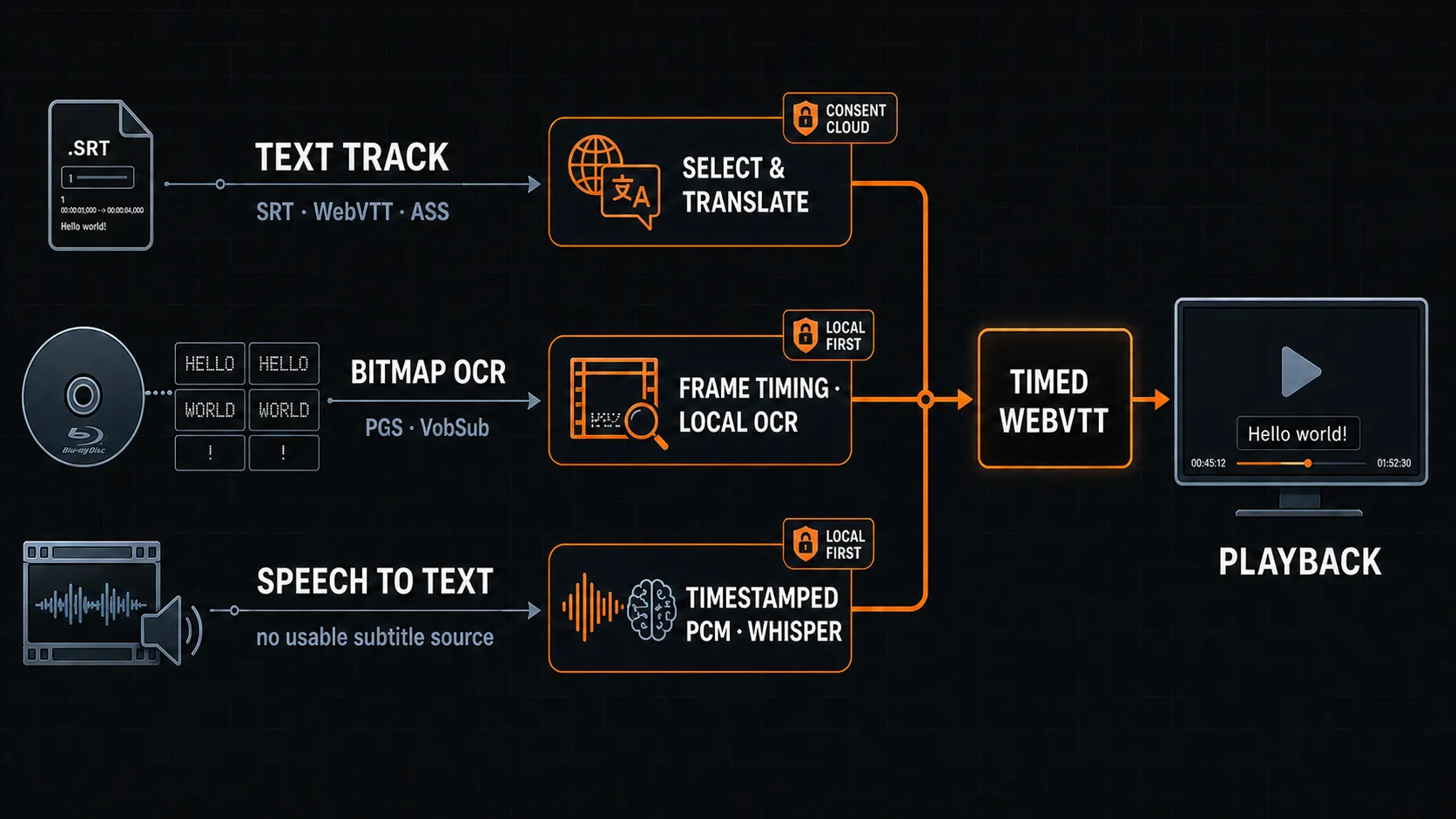
The same applies to every subtitle Quven produces, whichever way it was produced: a track translated into another language, an image subtitle recognised into text and a track you’ve corrected in the cue editor all take the same path, stored in the data volume and copied beside the film when the folder allows it.
Why the folder didn’t allow it
The Compose file published up to 1.1.21 mounts your media with read_only: true, and that was deliberate. It’s the guarantee that the server can catalogue and play your library and can’t modify a byte of it, whatever happens inside the container. But the same line also stops the sidecar copy, and the guide now describes both the copy and the setting that controls it.
What we changed
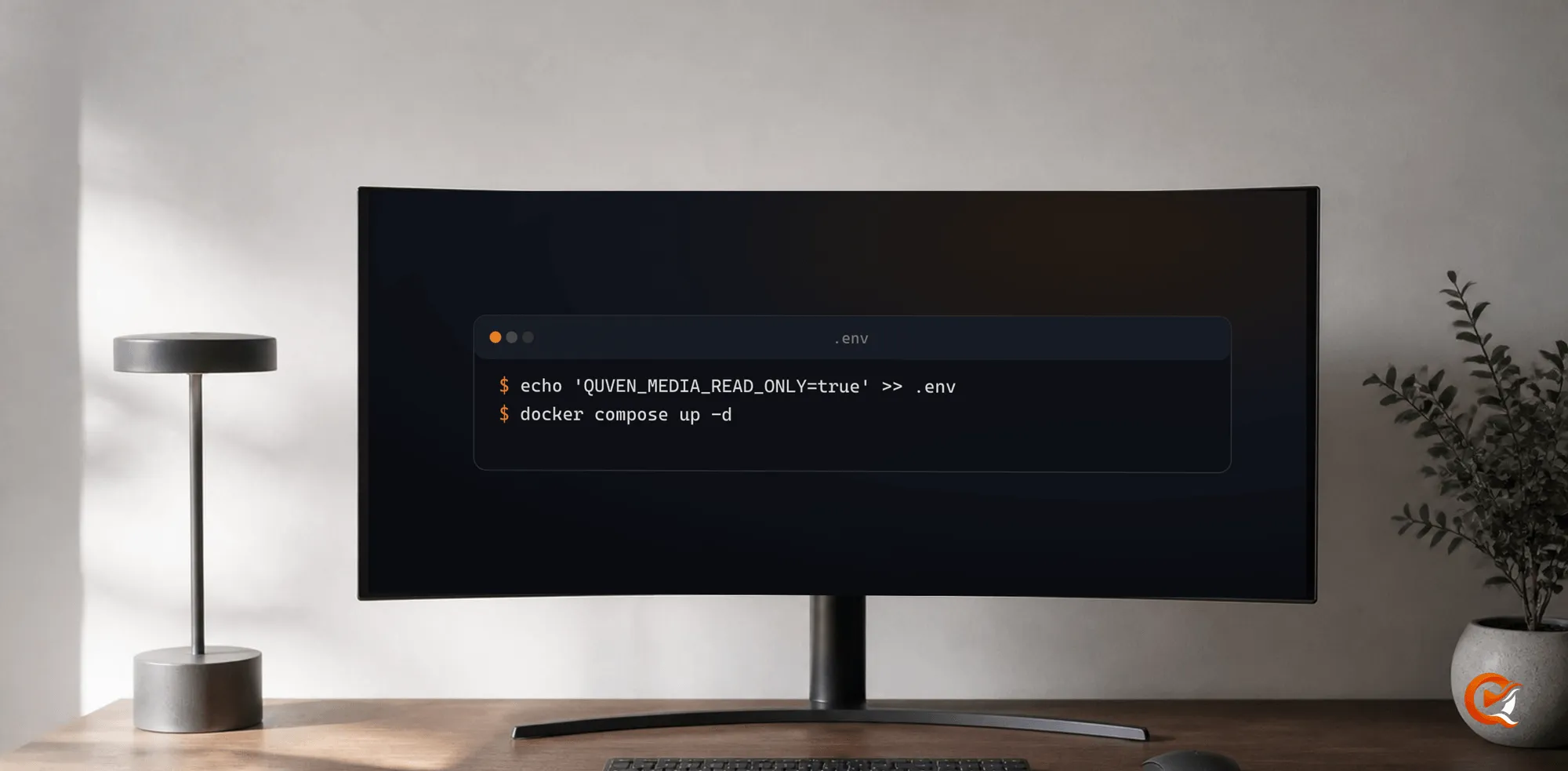
From 1.1.22 the published Compose file mounts your media so that the copy can land. The guarantee didn’t disappear, it moved into your hands: QUVEN_MEDIA_READ_ONLY=true in your own .env closes the mount again, and because that file is one we never overwrite, the setting survives the next upgrade. Deleting a line from compose.yaml never did, since the guide asks you to download that file again with every release.
Two things are worth knowing whichever way you leave it. The container runs as user 10001, so the media directory on the host must be writable by that uid, or the copy will fail again, this time with a permission error instead of a read-only one, which is the same symptom with a different message in the log. And Quven still won’t touch your video files. What it writes beside them is the subtitle it made for you, under the name of the film it belongs to, which is the only thing it has ever written into a library folder and the only thing it will write into yours.
If you are on an older bundle
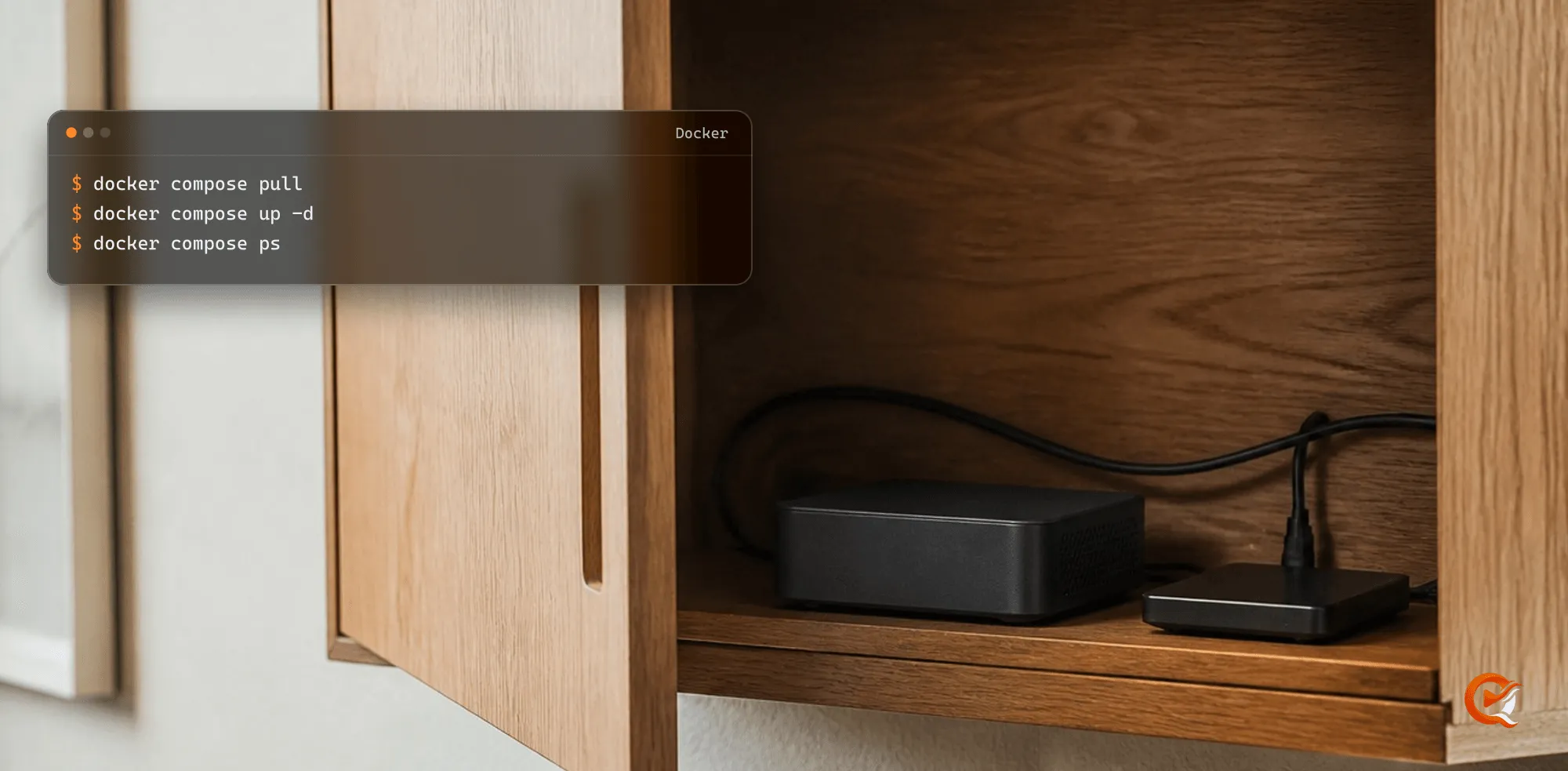
Open compose.yaml and delete the read_only: true line under the media bind. Make the directory writable by uid 10001, then recreate the container with docker compose up -d. Upgrading does the same thing without the edit, and keeps doing it, which an edit to a file you download again every release can’t promise.
Frequently asked questions
Does the generated subtitle still work if the copy beside the film fails?
Yes, completely. The server keeps the subtitle in its own store inside the data volume, and every client plays it from there. The copy beside the film is an extra you can do without, and the warning in the log is the only sign it was skipped.
Which subtitles does this affect?
All the ones Quven produces: transcribed from the audio, translated into another language, recognised from an image track, or corrected in the cue editor. They’re stored the same way and copied beside the film the same way.
How do I get the files next to my videos?
On 1.1.22 and later they should arrive on their own, as long as the media directory is writable by uid 10001. On an older bundle, remove read_only: true from the media bind in compose.yaml and recreate the container with docker compose up -d. Without a writable directory the copy fails again with a permission error.
Community
Comments
0 comments
No comments yet. Start the conversation.