Quven


Quven sets no limit on how many people watch at once, on any plan. A viewer who gets the file as it’s stored costs the server a disk read and some bandwidth, so a household rarely runs out of either. Conversions run out first: the server runs three at a time on any hardware, so the number that counts is how many of your screens need one.
1. See what each screen costs
- Open Settings and go to the Activity tab, as an administrator, in the desktop app or the web client.
- Start something on each screen and read the Active streams card. Each session says in words what it takes from the server:
| The card says | What the server does | What it uses |
|---|---|---|
| “Direct play, no conversion” | Sends the file as it’s stored | Disk and network |
| “Direct video, repackaged” | Copies the picture into a new package | One of the three conversion slots, for the few minutes the copy runs |
| “Converting” | Encodes the picture again | One of the three slots until the film is encoded |
The Quven apps usually land on the first row and a browser more often on the other two. Why one client plays a file directly while another converts it comes down to what each client can decode.
2. Add up the direct play streams
Direct play has no session limit, so the ceiling is the slowest part of the path. A film’s rate is under Bitrate in File details, or you can work it out from its size:
size in GB x 8000 / length in seconds = Mb/s
60 GB x 8000 / 7200 s = 67 Mb/s
Set that figure against each part of the path:
| Part of the path | It carries | Films at 67 Mb/s |
|---|---|---|
| Gigabit wired network | 1000 Mb/s | 14 |
| A disk that reads 76 MB/s | 608 Mb/s | 9 |
| A home upload of 100 Mb/s, viewers outside | 100 Mb/s | 1 |
A hard disk serving several films jumps between them, so take its row as the best case. On Linux, this command reads a film you haven’t played today and prints the speed on its last line:
dd if=/path/to/film.mkv of=/dev/null bs=1M count=1024On Windows, copy a film to an SSD and read the speed Explorer shows. Viewers outside your home share the upload, and the remote access guide explains how automatic quality follows it. A lower quality is a conversion, so it counts in the next step.
3. Know the limits on conversions
| Limit | Number | What happens past it |
|---|---|---|
| Conversion slots in use at once | 3 | The next stream waits until a slot is free |
| Converting streams in progress | 6 | The next one is refused until another stops |
| Repackaged or converting streams per profile | 4 | A fifth from that profile is refused |
A conversion reads ahead at twice real time after a first burst of 90 seconds, so its slot comes free about halfway through the film, while the viewer goes on watching what’s been encoded. Starting three films together and a fourth a minute later is the case that waits longest. Frames a scan draws, subtitle work and file repairs share the same three slots.
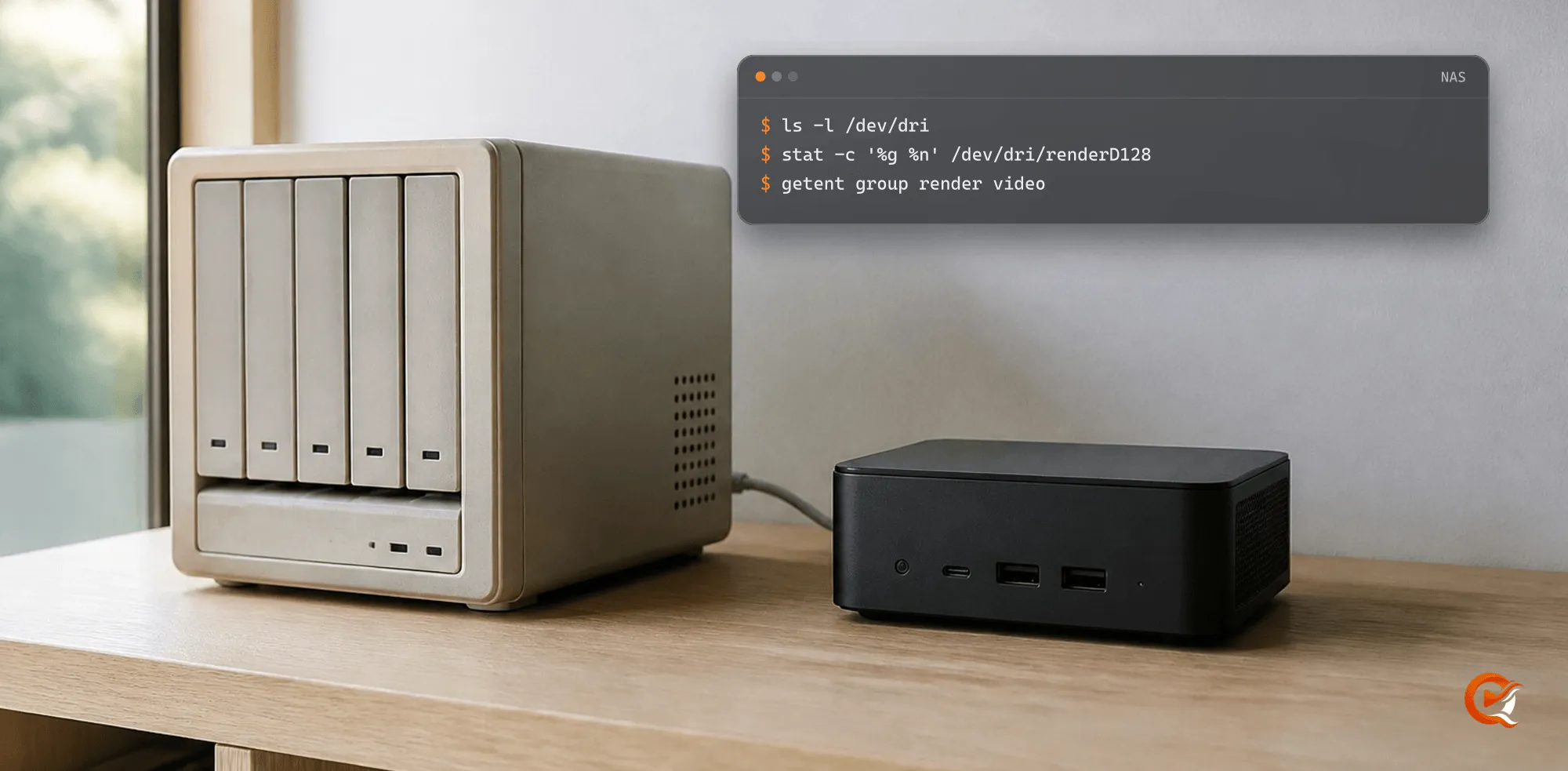
Each conversion has to keep up as well. One still under 0.6 times real time after 45 seconds is stopped, and the player says the server converts this title more slowly than it plays. Your encoder decides that pace, and the NAS guide shows how to find which one you have. NVIDIA’s support matrix, read on 3 November 2026, lists 12 concurrent encode sessions for consumer GeForce cards, so Quven’s three stop first on those.
4. Make room before everyone sits down
- Put each screen on a Quven app, free from the download page, so it takes no slot.
- Keep a second, smaller copy of a film that one of your screens can’t play as it is.
- Set Stop a paused playback on the Quality tab of Settings. A player left paused on a converted film otherwise holds its place for 15 minutes.
- Run a full scan or a subtitle job after the film, since both take slots from the same three.
5. Test it with one evening
- Start the screens one at a time, the browser last, and read Active streams after each.
- On anything marked as converting, open Show stats in the player and read Server encoder. Software (CPU) means the processor is doing the work.
- Let everything play for a few minutes, then skip far ahead on one screen. A long seek stops that stream’s conversion and starts it again further on, so a quick restart tells you the server has room.
Frequently asked questions
Does a paid plan let more people watch at once?
No. Simultaneous streams are free on every plan and these limits are the same on all of them. Pro adds the managed relay and the web client at app.quven.tv, and the plans list the rest.
Why did the fourth browser keep loading while the others played?
Three conversions were running, so its own was waiting for a slot. Stop one of the converted streams or open the film in a Quven app.
Can a whole family share one profile?
They can, and direct play doesn’t count against the profile. Four repackaged or converting streams is the limit for one, and each person on their own profile also keeps their own watch history. Profiles are unlimited.
Will a faster graphics card let more people watch?
It keeps each conversion above real time and handles harder films, 4K HDR among them. Three still run together, so moving a screen to direct play gains you more.