 Quven
Quven'%3e%3cpath%20d='M0%200v40h60V0z'%20fill='%23012169'/%3e%3cpath%20d='M0%200l60%2040m0-40L0%2040'%20stroke='%23fff'%20stroke-width='8'/%3e%3cpath%20d='M0%200l60%2040m0-40L0%2040'%20clip-path='url(%23d)'%20stroke='%23C8102E'%20stroke-width='5'/%3e%3cpath%20d='M30%200v40M0%2020h60'%20stroke='%23fff'%20stroke-width='13'/%3e%3cpath%20d='M30%200v40M0%2020h60'%20stroke='%23C8102E'%20stroke-width='8'/%3e%3c/g%3e%3c/svg%3e)


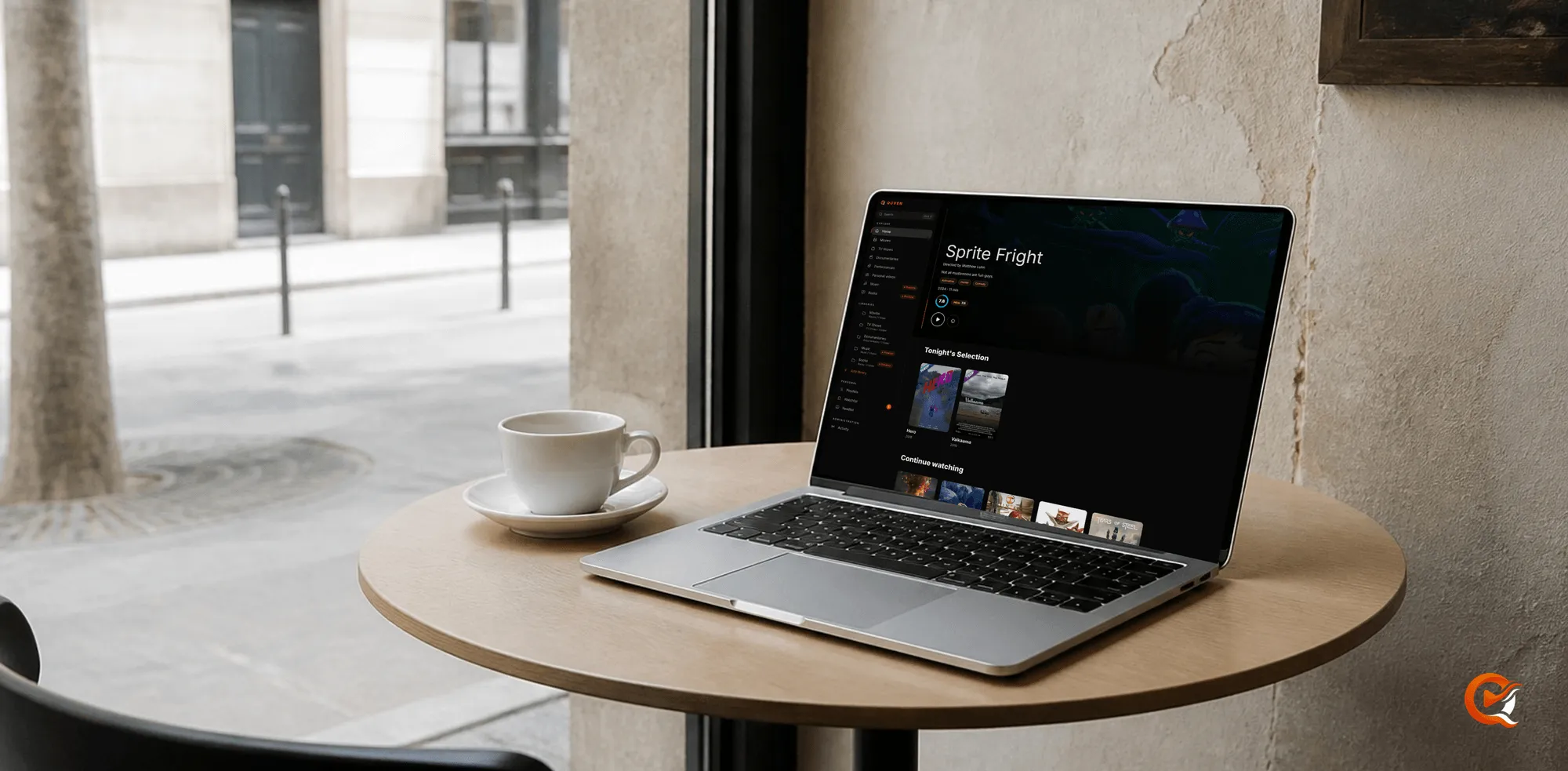
Quven is a self-hosted media server by Quven Technologies S.R.L., free for personal use, and it’s been listed on Product Hunt since 4 October 2026. The listing is the shortest tour of what the product does, and it’s also where a reader can leave a comment, which is worth more to the next person than any line we could write ourselves.
What the listing shows
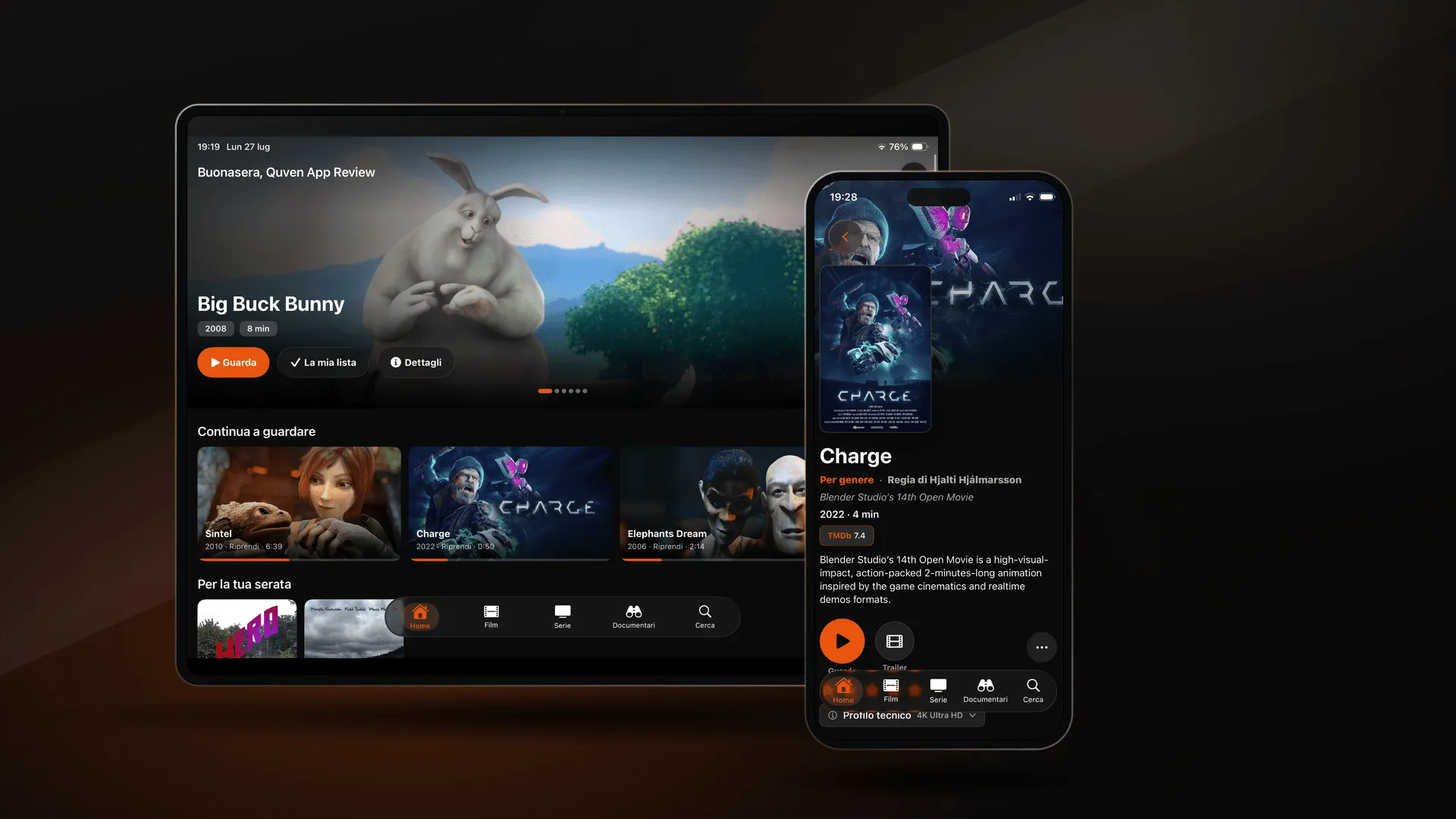
Quven keeps your films and series on hardware you own and plays them in native apps. There are desktop apps for Windows and macOS and an iPhone and iPad app on the App Store. One Android app on Google Play covers phones and tablets as well as Android TV, and the same app serves Fire TV from the Amazon Appstore. The server runs on Windows and macOS, on Linux and in Docker. With Pro, the web client opens the same library in a browser, and a managed relay reaches it from outside the house without opening a port.
Part of what sets it apart costs nothing on any plan. Hardware transcoding is free, and so is remote access you configure yourself, and there’s no advertising anywhere. Subtitles that a Blu-ray or a DVD draws as pictures are drawn by the native apps instead of being burned into the video, so the film doesn’t have to be transcoded just to show them, and with Max they can also become text. With Pro, a subtitle can also be written from the audio on your own server, and the audio never leaves the machine.
Music plays in the desktop app, in the web client and on Android, iPhone and iPad, and ebooks in the desktop app and the web client, while the Smart TV apps carry the video side of the library, from films and series to documentaries and performances, and we’d rather say so here than let a listing suggest more than the apps deliver today.
The screens still to come
Apple TV and the smart televisions from Samsung and LG, and from Hisense, aren’t in a store yet. The roadmap lists them as coming, and it will keep saying so until they’re there.
Why a comment helps
Although the listing is short, the useful part of it is a comment about setup or playback. What worked on the first evening? And what stopped you? Those comments are read by the person deciding whether to install Quven and by us, and they decide what we improve first. If you’ve been running it, the Product Hunt page is where you can say so.
Lifetime is every Max capability for one payment, and its price rises at each step of the published schedule, while an annual plan costs less than twelve months paid one at a time. The offer below draws today’s figures.
Frequently asked questions
Is Quven free?
Yes, for personal use. Playing your own library, hardware transcoding and remote access you set up yourself cost nothing, and so do the native apps, which carry no advertising, while Pro adds the managed relay, the web client and a subtitle written from the audio on your own server, and Max adds translation, the subtitle editor and the repair of damaged files. Lifetime is Max for a single payment.
Which devices does it play on?
Windows and macOS desktops, the iPhone and iPad, and Android phones and tablets, with Android TV and Fire TV beside them. With Pro, any browser works through the web client. Apple TV and the smart televisions from Samsung and LG, and from Hisense, are still to come.
Do I need a Product Hunt account to try Quven?
No. The apps are in their stores and the download page has the desktop installers. An account is only needed to leave a comment on the listing.
Community
Comments
0 comments
No comments yet. Start the conversation.