 Quven
Quven'%3e%3cpath%20d='M0%200v40h60V0z'%20fill='%23012169'/%3e%3cpath%20d='M0%200l60%2040m0-40L0%2040'%20stroke='%23fff'%20stroke-width='8'/%3e%3cpath%20d='M0%200l60%2040m0-40L0%2040'%20clip-path='url(%23d)'%20stroke='%23C8102E'%20stroke-width='5'/%3e%3cpath%20d='M30%200v40M0%2020h60'%20stroke='%23fff'%20stroke-width='13'/%3e%3cpath%20d='M30%200v40M0%2020h60'%20stroke='%23C8102E'%20stroke-width='8'/%3e%3c/g%3e%3c/svg%3e)


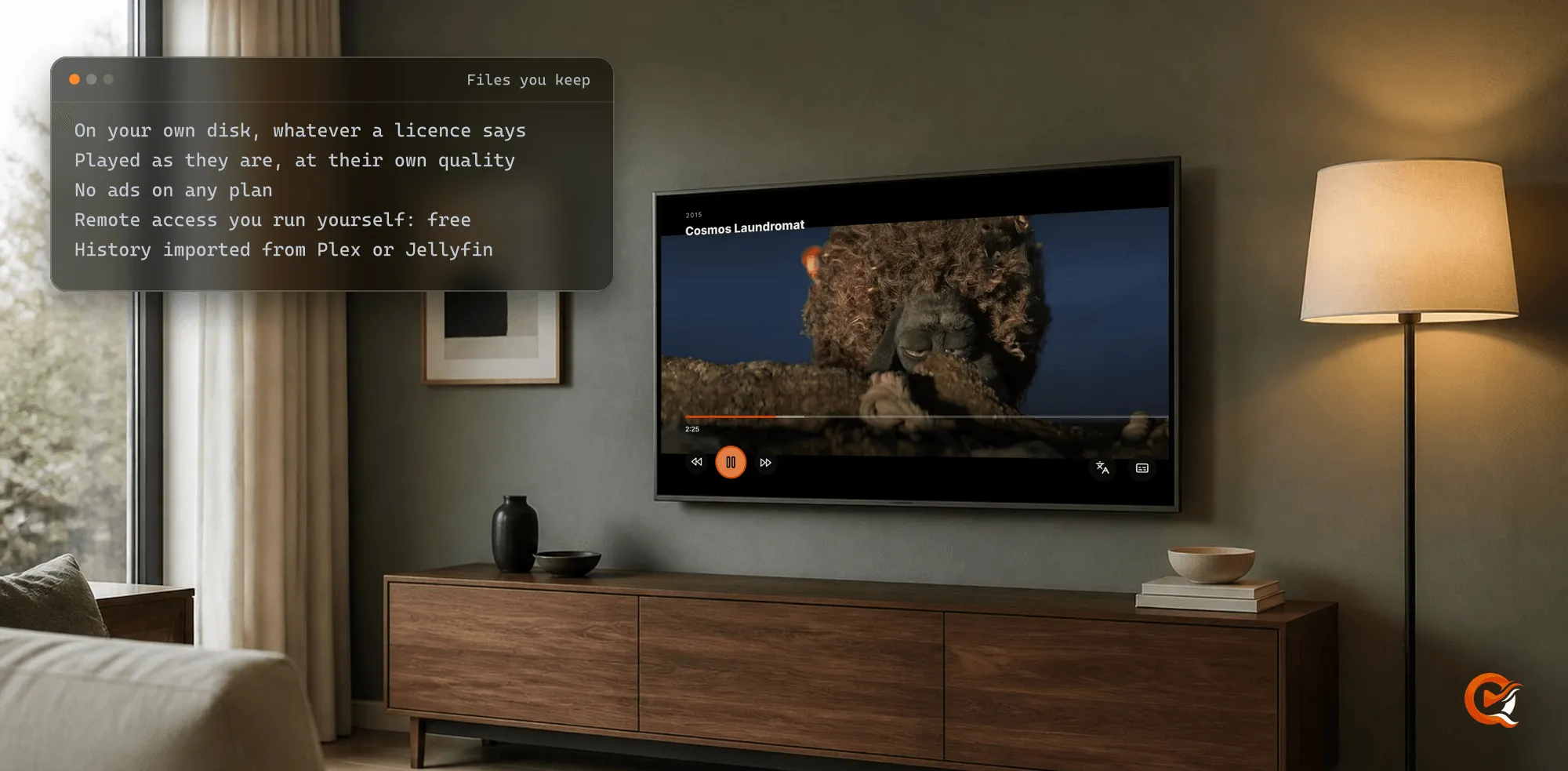
Yes, for everything you own. A streaming service rents you its catalogue on the terms of each licence, while a media server plays the films and series already on your own disks, and no renewal can take those back. Quven is a self-hosted media server by Quven Technologies S.R.L., free for personal use, and it keeps what a subscription won’t promise: the file at its own quality and a library that stays where you put it, with no advertising on any plan.
What can a streaming service take back?
We read Netflix’s help centre, as it answers from Italy, and the Prime Video terms of use on 15 October 2026. In their own words:
- Netflix says titles leave “because of licensing agreements”, and that it’ll warn you before one goes.
- Its Standard with ads plan has “commercial breaks in most TV shows and movies”, which you can’t skip, and a few titles stay locked on it for licensing reasons.
- Downloads on that plan stop at 15 a device each calendar month. They expire, and if you cancel, the ones on your device are deleted.
- 4K and HDR come with Premium alone, while both Standard plans stop at 1080p. Every plan is billed monthly, and Netflix offers no annual or lifetime one.
- Prime Video’s terms, last updated 26 August 2026, say a title you bought “may become unavailable due to potential content provider licensing restrictions or for other reasons”, and that Amazon may lower the resolution when bandwidth runs short.
None of that is unusual for a service built on licences, and although Netflix warns you before a title goes, the warning won’t keep it on the shelf. So who decides what you’ll still be able to watch in five years? Only the copy you keep yourself answers to you.
How does a server of your own compare?
| Quven, with your own files | Netflix | |
|---|---|---|
| Can a title leave? | No, it stays on your disk | Yes, when its licence ends |
| Picture | The original file, 4K HDR included | 1080p, or 4K HDR on Premium |
| Advertising | None, on any plan | Breaks on Standard with ads |
| If you stop paying | Your files and history stay, on the free plan | Downloads on your device are deleted |
| Paying once | Lifetime, or an annual plan | Monthly plans only |
What does Quven keep that a subscription won’t?
- The original file. The native apps ask for it first, so a 4K HDR film plays at the bit rate it was made with. When a screen can’t take it, hardware transcoding and tone mapping do the work on the free plan.
- Every kind on one server. Your films and series share it with documentaries, concerts, music, audiobooks, ebooks and comics.
- Your history. Quven reads a Plex or Jellyfin server and imports your watch history with its collections and playlists on every plan, as the article on leaving Plex shows.
- Access from anywhere. Remote access you set up yourself is free. If your router won’t open a port, the managed relay comes with Pro, and so does the web client at app.quven.tv.
- Your screens. Windows and macOS run the desktop app and Linux runs the server. Native apps cover iPhone and iPad, and one Android app covers phones, tablets, Android TV and Fire TV, while apps for Samsung and LG televisions and for Apple TV are on the way.
How do you start with the files you already have?
You could have the first library playing in an evening, and you won’t need to rename a file that already carries its title and year, since the scanner reads names in the shape shown below and looks each title up from there.
- Download Quven for Windows or macOS, or run the server on Linux or in Docker.
- Give each kind its own folder and name every title with its year, as the organisation guide does:
Media/
  Films/
    Arrival (2016)/
      Arrival (2016).mkv
  TV Shows/
    The Bear (2022)/
      Season 01/
        The Bear (2022) - S01E01.mkv
  Documentaries/
    Free Solo (2018)/
Free Solo (2018).mkv- In the desktop app choose Add library, pick the Library type, then Add folder… and Add and start scan.
- Install the app on your television or phone and sign in with the same Quven Account.
Why choose Lifetime now?
A catalogue subscription bills you every month for as long as you watch. Lifetime is every Max capability for one payment, including the ones Max gains later, and its price rises at each step of the published schedule, so the step you can buy at today won’t come back. If you’d rather renew, the annual plan costs less than twelve months, and the plans page sets out what each one adds.
Frequently asked questions
Should I cancel my streaming subscriptions?
That’s up to you. Quven holds what you own, and it will sit beside any service you keep.
Does my family need a plan to watch my server?
No. The phone and television apps are free, and the people you share your server with need no plan of their own.
Community
Comments
0 comments
No comments yet. Start the conversation.